
Adding an MCP server to Claude Code globally means one command with a scope flag, not editing config files by hand in every project folder you ever plan to open.
I keep a lean, deliberate set of servers running across all my projects, covered in more depth in my lean MCP server set and my full server list.
This piece is about the mechanism behind that setup, how scope actually works, not which specific servers to run.
The three scopes, and what each one actually means
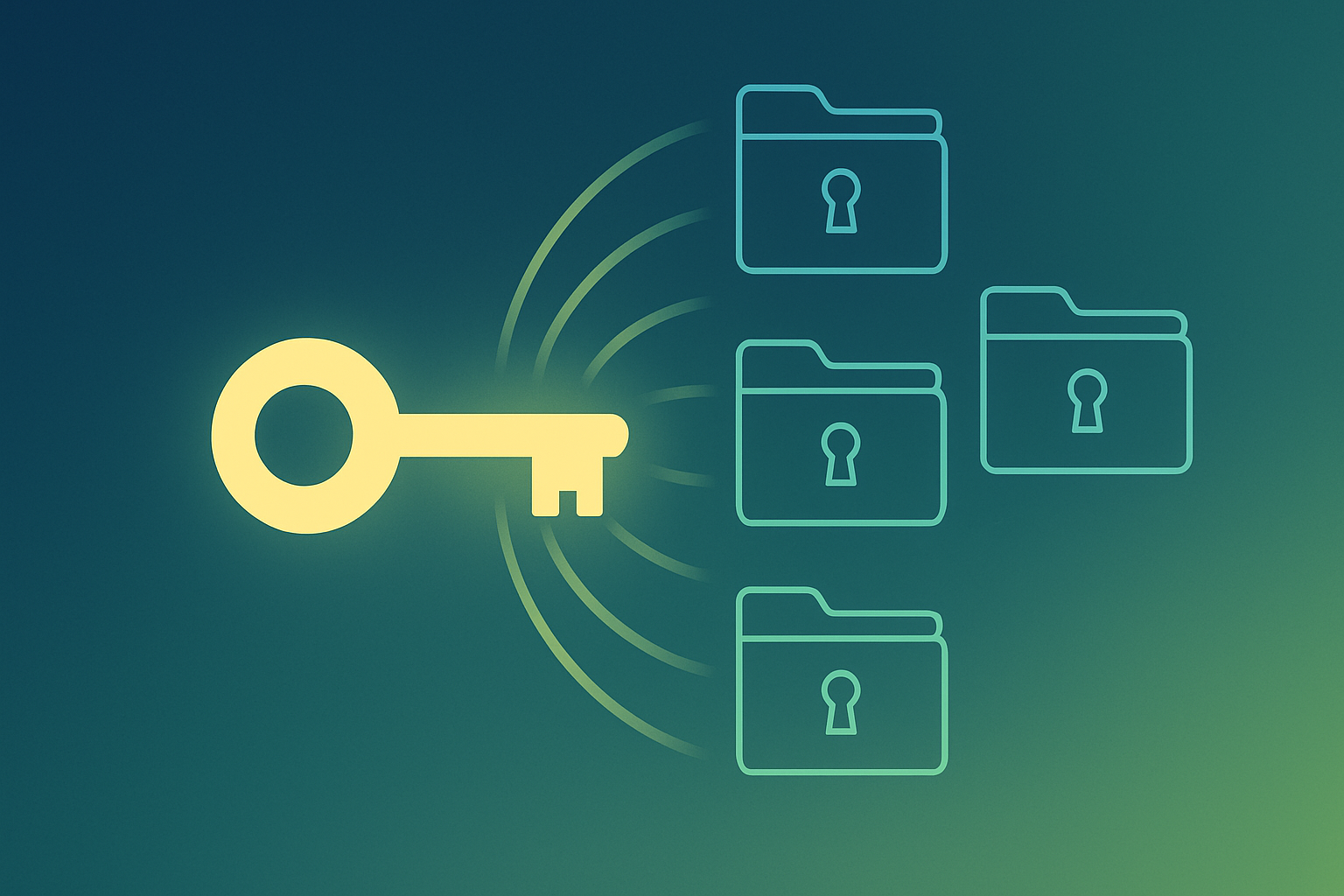
Local scope is the default. A server added with no flag is available only to you, only in the current project, invisible everywhere else.
Project scope uses a .mcp.json file committed to the repo itself, shared with anyone who clones the project. This is the right choice for a server the whole team needs, not just you personally.
User scope is the global option, available to you across every project on the machine regardless of which folder you happen to be working in. This is what most people actually mean when they ask how to add an MCP server globally.
The actual command
Add --scope user to the end of a normal claude mcp add command to make a server available across every project rather than just the one you are sitting in.
That single flag is the entire difference between a server that only works here and one that follows you everywhere. No separate global config to hand-edit, no restart-and-pray, the flag does the actual work.
Where the config actually lives
User-scope servers land in your personal config under your home directory rather than inside any specific project folder, which is exactly why they follow you regardless of what you have open.
You generally never need to hand-edit this file directly. The CLI command handles it, and hand-editing config that a working CLI already manages is a good way to introduce a typo that quietly breaks a server you rely on daily.
Checking what is actually configured
claude mcp list shows every configured server and its current status, local, project, and user scope all together in one place rather than requiring you to remember what you added where.
claude mcp get on a specific server name shows the full detail for that one entry, useful when a server that used to work stops responding and you need to confirm its actual configuration rather than guessing.
Why global scope is the right default for personal tools
Anything genuinely personal, a note-taking connector, your own automation platform, a personal knowledge base, belongs in user scope from the start rather than re-added project by project as you open new folders.
Project scope stays reserved for servers the actual team needs shared and versioned in the repo. Mixing the two up means either re-adding personal tools constantly, or accidentally sharing a personal server’s config with people it was never meant for.
A common mistake worth avoiding
Adding the same server twice, once locally in an old project and again globally, creates a confusing situation where two configs technically both exist for the same tool.
Check existing local-scope servers before adding something globally, and remove the local duplicate once the global version is confirmed working, rather than leaving both in place indefinitely.
One thing worth restarting for
Changes to global MCP configuration do not always take effect in a session that was already running before you made the change. Restart Claude Code after adding or removing a user-scope server rather than assuming it picked up the change live.
Removing a global server
Removing a user-scope server uses the same scope flag in reverse, targeting the server by name rather than re-adding it from scratch elsewhere.
If a global server starts misbehaving across every project at once, removing and re-adding it cleanly is usually faster than trying to debug a stale config in place.
Claude Code MCP globally, quick answers
How do I add an MCP server to all my projects at once? Add --scope user to the end of your claude mcp add command. That single flag makes the server available across every project on the machine.
What is the difference between project scope and user scope? Project scope lives in a .mcp.json file committed to the repo and shared with the team. User scope lives in your personal config and follows only you, everywhere.
How do I see which servers are already configured globally? Run claude mcp list to see every server and its scope, or claude mcp get on a specific name for full detail on that one entry.
Do I need to restart Claude Code after adding a global server? Yes. Restart the session so the change actually takes effect rather than assuming it applied live.
Where this fits
I write about the tools I actually run building software as a one-person business. If a connected system for managing that whole workload interests you, join the Tandri waitlist.