
This is my working MCP server list, the integrations I actually run rather than a giant directory of everything that exists. If you want to know which MCP servers are worth setting up first, this is the short, honest version from someone using them daily.
There are huge “awesome MCP” lists out there with hundreds of entries. They are useful for browsing, but overwhelming if you just want to know where to start.
I run softDev23 as a solo developer, and MCP servers are how I let AI tools reach my real files, my notes, and the services I use. So this list is filtered by one rule. Do I personally use it, and would I set it up again?
If you are new to this, I will explain what an MCP server is first, then walk through the ones on my list and why each earns its place.
A quick definition before the MCP server list
An MCP server is a small connector that lets an AI tool reach a specific app, service, or part of your computer. MCP stands for Model Context Protocol, an open standard that AI assistants use to plug into outside tools in a consistent way.
The reason it matters is simple. On its own, an AI model only knows what is in the conversation. An MCP server gives it a door to something real, like your files, a code repository, or the web.
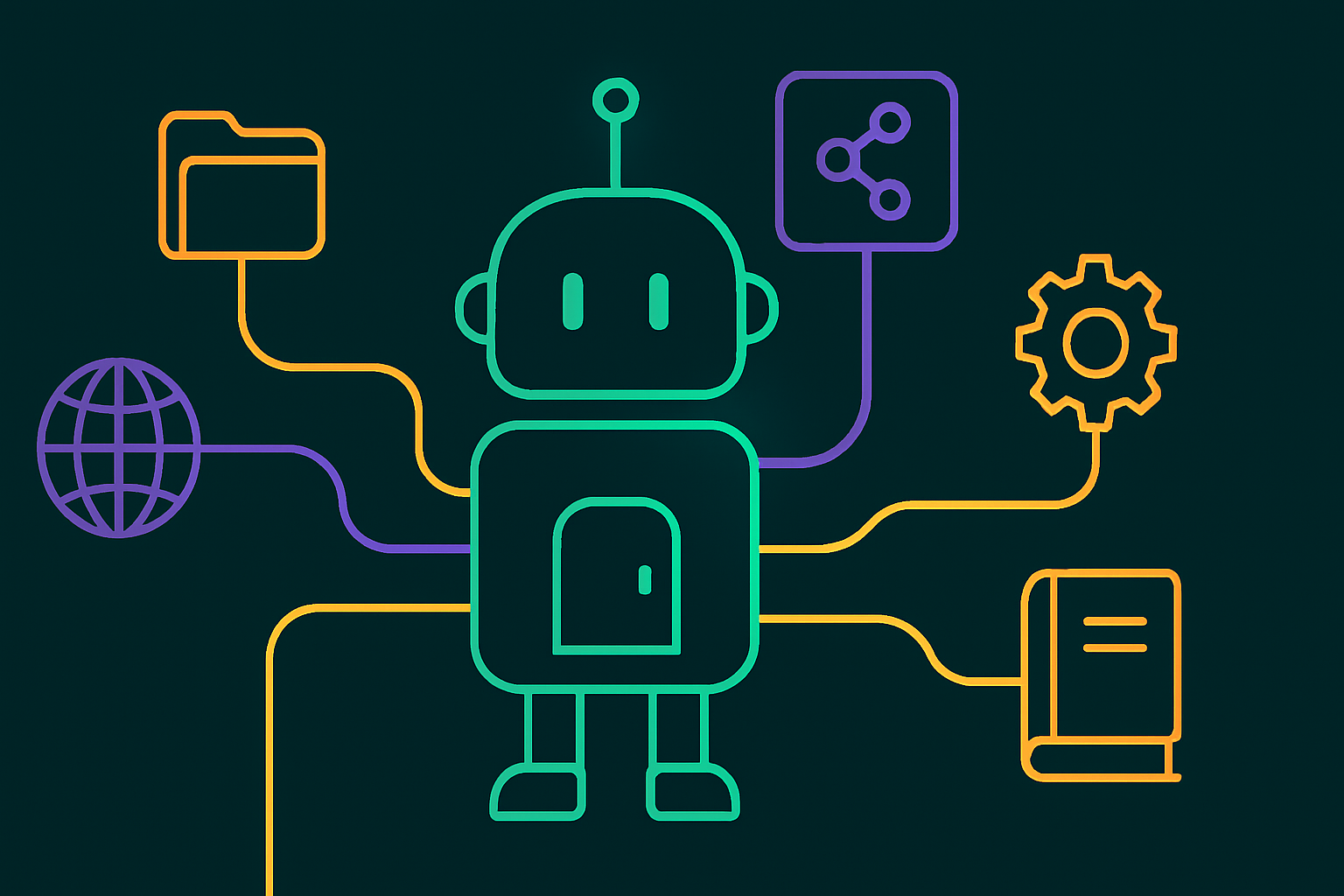
You can think of each server as one capability you bolt on. A filesystem server lets the AI read your files. A web server lets it search or fetch pages. A notes server lets it work with your notes.
So an MCP server list is really a list of capabilities you are granting your AI. That framing is why I keep mine short and deliberate. Every server is a door, and I only open doors I actually use. The official standard lives at modelcontextprotocol.io if you want the technical background.
The MCP servers I actually run
Here is the core MCP server list I rely on, grouped by what each one unlocks. None of these are exotic. They are the boring, high-value connectors that earn their keep.
Filesystem access
A filesystem MCP server is the first one I would set up, because it lets the AI read and write files in a folder you choose. This is the foundation for almost everything else I do.
My notes and systems live in an Obsidian vault, which is just Markdown files. With filesystem access, an AI can open that vault, read my plans, and write drafts straight into it. No copy and paste, no export.
If you only add one server, make it this one, scoped to a folder you are comfortable giving access to. It turns the AI from something that talks about your work into something that works inside it.
Web search and fetch
A web MCP server lets the AI search the internet and pull the contents of a page. This matters because models have a knowledge cutoff and cannot know recent facts on their own.
For me this is how research stops being guesswork. The AI can check a current docs page, confirm a fact, or pull details from a real source instead of relying on stale training data.
If you do anything that touches current information, a search or fetch server moves you from “probably right” to “checked.” That alone is worth the setup.
Code and GitHub
A GitHub MCP server connects the AI to your repositories, so it can read issues, look at code, and help with pull requests. If you write or ship any code, this is high value.
I keep my Obsidian vault in Git and my app projects in repositories, so a GitHub connection lets the AI see the actual state of things rather than a description I typed from memory. Context beats explanation every time.
Even if you are not a heavy coder, version control plus an MCP server is a clean way to give an AI safe, reviewable access to a project’s history.
Documentation lookup with Context7
Context7 is an MCP server that pulls up-to-date documentation for libraries and frameworks, and it is one of the more popular ones for a reason. It feeds the AI current docs instead of letting it guess from old training data.
When I am building, the difference between correct, current syntax and a confidently wrong answer often comes down to whether the AI is reading real docs. A docs MCP like Context7 closes that gap.
If your work involves code or technical tools that change often, this is the server that quietly prevents a lot of wrong answers.
My notes and knowledge base
A notes MCP server connects the AI directly to your knowledge base. In my case that ties into how my whole system is built around an AI-readable vault.
Because my notes are plain files, a filesystem server already covers a lot, but a dedicated notes integration can add structure on top. I went deeper on this in my post on connecting Claude to an Obsidian vault if you want the specifics of that setup.
The theme across my whole list is the same. The most valuable servers are the ones that connect the AI to my real, specific context, not generic capabilities anyone could get.
Automation with n8n
An automation MCP, in my case tied to n8n, lets the AI trigger or work with the workflows I have already built. This is where single tasks turn into repeatable pipelines.
n8n holds the multi-step automations I run, and connecting it means the AI can plug into that machinery instead of doing everything from scratch each time. It is the difference between doing a task and running a system.
This one is more advanced, so I would not start here. But once you have automations worth reusing, an MCP bridge to them is a force multiplier.
How to choose what goes on your own MCP server list
Choose MCP servers by capability you will actually use, not by how impressive the list looks. A short list of servers you use beats a long list you set up once and forget.
My filter is three questions. Does it connect the AI to something real I work with often? Would I miss it if it broke? Is the access it requires something I am comfortable granting? If a server fails all three, it does not make my list.
Start with the foundation. Filesystem access first, then web search and fetch, then whatever matches your actual work, like GitHub for code or a notes server for a knowledge base. Add the more advanced ones, like Context7 or an automation bridge, once the basics are paying off.
Resist the urge to install everything from a big awesome-MCP directory at once. Each server is a door into your system, so more doors means more to secure, more to maintain, and more to break. Lean is safer and easier to reason about.
The goal is not the longest MCP server list. It is the smallest one that makes your AI genuinely more useful for your work.
A note on security and access
Treat every MCP server as a permission you are granting, because that is exactly what it is. Each one widens what your AI can see or change, so it deserves a moment of thought before you add it.
Scope filesystem access to specific folders rather than your whole drive. Use read-only access where you can. And be deliberate about anything that can take actions on your behalf, like sending, posting, or deleting.
This is the same instinct I bring to the rest of my setup. I would rather grant narrow, deliberate access and expand it than hand over broad access and hope nothing goes wrong. A short, well-scoped MCP server list is also a safer one.
If you keep your list small and your access tight, MCP becomes one of the highest-leverage things you can add to how you work with AI. The power is real, and so is the responsibility.
Where this fits in a bigger setup
My MCP server list is one layer of a larger system, not a standalone trick. The servers are how the AI reaches my world, but the value comes from what that world contains.
The foundation is an AI-readable knowledge base. I wrote about building an agentic operating system where my notes are the source of truth and AI tools read and act on them. MCP servers are the doors into that.
Tools like Claude Cowork then use these connectors to do real, multi-step work on my files. If you are curious how that side looks, I covered what Claude Cowork is separately. The MCP list and the agent are two halves of the same idea.
So if you are just starting, do not over-index on collecting servers. Build something worth connecting to first, a real notes folder or project, then add the few MCP servers that let your AI work inside it. That order is what makes the whole thing pay off.
That is my whole MCP server list and the thinking behind it. Short, boring, and useful, which is exactly what I want from the plumbing of a setup I rely on every day.