Claude Cowork plugins are installable packages that add skills, MCP connectors, subagents, slash commands, or hooks to Cowork in a single step, instead of you wiring each piece together by hand.
I already covered what Cowork costs and what I actually run in mine. Plugins are the layer that decides what your Cowork can do beyond the default setup.
What a plugin actually installs
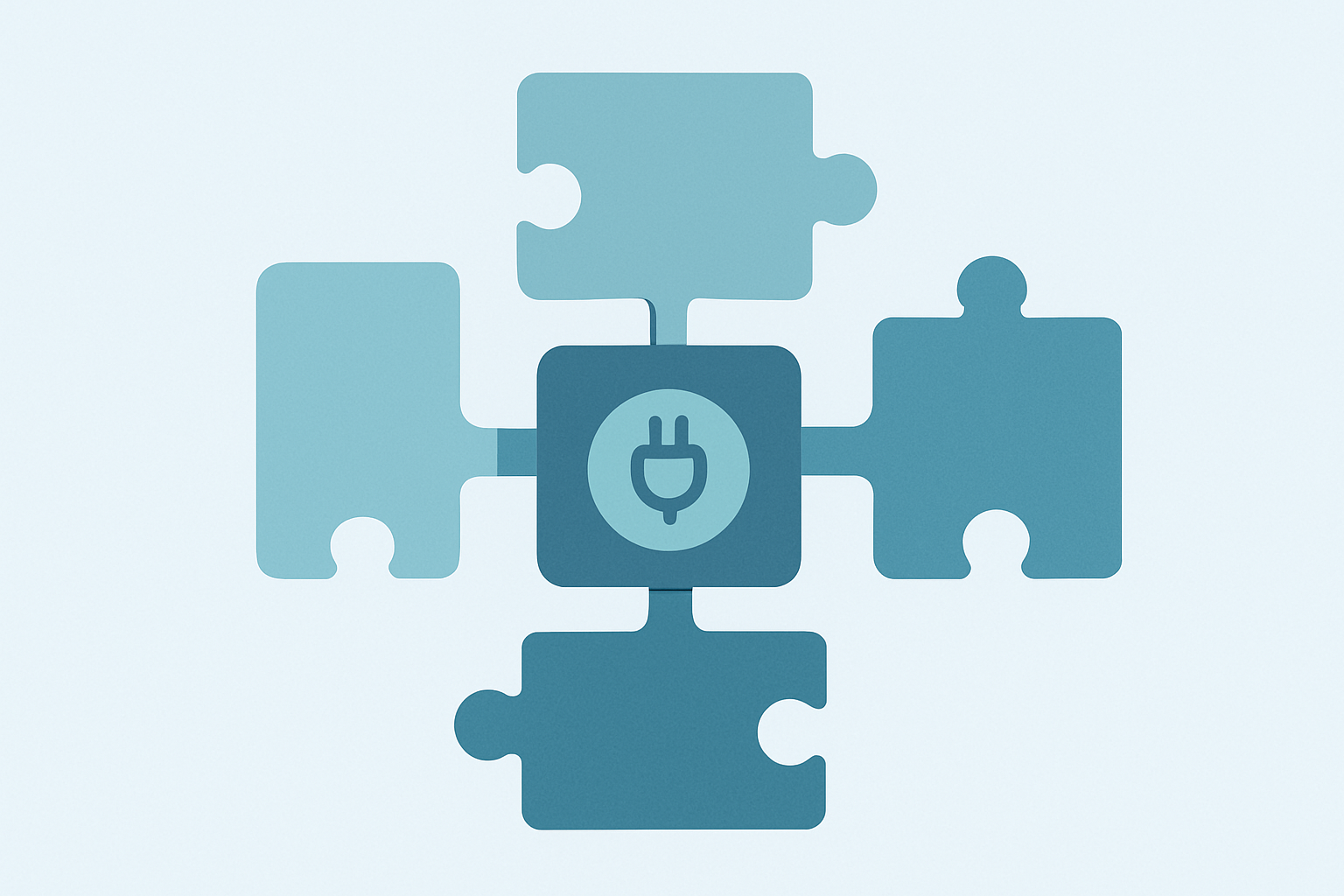
A plugin is a package, not a single feature. Installing one can drop in a bundle of skills, an MCP connector to an outside tool, a subagent, a slash command, or a hook, all at once, from one install action.
That is the whole point. Instead of separately adding a connector, then a skill, then a subagent to get one workflow working, a plugin ships the whole set together as one unit someone else already built and tested.
How to install one
Open Customize in the sidebar, then Plugins. Browse the available plugins, pick one, and click Install. If it includes a connector that needs authentication, Cowork prompts you to sign in right there.
You can also install from a file directly, using the upload option on the same Plugins page, if you have a package that is not listed in a marketplace yet.
Where plugins actually come from
The default marketplace is Anthropic’s own catalog, and the Knowledge Work marketplace is added automatically. Anthropic also maintains other built-in marketplaces, like Financial Services and Legal, that you can add on top.
Past that, you can add a marketplace from any GitHub repository, using either the full URL or the owner/repo shorthand. A git repo containing plugin packages works as a marketplace on its own, which is how most teams distribute their own internal plugins without ever publishing to a public catalog.
Managing plugins for a team
If you are on a Team or Enterprise plan, Owners and Primary Owners manage plugins organization-wide from Organization settings, then Plugins. Adding one there makes it available to everyone on the account, not just your own Cowork.
That is the difference between a plugin you install for yourself and one your whole team gets by default. Worth knowing before you go install ten personal plugins that only you will ever see.
Why this matters more than it sounds like it should
Most of what I run day to day inside my own system started as a manually wired connector or a skill I wrote by hand. Plugins compress that setup work into something anyone can install once and reuse.
That is the same instinct behind why I keep a running MCP server list instead of reconfiguring connections from scratch each time. A plugin is that same discipline, packaged so someone else can reuse it too.
The honest tradeoff is trust. Installing a plugin from a marketplace you did not build means trusting whoever packaged it, the same way installing any dependency does.
Anthropic’s own catalog carries more of that trust by default than a random GitHub repo does, which is worth weighing before you add a marketplace nobody on your team has actually reviewed.
A common mistake with plugins
Installing a plugin for a feature you will use once is not worth the overhead. Plugins earn their keep on repeated workflows, the connector you touch every week, the subagent you would otherwise rebuild from scratch each time.
The other common mistake is installing several plugins that all add similar skills or connectors, then wondering why Cowork behaves unpredictably. Overlapping plugins can genuinely conflict, so it is worth periodically reviewing what is installed and removing anything you stopped actually using.
Claude Cowork plugins, quick answers
What is a Claude Cowork plugin? An installable package that can add skills, MCP connectors, subagents, slash commands, or hooks to Cowork in one step.
How do I install a Cowork plugin? Open Customize, then Plugins, browse the catalog, and click Install. You can also upload a plugin file directly.
Can I add my own plugin marketplace? Yes. Add a marketplace from any GitHub repository URL or the owner/repo shorthand, which is how most teams share internal plugins.
Can my whole team share the same plugins? Yes, on Team and Enterprise plans. Owners manage organization-wide plugins from Organization settings, separate from what any one person installs personally.
Where this fits
I write about the actual Claude setup I run building a one-person software business, plugins included. If a connected system that keeps track of what is installed and why interests you, join the Tandri waitlist.