
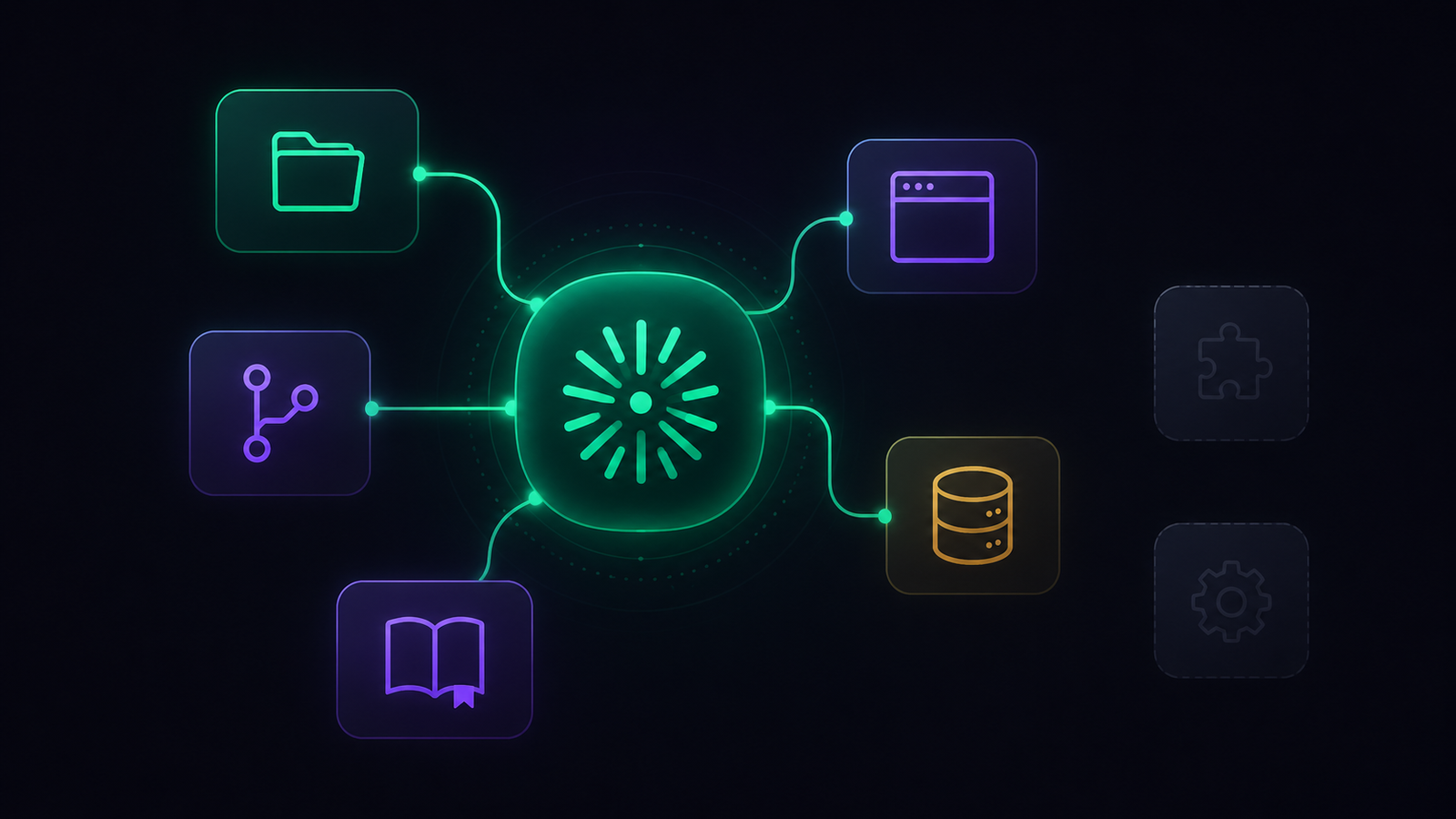

Most lists of the best MCP servers for Claude Code make the same mistake. They hand you fifteen or fifty servers and call it a resource. Then you install them all, your tool list balloons, the context fills up with things Claude rarely uses, and the whole setup gets slower and dumber.
I am a solo developer, and I run a deliberately small set. So instead of another giant list, here is the honest version: what an MCP server actually is, why you want fewer than you think, and the handful I keep installed because they earn their place in real work.
What is an MCP server, in plain terms?
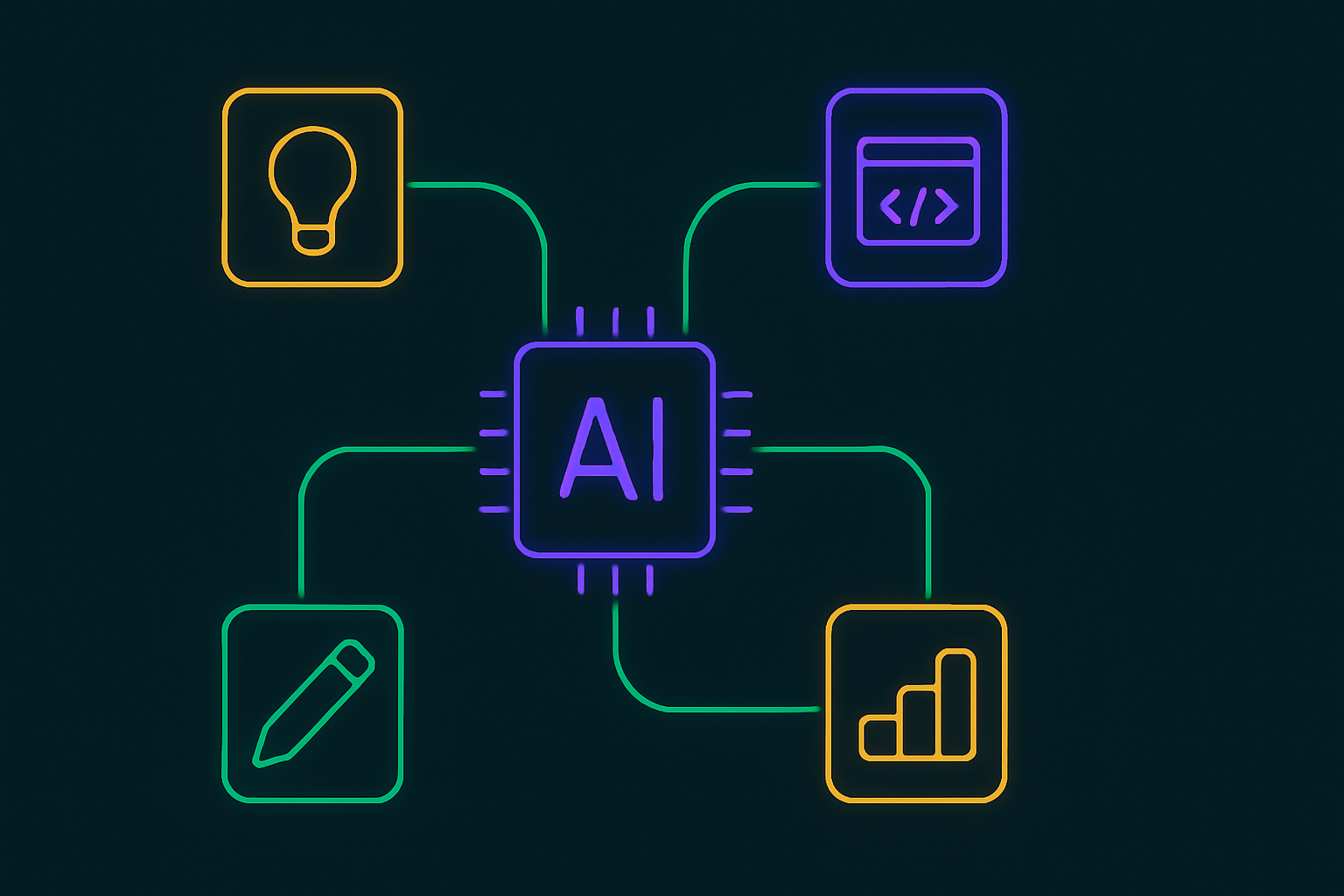
MCP, the Model Context Protocol, is an open standard from Anthropic that lets an AI model talk to outside tools and data through one common interface.
An MCP server is a small adapter that exposes a specific capability, reading your files, querying a database, hitting GitHub, controlling a browser, in a way Claude Code can actually use.
The short version: a plain chat can only talk. An MCP server lets it do. That is the whole appeal, and also the whole risk, which is why the rest of this matters.
Why install fewer than you think?
Every MCP server you add dumps its tools into Claude’s context. A few servers are fine. A dozen is a problem because the model now has to read and reason over a long menu of tools on every single turn, most of which are irrelevant to what you are doing.
The tool list has a practical ceiling, and you hit it faster than you expect.
The result of over-installing is not more power. It is a slower, more distractible agent that occasionally reaches for the wrong tool. So the goal is not coverage, it is fit: the smallest set that matches the work you actually do. Pick four to six, keep them current, and add a new one only when you feel a real gap.
The best MCP servers for Claude Code in a lean setup
These are the servers I would put on almost any developer’s Claude Code setup, because they map to jobs you do constantly.
Filesystem and Git or GitHub are the foundation. The official reference servers include a Filesystem server that lets Claude read and write your project files directly, and a GitHub integration handles repos, issues, and pull requests. Together, they turn Claude from something you paste code into to something that works in your actual project.
Context7 is the one I would not code without. It pulls up-to-date documentation for libraries straight into context, which fixes the single most annoying failure mode of AI coding: confidently writing against an old version of an API that no longer exists. If you have ever fought an agent that insists on a deprecated method, this is the fix.
A browser server like Playwright lets Claude open a page, click through it, and confirm your site actually renders and works, instead of guessing. And a web-grounding server, Brave Search, or a simple Fetch server, lets it look things up and read a page rather than relying on stale training data. Between those four jobs, code access, current docs, a browser, and web grounding, you have covered most of what coding with an agent actually needs.
The ones worth it once you have a stack
This is where it gets personal, and where your set should stop looking like mine. The most valuable MCP servers are the ones wired to the tools you already run every day.
For me, that is my content and automation stack. I run servers for the tools my AI operating system actually uses: WordPress, so a draft can go from my vault to my site without me copy-pasting; n8n, so the agent can build and run the pipelines that move work around; and Airtable, where some of that data lives.
If you use Codex with n8n, my n8n-MCP skill setup covers the official connection and the manual-execution safety rules I keep around live workflows.
If your notes are where your work lives, an Obsidian MCP server is one of the highest-leverage ones to add, and I walk through the setup separately.
None of those would make a generic best-of list, and that is the point. They are the best servers for me because they match my work.
Yours might be Slack, Linear, Notion, Postgres, or Sentry. The test is not popularity, it is whether you touch that tool enough that handing it to Claude saves real time.
How do you choose, and what is the catch?
Two rules keep this from going wrong.
First, install from verified, actively maintained sources. MCP is young and moving fast. Several once-popular servers have been deprecated, abandoned, or quietly moved to remote endpoints in the last year, and a stale or sketchy server is both a reliability risk and a security one.
Prefer official reference servers and well-maintained projects, and check that a server is still being updated before you trust it.
Second, remember what you are actually handing over. An MCP server does not just read; it can act: write files, push commits, send messages, and change live data.
That is exactly why I keep my whole setup built so agents draft and propose, but do not push anything irreversible without my say-so. The more capable the server, the more that guardrail matters.
If you want the bigger picture of running agents that take real actions safely, I wrote about that in my piece on the agentic operating system.
The honest takeaway
The best MCP servers for Claude Code are not a list you copy. They are a short, personal set: the handful that cover the core coding jobs, plus the two or three wired to the tools you genuinely live in.
Start with Filesystem, GitHub, and Context7. Add a browser and a search server if you do web work. Then add exactly one server for the real tool you reach for most, and stop there until you feel a gap.
A lean, current, well-chosen set will outperform a folder of fifty every single time, and it will keep Claude fast, focused, and actually useful.