
The best calendar app for ADHD is the one you will actually open tomorrow, not the one with the most features. That sounds like a dodge, but it is the whole point.
An ADHD brain does not abandon a calendar because it lacks a feature. It abandons it because the app adds friction, makes you feel behind, or quietly stops matching how your day actually works.
So the right question is not which app is most powerful. Which app will you still be using in three weeks?
I build ADHD-friendly productivity apps under softDev23, and I have ADHD myself, so this is not a detached roundup. It is what I have learned about what makes a calendar survive contact with an ADHD brain.
Pick for friction, not features
The best calendar app for ADHD is the one with the least friction between thinking of something and getting it onto the calendar, and the least guilt when your day falls apart. Everything else is secondary.
If adding an event takes five taps, you will not do it. If a missed event glares at you in red and makes you feel like a failure, you will start avoiding the app.
If the layout does not show you time in a way your brain can feel, the calendar becomes a list you ignore. Low friction in, low guilt when things slip, and a visual sense of time. Those three things matter more than any feature list.
What makes a calendar app work for an ADHD brain
A few specific things tend to separate a calendar an ADHD person keeps using from one they quietly abandon.
Fast capture. Adding something should take seconds, ideally by voice or a couple of taps. The gap between intention and action is where ADHD plans die, so the app has to close it.
Visual time, not just a list. ADHD often comes with a weak internal sense of how long things take and how much time is left. A calendar that shows the day as blocks you can see beats a plain agenda list, because it makes time visible instead of abstract.
Forgiveness. Things will be missed and moved. An app that makes rescheduling easy and does not punish you for it will get used. An app that piles up angry overdue markers will get deleted.
Reminders that actually reach you. A single silent notification is easy to miss. Reminders that nudge a little early, and again at the moment, help bridge the gap between knowing and doing.
Visual time is the feature that matters most
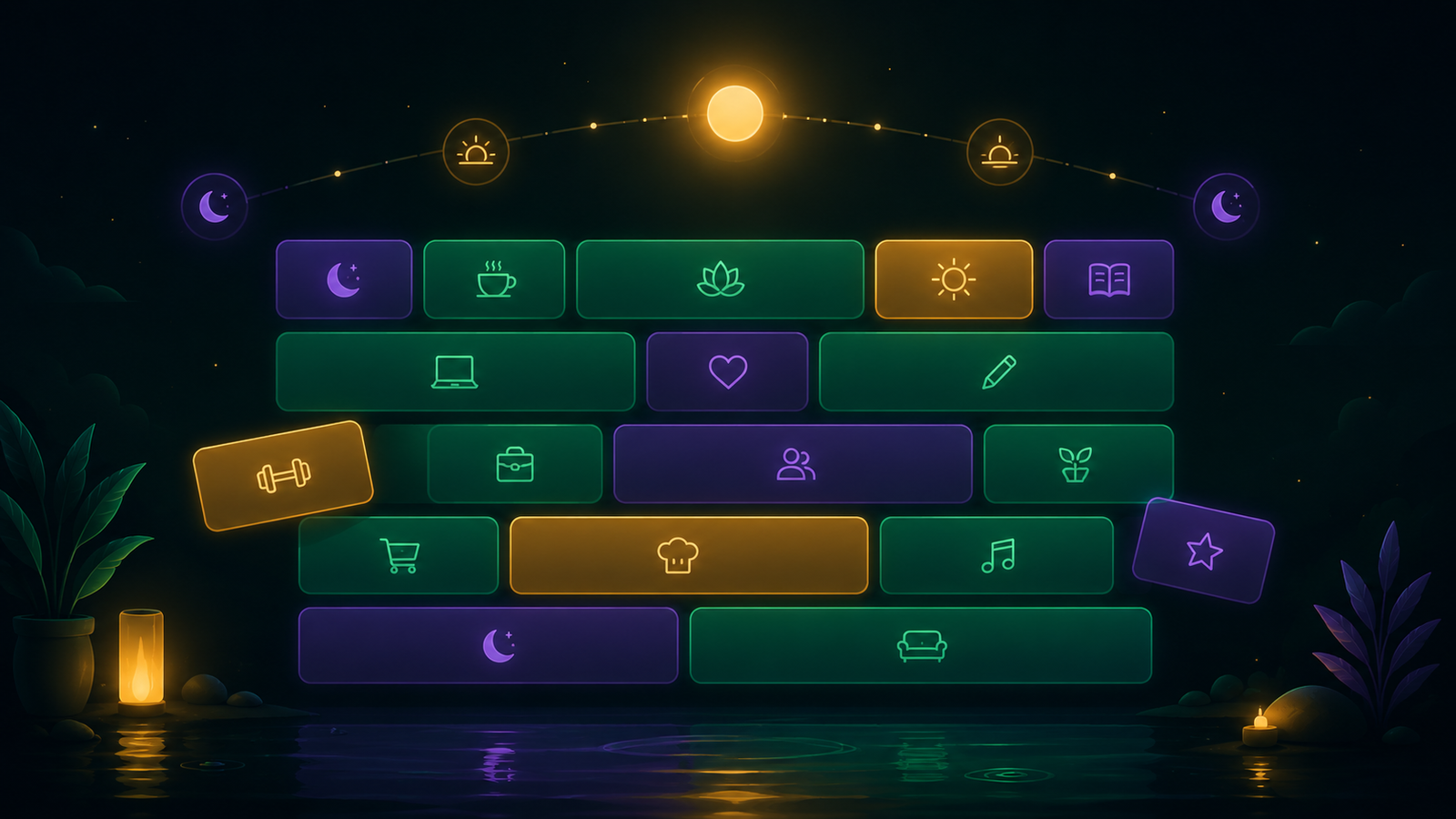
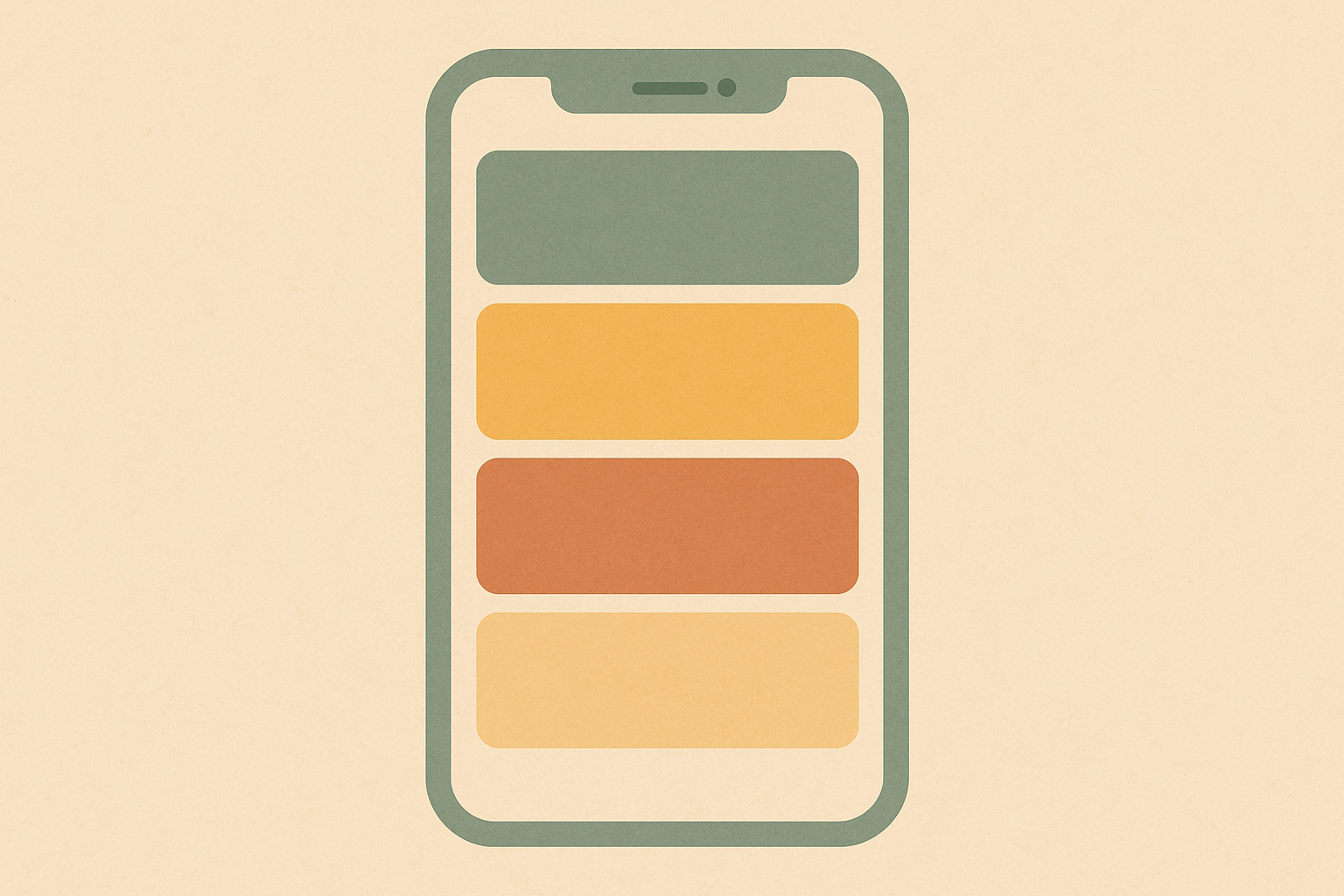
If I had to name one thing, the single most useful feature for ADHD is seeing the day as visual blocks of time rather than a list of entries. This is sometimes called time blocking.
It works for ADHD brains because it turns time from an abstract idea into something you can actually see.
When the day is laid out as filled and empty blocks, you can feel that you have three hours this afternoon, or that you have already overcommitted the morning. A plain list cannot do that. It just shows items with times next to them, and your brain has to do the math, which is exactly the part that is hard.
This is why visual day-planner apps tend to land better for ADHD than traditional calendars. Pairing a calendar with deliberate time blocking is one of the highest-impact changes you can make, and it is the same idea behind a good ADHD planner.
Forgiving beats feature-rich
The most underrated quality in an ADHD calendar is that it does not make you feel bad. This is the thing most productivity apps get wrong, because they are designed around streaks, completion rates, and the idea that a good user never misses.
I wrote about that exact trap in my piece on Habitica alternatives for people who hate streaks, and it applies just as much to calendars.
ADHD does not work that way. You will miss things, your day will get derailed, and a tool that treats every slip as a failure slowly becomes a source of dread. The moment an app feels like a scoreboard you are losing, you stop opening it, and then it helps you with nothing.
This is the same low-guilt philosophy behind the apps I build, and it is why I care about it. A calendar that lets you move things without friction or shame is one you will keep.
A calendar that guilts you is one you will abandon, no matter how good its features are. If the no-guilt idea resonates, my piece on building a dopamine menu for ADHD goes deeper.
The best calendar app for ADHD is the one you actually open
So when people ask me for the best calendar app for ADHD, my honest answer is that the winner is whichever one clears the friction-and-guilt bar for you specifically. Fit matters more than ranking.
A few categories are worth trying, and I would test them against the criteria above rather than against a feature comparison.
A simple, fast default calendar, the one already on your phone, is worth setting up properly before you go looking for more. The best app is worthless if you never open it.
A visual day-planner that lays time out as blocks is worth trying if a plain agenda has never stuck for you.
And there are calendar and planner apps built specifically with ADHD and neurodivergent users in mind, which tend to lean into visual time, gentle reminders, and forgiving design.
Try one from each group for a week and keep the one you actually reach for.
I am deliberately not handing you a single-ranked winner, because the data that matters is not in a review. It is whether you open the app on a bad day.
How I think about it, and where my apps fit
For me, a calendar is only half of the system. The calendar holds the plan, but staying focused inside a block is a separate problem, and it is the one Mana, my focus app, is built for.
I keep the calendar light and visual, and lean on a focus tool to actually do the work once a block starts.
I want to be upfront that Mana is my own app, so treat that as a builder sharing his own setup, not an unbiased recommendation. The general point stands regardless of what you use. A calendar tells you when, but you still need something that helps you start and stay in the task.
If you want the broader list of what I actually use, I keep it honest in my post on the best apps for ADHD. For ADHD, starting is often the hard part, and no calendar solves that on its own.
A simple way to start time blocking
If visual time is the highest-impact change, the lowest-effort way in is to block just the next day, the night before.
Open the calendar, drop in three or four blocks for tomorrow’s must-dos, and leave the rest of the day empty on purpose. You are not scheduling every minute. You are giving the hard parts a visible home, so the version of you who wakes up tired does not have to decide from scratch.
Keep the blocks generous and few. An over-planned day is just another scoreboard to lose. The goal is to see your time, not to fill it. ADDitude’s ADHD time-management guide covers the wider toolkit if you want to go deeper.
Notifications, the part most people get wrong
A calendar that does not interrupt you is a calendar you will forget. But the default single ping at the exact start time is almost designed to be missed.
Set two reminders for anything that matters. One a little early, so you can wrap up what you are doing, and one at the moment, so you actually move.
The early nudge is the one that does the work, because transitions are where ADHD time blindness bites hardest. If your app supports it, make the important reminders louder or stickier than the rest. A notification that clears itself before you look is no notification at all.
Why I stopped hunting for the perfect one
I spent more time than I want to admit looking for the perfect ADHD calendar. The honest lesson is that the hunt was the procrastination.
Every hour spent comparing apps was an hour not spent using one. The plain calendar I already had, set up with visual blocks and two reminders, would have beaten the perfect app I never committed to.
So if you take one thing from this, let it be that. Pick a good-enough option this week and use it badly for a while. A calendar you actually open beats a better one you are still researching.
The honest bottom line
The best calendar app for ADHD is not a specific brand. It is whichever app makes capturing fast, makes time visible, and makes a missed plan feel like no big deal.
Get those three right and almost any calendar will work. Get them wrong, and the most feature-rich app on the market will sit unused after a week.
So do not start from a list of apps. Start from your own friction. Notice where you give up, pick a tool that removes that specific friction, and forgive yourself when the day goes sideways anyway.
That is the part no app can do for you, and it is the part that actually decides whether a calendar sticks.