
The best ADHD planner is not the one with the most features. It is the one you will actually open on the day you feel worst, when planning is the last thing you want to do. Every other measure is beside the point.
That is the problem with most planner advice. It points you at the most powerful, most structured tool, which is exactly the tool an ADHD brain abandons by Wednesday. So instead of ranking planners by features, I have sorted them by where your planning actually breaks down. Find the part that sounds like you and start there.
One disclosure first. I built a focus app and a habit tracker, Mana and Habitual, and I will mention them near the end. But they are not planners, so they are not the headline here. The planners below are other people’s apps, and I will point you to them honestly, because the right tool depends on how your brain stalls, not on what I happen to make.
Why most planners fail an ADHD brain
Most planners are built for people who already plan well. They assume you will sit down, think through your whole week, enter everything neatly, and then follow it. For a lot of ADHD brains, every step in that sentence is a wall.
The setup is too long, so you never finish it. The structure is too rigid, so the first disruption breaks the whole thing, and you quit. And the empty calendar is its own kind of paralysis, because building a day from scratch is exactly the executive-function task you are low on. A planner that demands a lot of planning to get started is solving the wrong problem.
The ones worth using do the opposite. They lower the cost of planning, make time visible, and forgive you when the day goes sideways. Here are the ones that manage it.
If you plan better when you can see the day: Tiimo
Some ADHD brains cannot plan against a list of times, because a plain list hides how the day actually flows. You read a row of entries and still have no felt sense of what your afternoon looks like, so the plan never becomes real.
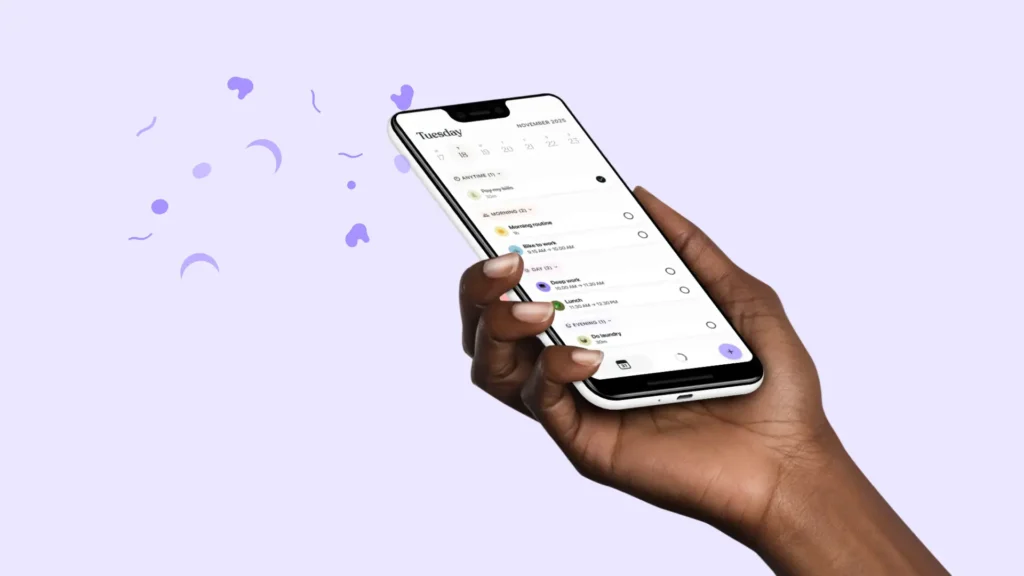
Tiimo is built for exactly that. Instead of rows of text, it lays your plan out as a visual, icon-based timeline you build by dropping blocks onto the day, with countdowns showing how much of each one is left.
As a planner, it is also unusually forgiving: dragging a block to reschedule takes a second, which matters because an ADHD plan that cannot bend just breaks. If written planners have never stuck because you cannot feel the shape of the day in them, a visual one like this is the most direct fix.
It doubles as the best answer to time blindness, too, which I cover in my roundup of the best apps for ADHD.
If building the schedule is the hard part: Structured
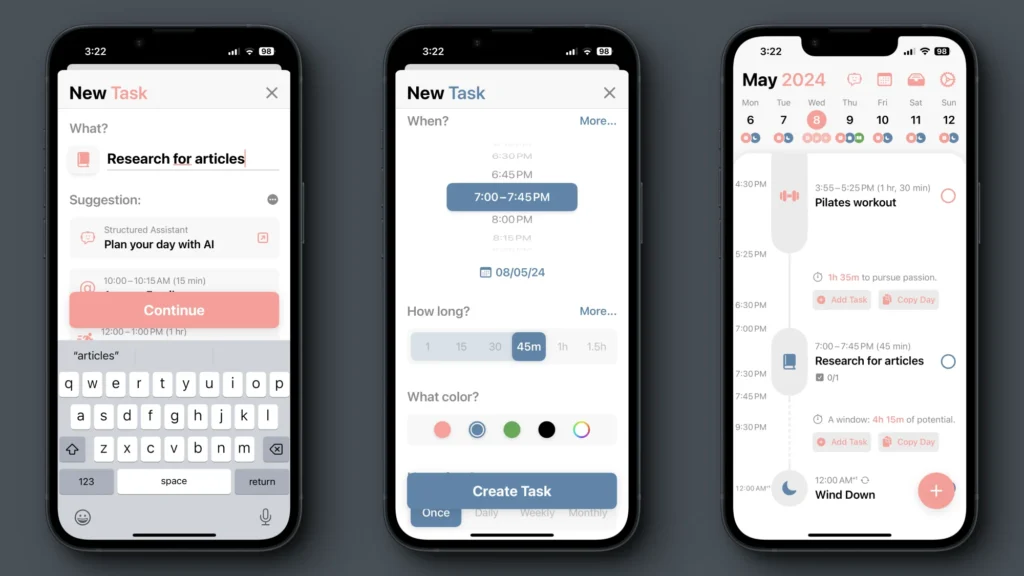
For some people, the planning itself is the wall. You know what you need to do, but turning a messy pile of tasks into an ordered day is the move you cannot make.
Structured is built to remove that friction. It lays your day out as a single clean timeline that merges calendar events, reminders, and tasks into one line you can actually follow, instead of three apps you have to reconcile.
It also leans on AI to turn a brain dump into a first-draft schedule, which matters more than it sounds, because editing a draft is far easier for an ADHD brain than facing a blank day. If the blank page is your enemy, start here.
If you over-schedule and then burn out: Sunsama
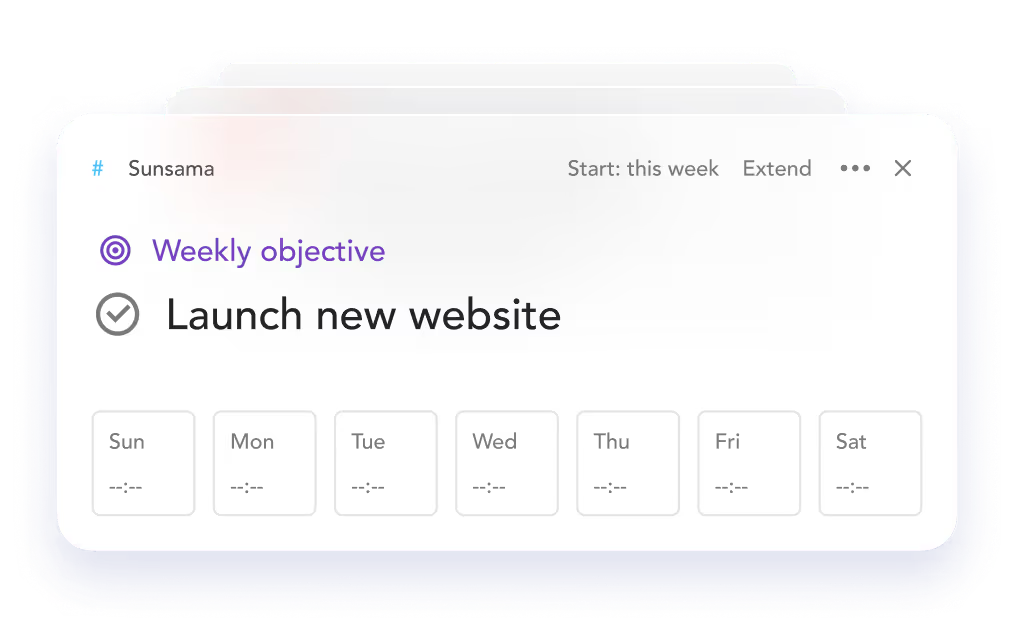
A specific ADHD trap is optimism about time. You plan twelve hours of work into eight, fail to finish, and end the day feeling like you failed, even though the plan was never possible.
Sunsama is built against that. It walks you through a short daily ritual: review what happened yesterday, set realistic intentions for today, estimate how long things will take, and time-block them, with a gentle daily limit that pushes back when you try to cram.
It is more deliberate and more grown-up than the others, which makes it a better fit for focused professional work than for quick capture. If your problem is not planning too little but planning too much, the built-in brakes are the point.
If your plan is scattered across five apps: TickTick
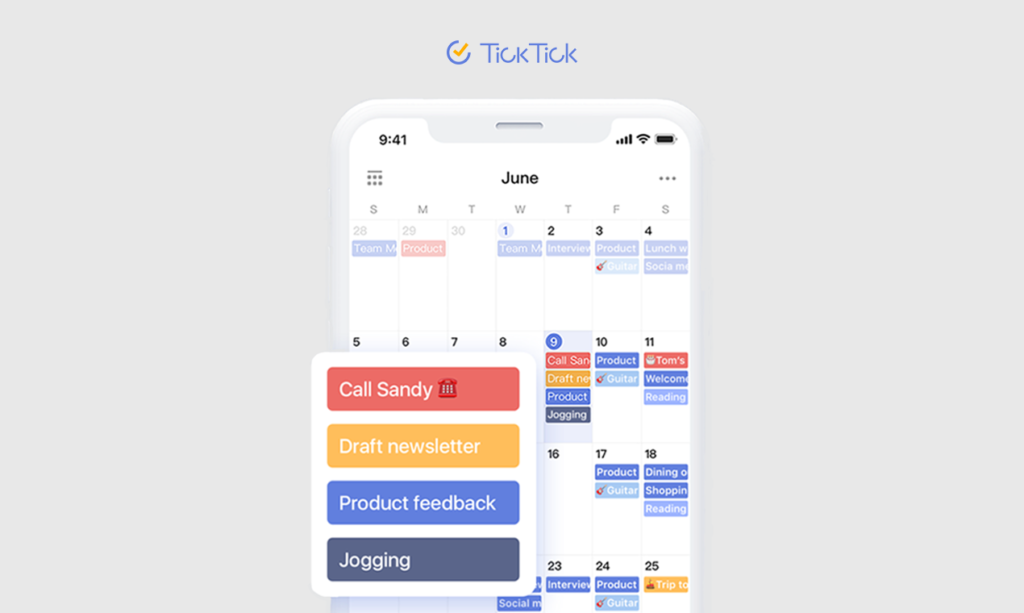
For some people, the problem is not any single tool but that the plan lives everywhere at once: a notes app, a calendar, a couple of reminders, and the rest in your head. Nothing is in one place, so there is no plan you can actually look at.
TickTick is worth trying here because it folds tasks, a calendar, reminders, and even a focus timer into one app, so the plan stops being scattered. The ADHD-friendly part is that capture is fast, and the calendar view lets you drag a task straight onto a time, which turns a vague to-do list into an actual schedule for the day.
It does more than some people need, so keep your setup deliberately simple, but if reconciling three apps is the thing that quietly kills your planning, consolidating into one can be the whole fix.
If you genuinely prefer paper
Not everyone wants another app, and that is a real answer, not a worse one. For some ADHD brains, a physical planner works better precisely because it is slower and more tactile, it does not ping you, and the act of writing a thing down by hand makes it stick.
A simple dated planner or a light bullet-journal setup can outperform any app, as long as it is genuinely simple. The same rule applies: the fancier and more elaborate the system, the faster it gets abandoned. Keep it boring and keep it open on your desk.
The planner is only half the job
Here is the honest limit of every tool above, including the good ones. A planner decides what you will do and when. It does not make you start, and it does not keep you focused once you do. Those are separate problems, and they are the ones I actually work on.
This is where my own apps come in, and I will be upfront that they are mine.
Mana is a focus app that rewards you for starting and staying with a block, which is the gap a planner leaves open.
Habitual is a habit tracker built around a journey instead of a streak you can break and feel guilty about, for the recurring routines that do not really belong in a daily plan at all.
I built them because I needed them, and I wrote separately about why standard habit trackers fail if you want that reasoning. Neither one is a planner. They are what you pair with a planner so the plan actually happens.
A few rules that make any planner stick
The app matters less than how you use it, and a few habits decide whether any ADHD planner survives past the first week.
Keep it visible. A planner you have to remember to open is a planner you will forget. Put it on your home screen, pin the widget, or leave the paper one open on your desk. Out of sight really is out of mind here, and that is not a character flaw; it is just how the wiring works.
Plan tomorrow tonight, not tomorrow morning. Deciding the shape of your day when you are already in it is the executive-function task you are worst at in that moment. A two-minute look the night before, while you still have some fuel, beats a panicked scramble at 9 am.
Keep capture to a single tap. The point where most systems die is the gap between having a thought and getting it into the planner. If logging a task takes more than a few seconds, you will not do it when it counts. Pick the tool with the fastest capture, even if it is uglier.
Forgive the missed days on purpose. Every ADHD planner gets abandoned for a stretch. The ones that work are the ones you can walk back to without a guilt tax. Treat a blank week as normal maintenance, reopen it, and carry on. The streak was never the point.
How to actually choose
Do not download all of these. Installing five planners in one motivated afternoon is itself a form of avoidance, and a folder of half-set-up apps is just more guilt.
Pick the single place where your planning broke down most this past week. Seeing the shape of the day, building the schedule, over-scheduling, or a plan scattered across too many apps.
Choose the one app that targets that, and give it a boring week before you judge it. If it sticks, you have a planner. If it does not, you have learned something specific instead of vaguely deciding you are bad at planning, which was never true.
If your struggle is really with your calendar rather than a planner, I worked through that separately in my post on the best calendar app for ADHD.
For the wider toolkit, I keep a running list of the best apps for ADHD, and if the real problem is starting at all, a dopamine menu like Pluck pairs well with any planner you choose.
The best ADHD planner is not the most capable one. It is the one that meets you on your worst day and asks for less than you have. That is a different question than which app has the most features, and it is the only one that matters.