


App Store Optimization on a budget is possible because the things that actually move the needle are mostly free: your app name, subtitle, keyword field, screenshots, and description. Paid ASO tools can help, but they are not the price of entry. As a solo developer with no budget for them, I use AI to do the research and drafting work that those tools would normally assist with, and then I make the decisions myself. This is the approach I use under softDev23, and it costs nothing but time.
I want to be upfront that I am still early in this, so this is not a guaranteed playbook with rankings to prove it. It is a practical, zero-cost process for filling in your App Store listing thoughtfully instead of guessing. ASO is not magic, and no amount of optimization saves an app that people do not want. But leaving the listing half-done is leaving free visibility on the table, and that is the mistake this process is meant to avoid.
→RelatedLaunching My First iOS App: What I Learned as a Solo DeveloperThe free fields are the ones that matter most
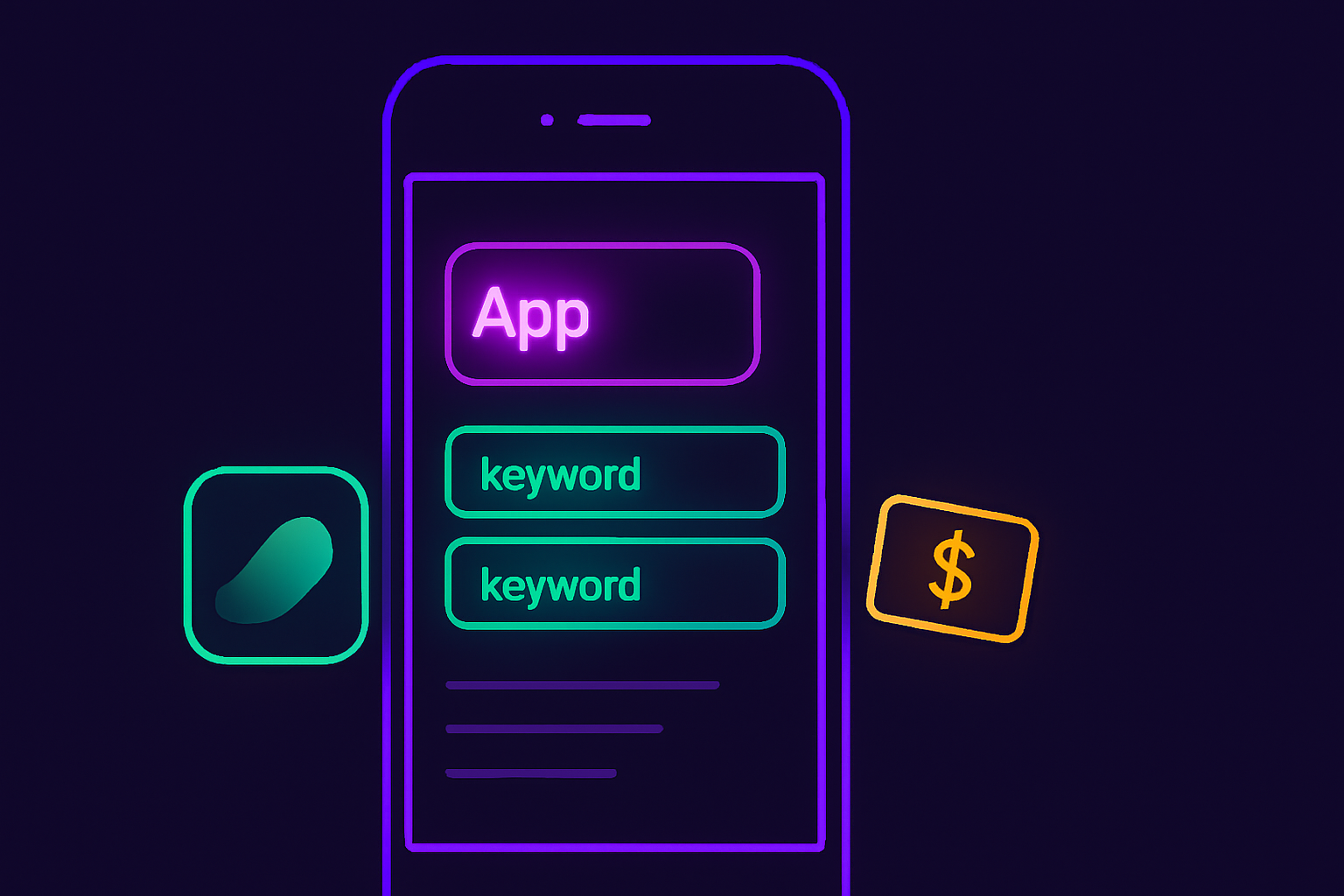
The most important parts of App Store Optimization are fields you control for free, so start there before spending on anything. Your app’s name, subtitle, and keyword field are where the App Store gets most of its understanding of what your app is and what searches it should appear for. Screenshots and the description then decide whether people who find you actually tap download.
None of these costs money. They cost thought. The mistake I see, and made myself, is treating these fields as paperwork to fill in quickly at submission, rather than as the main lever for getting found. A rushed app name and a generic subtitle waste the single biggest free ASO opportunity you have.
So the foundation of App Store Optimization on a budget is simply taking these free fields seriously. Before you consider any paid tool, make sure the name, subtitle, keywords, screenshots, and description are genuinely good. Most apps lose here not because they lack tools but because they treated the listing as an afterthought.
Use AI for keyword research instead of a paid tool
AI can do a lot of the keyword thinking that paid ASO tools normally handle, which is what makes App Store Optimization on a budget realistic. Paid tools give you search volume and difficulty data, which is genuinely useful and which AI cannot truly replace. But a large part of keyword research is generating ideas, grouping related terms, and reasoning about what a user would actually type, and AI is good at that part.
The way I use it is to describe my app plainly and ask for the different ways people might search for something like it. I ask for synonyms, for the problem-focused phrases someone might use when they do not know the category name, and for related terms I would not have thought of. Then I narrow that list down myself, because I know my app and my likely user better than the AI does.
The honest limitation is that AI does not know the real search volume or competition. It can tell me a phrase is plausible. It cannot tell me how many people search for it or how hard it is to rank for. So I treat its output as a brainstorming partner, not as data. I pick terms that are specific and relevant rather than broad and competitive, because specific terms are where a small app can realistically show up.
Write the listing with AI, and decide with your own judgment
AI is useful for drafting the app name options, subtitle, and description, as long as you make the final call. Writing a tight subtitle that includes the right terms and still reads well is harder than it looks, and having AI generate several options gives me a starting point to react to instead of a blank field.
I ask for multiple app names and subtitle variations that include my chosen keywords naturally. Then I cut, combine, and rewrite until it sounds like a real app and not a keyword pile. The App Store does not reward stuffing, and users do not trust an app whose name reads like spam. The keywords need to be present, but the result still has to make sense to a human.
For the description, I use AI to draft a clear first version that explains what the app does and why someone would use it, then I edit it into my own voice. The description matters less for search than the name and keyword field, but it matters a lot for convincing someone who is already looking at your page. AI gets me to a solid draft faster, and editing a draft is much easier than starting cold.
Screenshots are conversions, and you can do them for free
Screenshots are the biggest free lever for turning App Store visibility into downloads, and you do not need paid tools to do them well. Most people decide whether to download from the first two or three screenshots without reading anything. That makes screenshots arguably more important than the description, and they are entirely within your control at no cost.
You do not need expensive software. The goal is to show what the app does and lead with its single clearest benefit, using short text captions that a person can understand at a glance. I use AI to help write those captions, because compressing a feature into a few clear words is exactly the kind of task it helps with. I ask for several caption options per screenshot and pick the clearest.
The principle is to lead with value, not features. Instead of a screenshot captioned with a feature name, I aim for what the user gets. This is where a lot of free ASO improvement hides. Two apps with identical features can convert very differently based purely on whether their screenshots communicate the benefit clearly at first glance.
What AI cannot do here, and where the limits are
App Store Optimization on a budget has real limits, and it is worth being honest about them. AI cannot give you true search volume, real competition data, or proof that a keyword will perform. Paid ASO tools exist because that data has value, and pretending AI replaces it would be dishonest. What AI replaces is the labor and the blank page, not the market data.
ASO also cannot fix a weak app. If people install and immediately leave, no listing optimization saves it, and over time, that hurts you more than a slightly worse keyword choice ever would. Optimization gets people to the page and convinces them to try it. Keeping them is the app’s job. I keep this in mind so I do not over-invest in the listing while ignoring the product.
Finally, ASO is not a one-time task. The right approach is to set the listing up thoughtfully, watch how it does over time, and refine it, rather than treating it as done at launch. On a zero budget, your main feedback is slower and less precise than what a paid tool would give you, so patience matters. You are trading money for time and for a bit more guesswork, and that is a fair trade when you have no budget.
My App Store Optimization on a budget process
The whole process for App Store Optimization on a budget fits into a few repeatable steps that cost nothing but attention.
Describe your app plainly and use AI to generate a broad list of search terms, including problem-focused phrases and synonyms.
Narrow that list yourself to specific, relevant terms a small app can realistically appear for, rather than broad competitive ones.
Use AI to draft several app names and subtitle options that include those terms naturally, then edit them into something that reads like a real app.
Draft the description with AI and rewrite it in your own voice, leading with what the app does and why someone would use it.
Plan screenshots that lead with the clearest benefit, using short AI-assisted captions, and treat the first two or three as the most important.
Set it live, pay attention over time, and refine the weak parts instead of assuming the first version is final.
None of these steps requires a paid tool. They require you to take the free fields seriously and to use AI for the heavy lifting while keeping the decisions.
The honest bottom line
App Store Optimization on a budget will not outperform a well-funded competitor using professional tools and data, and I am not going to pretend it will. What it will do is get a solo developer with no budget from a neglected, guessed-at listing to a thoughtful one, which is a real and meaningful improvement most small apps never make.
The free fields are where the leverage is. AI removes the labor and the blank-page problem from filling them in well. Your judgment, your knowledge of your app, and your willingness to refine over time are what turn that into something useful. That combination costs nothing, and for an indie developer trying to ship and be found, nothing is exactly the right price.
If you are sitting on an app with a rushed listing, this is the lowest-cost improvement available to you. It is not the part of the job I find most exciting, but it is one of the few places where careful, free work genuinely helps an app get found.