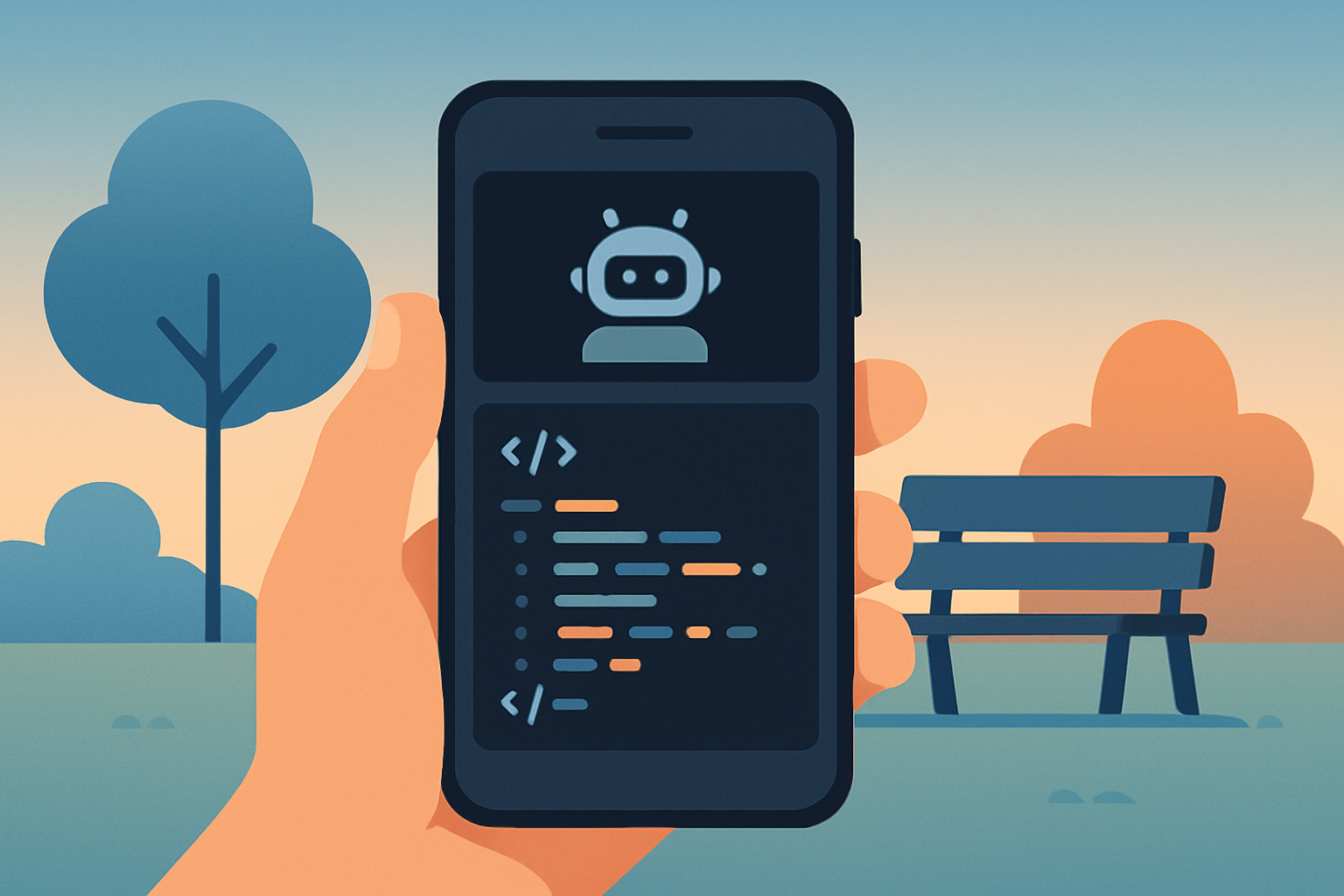

Claude Code on mobile does not require a separate app or a beta program anymore. It lives inside the regular Claude app on iOS and Android, one tap away from the same terminal-native agent you run at your desk.
I already run Claude Code as my main coding agent, covered in my own comparison against Cursor.
What changed recently is that the same agent now travels with you, which matters more than it sounds like for a one-person business with no one else to hand a bug to while you are away from your desk.
Where it actually lives in the app
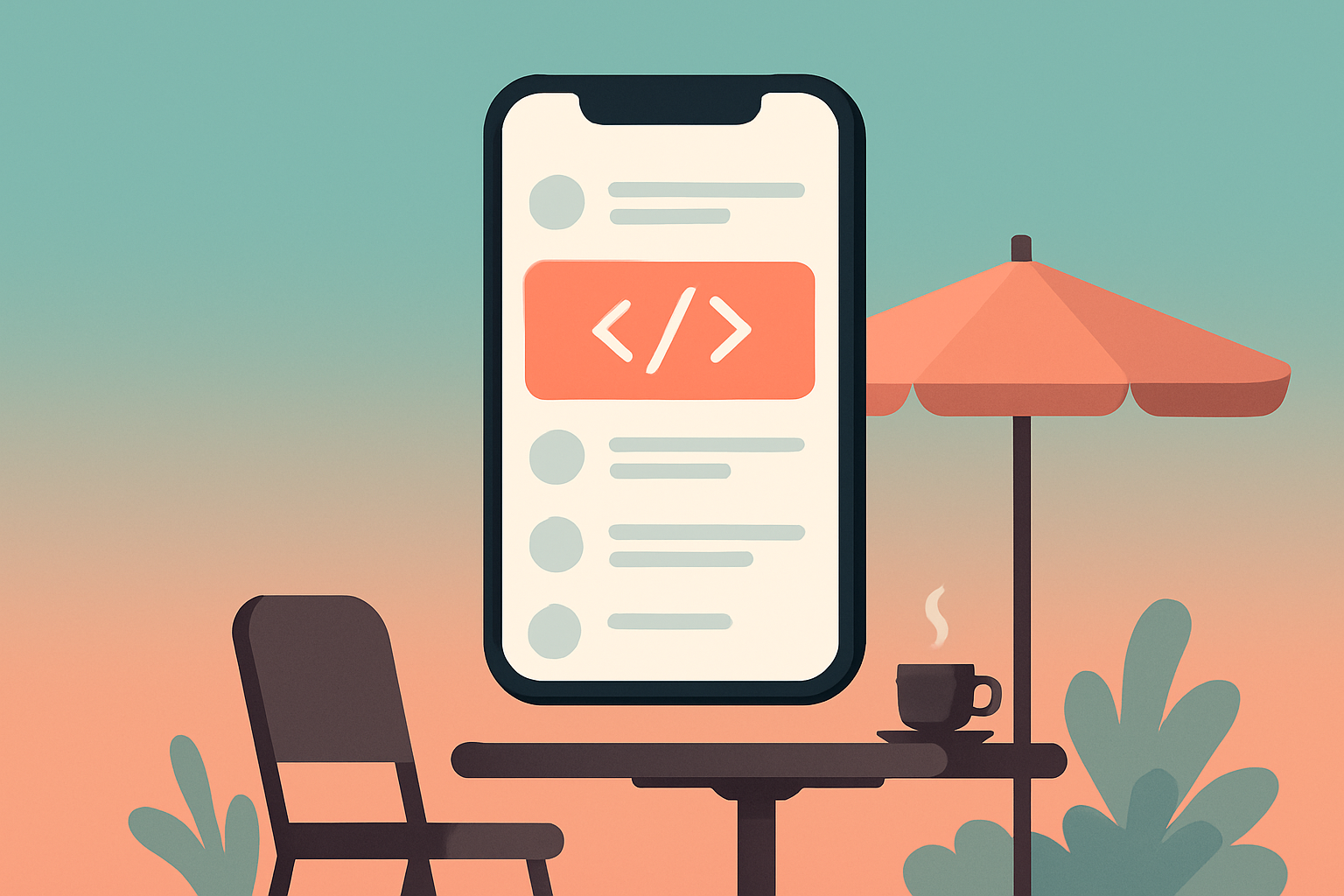
Open the regular Claude app on your phone, tap the menu icon in the top-left corner, and select Code from the navigation menu. That is the entire setup step.
No separate download, no SSH key to configure before you can try it once. If you already have the Claude app installed for chat, the Code feature is already sitting there.
What it actually requires
Claude Code is not available on the free tier. You need a Pro, Team, or Enterprise subscription for the Code feature to show up at all, which is worth checking before you go looking for a menu item that will not appear.
iOS 17.0 and above is the current supported floor on the Apple side. If your phone is old enough that this matters, it is worth confirming before assuming the feature is broken rather than just unsupported on your OS version.
What you can actually do from a phone
Writing and editing code, asking questions about an existing codebase, getting help debugging, and generating code snippets all work through the mobile interface.
The realistic use case is a quick fix, not a full coding session. A teammate pings about a bug, or you remember something broken while away from your desk, and you can open the app and get a fix suggested while you are still standing in line somewhere.
What the third-party ecosystem adds
A small ecosystem of third-party apps has grown up around Claude Code specifically for mobile, mostly focused on monitoring active sessions rather than replacing the built-in Code feature entirely.
These matter most if your actual pattern is kicking off a longer agentic task from your desk, then wanting to glance at progress from your phone without opening a laptop just to check a status.
Where mobile genuinely falls short
A phone screen is not where you want to review a large diff across a dozen files, and it is not where you want to run a long agentic session that burns through several tool calls before landing on an answer.
Treat mobile Claude Code as triage, catching something, starting a fix, or checking status, then finishing the real work at a proper keyboard when you get back to it.
The power-user alternatives, if the built-in app is not enough
Termux and SSH into a real machine remain the heavier-duty option for people who want their actual terminal environment on a phone screen, not a simplified mobile interface layered on top.
Third-party apps built specifically for monitoring active Claude Code sessions from a phone, rather than running the agent itself, are a separate category worth knowing about if your actual need is checking on a long-running task rather than starting new work.
How to actually decide which path fits
If the need is occasional, a quick fix here and there, the built-in Code feature in the regular Claude app is the entire answer and genuinely nothing else to set up.
If you are trying to run real agentic sessions from a phone regularly, Termux or SSH into your actual dev machine is the more honest fit, since the built-in mobile interface was never built to replace a full terminal.
Claude Code on mobile, quick answers
Do I need a separate app for Claude Code on mobile? No. It is built into the regular Claude app for iOS and Android under the Code option in the menu.
Is Claude Code free on mobile? No. It requires a Pro, Team, or Enterprise subscription, same as the desktop version, the free tier does not include it.
Can I run a full coding session from my phone? Technically yes, practically no. Small fixes and quick questions work well. Reviewing large diffs or running long agentic sessions is better suited to a real keyboard and screen.
What if I want my actual terminal on my phone instead? Termux or SSH into a real machine gets you a genuine terminal environment, a different and heavier setup than the built-in mobile Code feature.
Where this fits
I write about the tools I actually run building software as a one-person business. If a connected system for managing that whole workload interests you, join the Tandri waitlist.