
An ai workspace is a digital environment where AI sits inside every layer of the product, projects, notes, tasks, search, and automation, instead of being bolted on as a chatbot sidebar. That distinction is the whole category, and most tools claiming the label do not actually clear it.
I have watched the “all-in-one workspace” pitch cycle through three names in five years, all-in-one, then AI-native, now ai workspace. Each time the underlying question is the same: does the AI actually touch the work, or does it just answer questions about the work from the sidelines. It is the same question I had to answer honestly when I started calling my own AI operating system something more than a stack of scripts.
What separates a real ai workspace from AI bolted onto a workspace
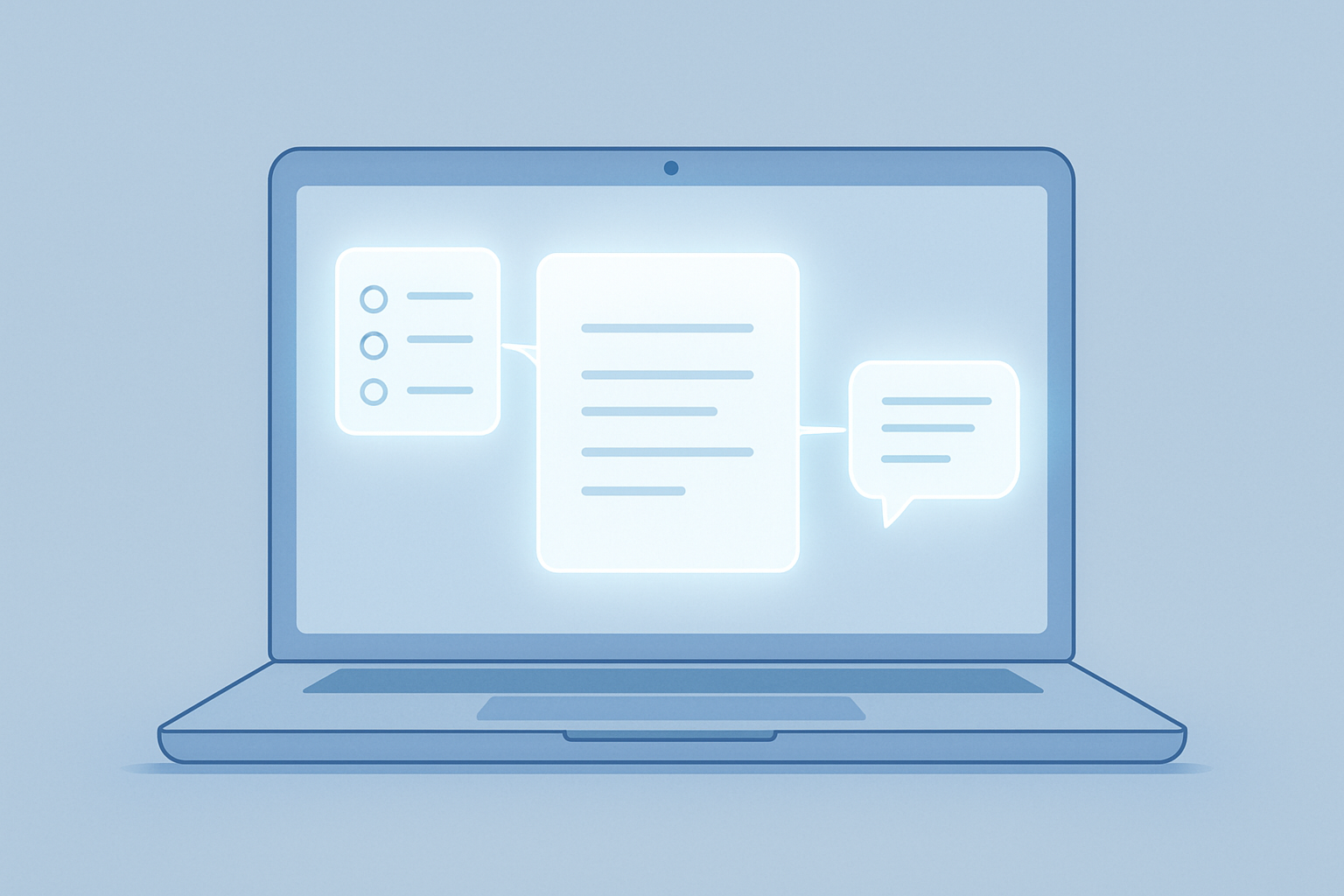
A sidebar chatbot reads your docs when asked and replies in a box next to them. Nothing it says changes the doc, the task, or the project unless you manually copy the answer back in yourself. That is AI added to a workspace, not an ai workspace.
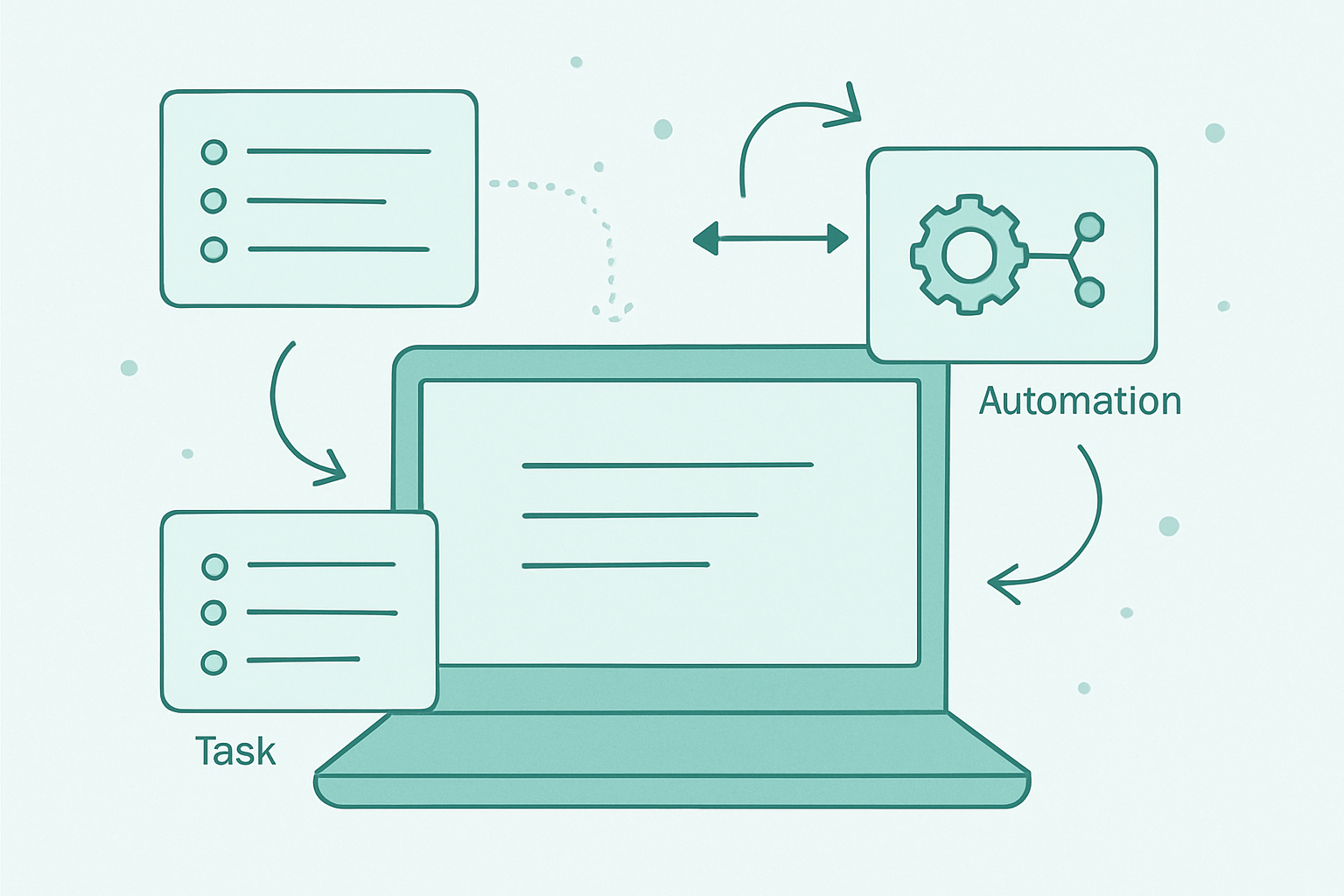
A real ai workspace has AI touching the actual objects. Tasks get created from a conversation, notes get connected without you linking them, search understands intent instead of matching keywords, and automation runs based on what the AI noticed rather than a rule you wrote by hand ahead of time.
The test is simple: if you deleted the AI feature, would the product’s core loop actually break, or would it just lose a nice-to-have convenience layered on top of something that already worked fine.
The current landscape
Notion AI extended an existing all-in-one workspace with AI writing and query features, which makes it the most familiar entry point but also the clearest example of AI added on top rather than built through, a pattern Taskade’s own roundup of the category lays out well. The docs and databases worked fine before AI arrived, AI just made them faster to fill out.
Mem takes a different approach, a note-taking app where AI does the organizing instead of you. You write, and Mem connects related content and builds a searchable knowledge base automatically, without manual tagging or folder decisions.
This is closer to the real category, since the connecting behavior would not exist without the AI layer underneath it.
Taskade is built around AI agents and a workflow builder rather than documents, positioned for project management where AI agents and templates let a small team launch a recurring project in minutes.
The AI here is closer to an operator than an assistant, running steps rather than just suggesting them to a human.
Saner.ai focuses specifically on personal, single-user focus rather than team collaboration, closer in spirit to a second brain than a shared workspace. That distinction matters if you are one person rather than a team evaluating this whole category.
Gemini Enterprise and Google Workspace with Gemini represent the large-platform version of the same idea, AI embedded across an existing suite of tools rather than a startup building the category from scratch.
The tradeoff is scale and integration against the flexibility a smaller, purpose-built tool usually offers instead.
The honest read on 2026’s shift
The category definition itself changed this year. The “all-in-one workspace” that Notion defined starting in 2019 stopped being a differentiator, because every serious competitor now consolidates notes, tasks, and docs into one place by default.
Consolidation alone no longer separates anyone from the pack.
What actually separates tools now is whether AI is architecture or accessory, whether the product would fall apart without its AI layer or just get slightly less convenient. Most of the market still sits on the accessory side despite marketing copy that insists otherwise on every landing page.
Why I think about my own system in these terms
AIOS did not start as an attempt to build an ai workspace. It started as a way to stop losing track of decisions across a one person content and app business, which topics were validated, which posts were live, which keyword research had already been done and quietly forgotten about.
But the shape it grew into matches the category’s real definition more than most products wearing the label.
Research, drafting, review, and publishing all live inside one connected system where the AI layer is not a sidebar, it is the thing doing the triage, drafting, and cross-checking, with me approving before anything ships.
Delete the AI layer and the whole loop stops working, which is exactly the test a real ai workspace should pass and most sidebar-chatbot products would fail immediately.
The difference between my version and the commercial ones is scope, not architecture. Notion AI, Mem, and Taskade are built to serve any team’s arbitrary workflow.
Mine is built around one specific workflow, researching and publishing content for a solo software business, which makes it narrower but lets every piece assume more about what the next piece actually needs from it.
Choosing an ai workspace for yourself
If you are a team that needs shared docs, tasks, and AI writing help, Notion AI is the lowest-friction entry point, since most teams already know the base product before AI features even enter the conversation.
If personal note organization without manual tagging is the actual problem, Mem’s auto-connecting approach solves that specific pain point better than a general workspace retrofitted with AI features after the fact.
If the goal is AI agents actually running steps in a project, not just suggesting them, Taskade’s agent-and-workflow-builder model fits that job more directly than a document-first tool ever will.
If none of the off-the-shelf options match your actual workflow, the answer is probably not a better tool in this category at all.
It is building something narrower around your specific loop, the same way second brain, prompt manager, and accountability partner all turned out to be pieces of the same system once I built them for my own workflow instead of a hypothetical general one.
AI workspace, quick answers
What actually makes something an ai workspace instead of AI added to a workspace? Whether deleting the AI layer breaks the product’s core loop. If tasks, connections, or automation stop working without it, it is architecture. If you just lose a convenient feature, it is an accessory.
Is Notion AI a real ai workspace? It is AI added to an existing all-in-one workspace, useful but not architectural. The base product functioned fully before AI features ever arrived on top of it.
What is the best ai workspace for one person instead of a team? Mem and Saner.ai are both built around individual use rather than team collaboration, which matters if you are evaluating this category as a solo operator rather than a manager.
Does building a custom system beat buying an off-the-shelf ai workspace? Only if your workflow is specific enough that a general tool keeps fighting you. For arbitrary team workflows, buying wins. For one narrow, repeated loop, building around it usually wins instead.
Where this runs
I did not build AIOS to fit a category definition. I built it to stop losing track of my own decisions, and it turned out to fit what this market calls an ai workspace more closely than most products marketed under that name.
If you want to see what that looks like running day to day, join the Tandri waitlist.