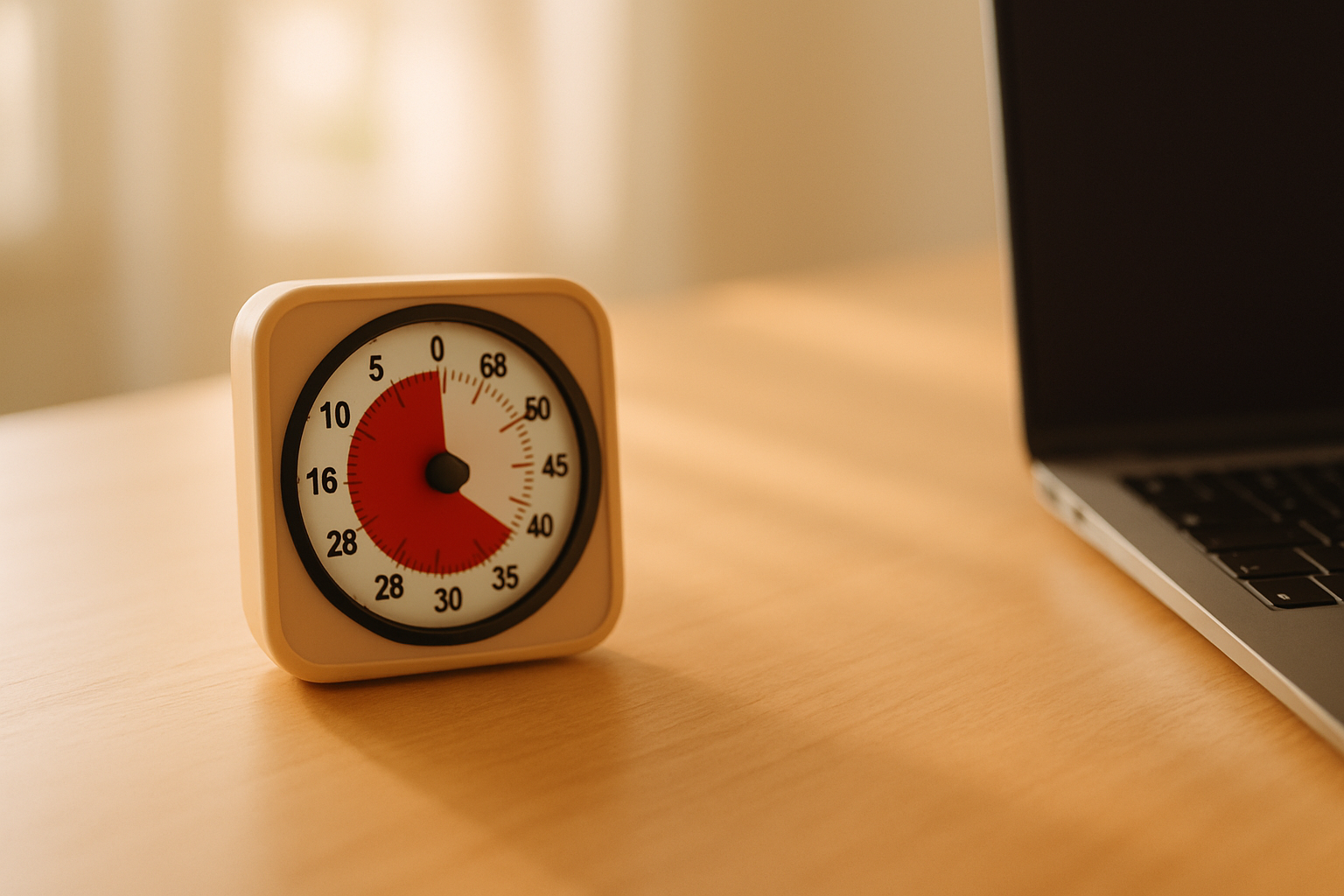

A visual timer shows time passing as a shrinking shape, colored disk, bar, or other visible signal. For some people with ADHD, that signal is easier to check than a clock that only displays numbers.
The tool is simple, but the category is not. A physical disappearing-disk timer, a countdown app, a visual daily planner, and a gamified focus app solve different problems.
The best choice depends on what is breaking down. You may need help starting, noticing a transition, stopping a period of hyperfocus, or seeing how one activity fits into a longer routine.
A timer is not an ADHD treatment, and it will not work for everyone. It is one external cue that can make an invisible limit easier to notice.
Visual timer options compared
Physical disappearing-disk timer
- Best for: transitions, meetings, chores, and device-free work.
- Main strength: visible from across the room without opening a phone.
- Main tradeoff: one countdown does not show the rest of the routine.
Visual countdown app
- Best for: portable timers with flexible lengths and alerts.
- Main strength: always available and easy to customize.
- Main tradeoff: the phone can become a distraction.
Visual schedule or planner
- Best for: seeing several tasks and transitions together.
- Main strength: connects time to the sequence of a day.
- Main tradeoff: takes more setup than a basic countdown.
Gamified focus timer
- Best for: repeated work sessions and motivation.
- Main strength: adds a visible reward or progress loop.
- Main tradeoff: the game can become more important than the task.
The comparison matters because a failed timer may be the wrong type of tool rather than proof that visible time does not help.
How a visual timer can help
Clock time is abstract. The difference between 20 minutes and 5 minutes is clear as a number, but the number does not always create a felt sense of urgency or proportion.
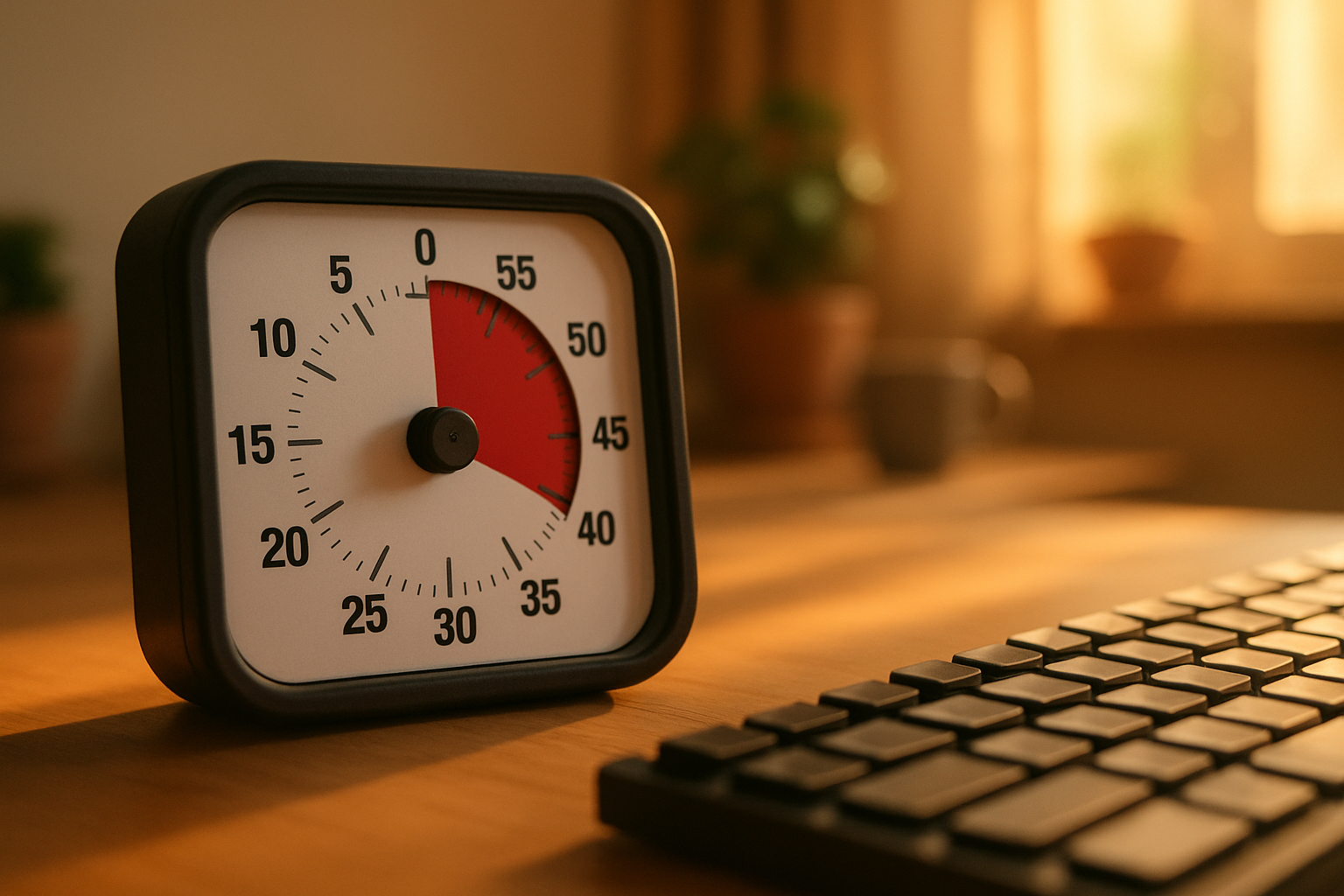
A shrinking disk or bar turns the same interval into a changing object. One glance can show whether most of the session remains or whether a transition is close.
That external signal can support three practical jobs.
- Starting: a short visible interval makes the first step feel bounded.
- Staying oriented: the remaining shape answers “how much longer?” without mental subtraction.
- Switching: the changing display and final cue make the end of an activity less surprising.
The timer does not create attention. It makes one part of the plan visible outside your head.
Physical visual timers remove the phone
The classic example is the Time Timer. Its colored disk becomes smaller as the countdown runs. The company sells physical models and also offers app-based versions.
A physical timer works well when the phone is part of the problem. You can place it beside a laptop, on a kitchen counter, or where everyone in a room can see the same limit.
It also reduces setup. Turn the dial, place the timer in sight, and begin. There are no notifications, accounts, menus, or reward systems to configure.
The limitation is scope. A physical timer shows one interval. It does not explain what happens after it ends, track a complex routine, or remember how many sessions you completed.
Visual timer apps are portable but easier to ignore
A phone or desktop app can show a disk, ring, bar, or animated countdown. Apps are useful when you need several presets, vibration, different alert sounds, or a timer that travels with you.
The app should keep the remaining time visible. If checking it requires unlocking the phone, finding the app, and reopening the timer, the cue has already lost some of its advantage.
Test the alert before depending on it. A sound that is too quiet may disappear. A harsh alarm may create enough anxiety that you avoid starting the timer at all.
Use Focus mode or another notification filter if unrelated messages pull you away from the countdown. A useful timer should reduce context switching, not introduce a new source of it.
A visual schedule solves a larger problem
A countdown answers how much time remains in the current block. A visual schedule answers what is happening now, what comes next, and where the transitions sit.
Tiimo is one example of a visual planner. It combines daily activities, routines, reminders, and focus tools rather than acting as only a standalone timer.
That broader view can help when the real difficulty is sequencing. “Get ready” may still be too vague. A visible routine can separate shower, clothes, breakfast, medication, bag, and departure.
The tradeoff is maintenance. A detailed schedule that takes too long to build or update can become its own abandoned project.
Start with one repeated transition. My guide to building an ADHD morning routine uses the same idea. Make the next action and its cue obvious before adding more structure.
Gamified focus timers add motivation
Tools such as Forest connect a focus interval to visible progress. The growing tree gives the session a small consequence beyond the clock.
That can be useful when starting a dull task is the hardest part. The reward provides an immediate reason to protect a short work block.
Gamification can also become noise. If you spend more time choosing settings, protecting streaks, or managing rewards than doing the task, use a simpler timer.
For released options, my gamified focus app comparison separates the timer itself from the reward system around it.
Pair the countdown with a specific action
“Focus for 25 minutes” still leaves a decision. The timer works better when the first visible action is already chosen.
- Write one finishable action, such as “outline the first three sections.”
- Choose an interval small enough that starting feels realistic.
- Put the timer where it stays visible.
- Decide what the end cue means before you start.
- When it ends, stop, continue deliberately, or set the next block.
The end cue should trigger a decision, not automatically force a break. If you are working well, note the remaining commitment and choose whether to continue. That keeps the timer from becoming an interruption you learn to ignore.
Use different intervals for different jobs
The familiar 25-minute Pomodoro is one option, not a rule. Match the interval to the failure point.
- Task initiation: try 5 or 10 minutes with permission to stop afterward.
- Routine transition: show the actual time available before departure or the next event.
- Hyperfocus check: use a longer interval as a prompt to review food, water, posture, and the next commitment.
- Small chore: choose a short sprint and define what “enough” means before it begins.
If the interval repeatedly ends at the wrong moment, change it. The purpose is to support the work, not prove that you can obey a famous number.
When visual timers add stress
A shrinking display can feel helpful to one person and like a visible threat to another. Some people become more anxious as the colored area disappears. Others tune it out after a few sessions.
Try a count-up timer, a gentler alert, or a timer placed at the edge of your view if a constant countdown creates pressure. A visual schedule without a second-by-second display may work better for transitions.
Do not use a timer as punishment. For a child, explain what the timer means and what will happen at the end. Give a clear transition warning and keep the rule consistent.
Adults deserve the same clarity. If an alarm regularly arrives with no realistic stopping point, the problem may be the task plan rather than a lack of discipline.
A normal timer may be enough
If you already notice a numeric countdown and act when it ends, you may not need a visual replacement. A standard kitchen timer, watch, or voice assistant can provide the same boundary with less setup.
Choose a visual version when seeing proportion helps, when other people need to share the cue, or when the changing display makes transitions less surprising.
The tool earns its place only if it changes behavior. Do not judge it by the number of themes, sounds, statistics, or integrations in its settings screen.
If the problem is wider than one time cue, my guide to the best apps for ADHD separates planning, focus, memory, and motivation tools.
How to choose a visual timer
Start with the environment and the job.
- Visibility: can you see the remaining time without interrupting the task?
- Friction: can you start a common interval in a few seconds?
- Alert: is the end cue noticeable without being distressing?
- Distraction: does the device expose messages, games, or other apps?
- Sequence: do you need one countdown or an entire routine?
- Portability: will the timer stay where the transition actually happens?
Run the same small test for several days. Use one task, one interval, and one end action. Change only one part when the system fails.
Questions about visual timers for ADHD
What is the best visual timer for ADHD? There is no universal best choice. A physical disk is useful for device-free visibility. An app is more portable. A visual planner is better when the whole routine needs support.
Do visual timers work for adults? Adults can use them for starting, transitions, meetings, chores, or hyperfocus checks. The relevant question is whether the visible signal changes the specific behavior that is getting stuck.
Are visual timers only for children? No. The same external cue can be useful at any age. Children may need more explanation, transition support, and adult consistency around what the timer means.
What if the countdown causes anxiety? Reduce its visibility, use a softer alert, try counting up, or switch to a visual schedule. Stop using the setup if it consistently adds more distress than support.
How long should an ADHD focus timer be? Use the shortest interval that helps you begin without creating constant interruption. Five, ten, twenty-five, or fifty minutes can all be reasonable for different jobs.
Make time visible, then keep the system small
A visual timer is useful when it makes one hidden boundary easier to notice. It does not need a complete productivity system around it.
Choose one recurring problem, put the cue where the problem happens, and decide what the end means. If the signal helps, keep it. If it adds pressure or becomes invisible, change the format.
The best timer is not the most advanced one. It is the one you can start quickly, notice without effort, and use to make the next transition clearer.