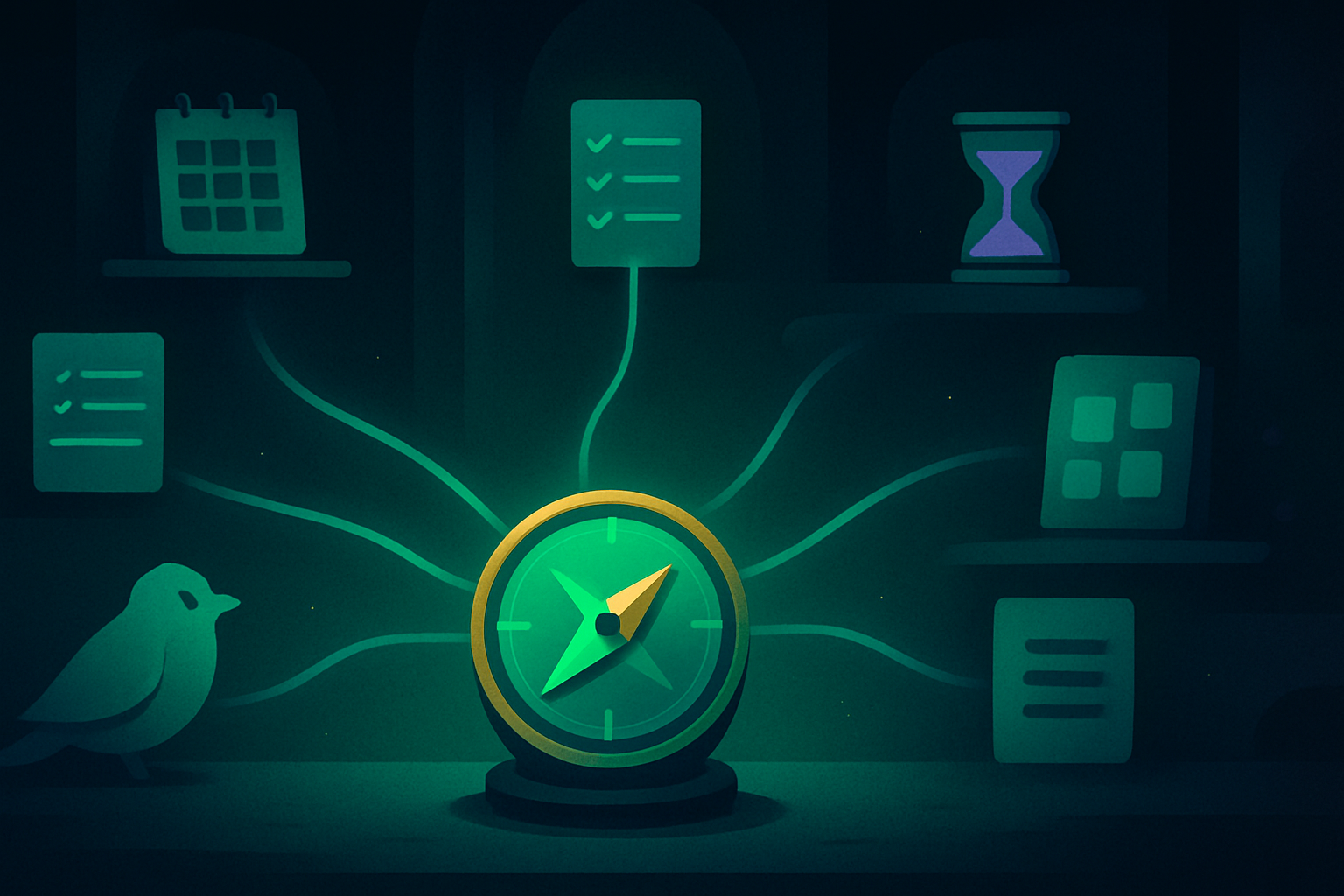

A good Tiimo alternative should fix the part of planning that still feels hard. Maybe you cannot see the day or start a task. Maybe you need a routine, a lower price, or the same list on every device.
Tiimo already handles visual schedules well. Switching only makes sense when another app solves your actual problem with less friction.
I checked current official product pages, help centers, and prices on August 13, 2026. I did not test every app for weeks. This is a feature and fit comparison, not a collection of invented hands-on reviews.
If your problem is broader than planning, my guide to apps for ADHD separates planning, focus, memory, self-care, and motivation tools.
What Tiimo does well and when not to switch
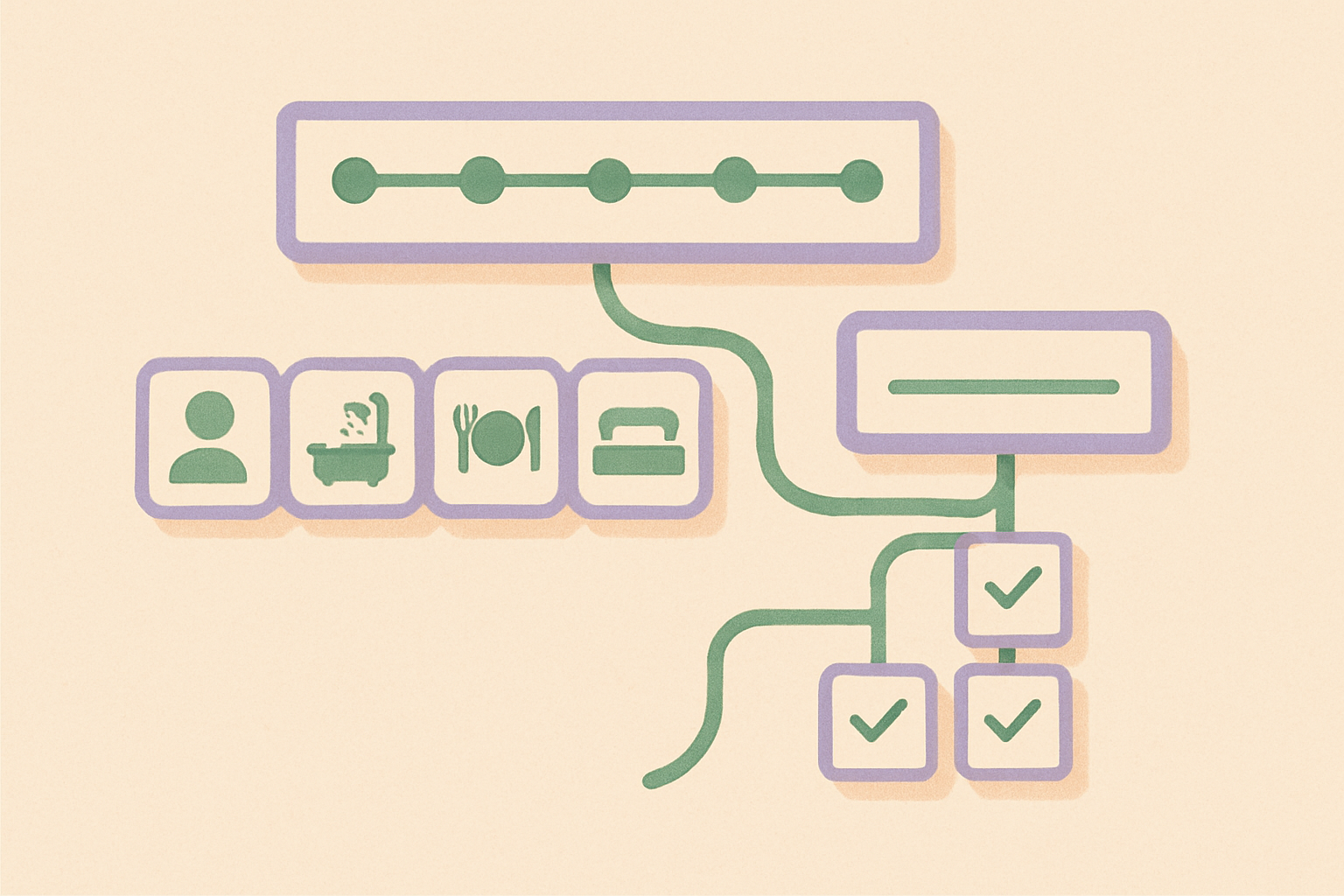
Tiimo is strongest when you need to see time. It turns the day into a visual timeline and keeps tasks visible through widgets. It also includes a focus timer and connects your plan across devices.
The official Tiimo site also describes an AI co-planner. It can turn a brain dump into steps, estimate task length, and arrange those steps into a schedule.
Its free mobile version includes core planning tools, to-do lists, and the focus timer. Tiimo Pro adds the web planner and AI task breakdown. It also adds advanced scheduling and more customization.
Do not switch because a new app looks cleaner in screenshots. Stay with Tiimo if the timeline helps you start, the reminders arrive at the right moment, and you can recover after a missed day without rebuilding the plan.
The best Tiimo alternative depends on what is still hard
| If this is the problem | Try | Why it fits |
|---|---|---|
| You want a similar visual timeline | Structured | Tasks and events share one day timeline |
| You cannot turn a large task into steps | Goblin Tools | Magic ToDo breaks work into smaller actions |
| You lose your place inside routines | Routinery | A timer guides one routine step at a time |
| You need a completely free task list | Microsoft To Do | My Day, reminders, steps, and list sync are free |
| Planning pressure is the real problem | Finch | Self-care goals support a gentle virtual pet |
| You need fast capture and project depth | Todoist | Quick Add, projects, priorities, and recurring tasks scale well |
| You want planning and wellbeing in one place | Brite | Calendar, tasks, habits, mood, and routines share one app |
These apps do not all copy Tiimo. That is the point. A close copy helps only when the visual timeline is still the right tool and you dislike Tiimo’s particular version of it.
Structured is the closest visual timeline replacement
Structured is the most direct Tiimo replacement in this list. It combines tasks, calendar events, and an inbox into one visual day timeline.
The official Structured site emphasizes seeing the entire day in one place. Its free version covers most core features. Structured Pro adds calendar import, recurring tasks, custom notifications, and more.
Structured runs on Apple devices, Android, and the web. Its help center says Android and web still lack a few iOS features. Check the tool you need before moving everything.
Choose Structured when the timeline is useful but you want a different interface, a lifetime-purchase option, or a planner that feels less centered on neurodivergent coaching.
Goblin Tools breaks a large task into smaller steps
Goblin Tools is the better choice when you can see the plan but still cannot begin. Its Magic ToDo tool turns a broad task into smaller actions, and the adjustable spiciness level controls how much detail it adds.
The official Goblin Tools site also includes a task estimator and a one-task-at-a-time mode. It can compile a brain dump and export to tools such as Todoist, Notion, and TickTick.
The web tools are intentionally narrow. You do not get Tiimo’s visual daily schedule, calendar views, or polished widgets. You get help converting “clean the kitchen” into a first action that is small enough to start.
Choose Goblin Tools beside your current calendar if task breakdown is the missing layer. It does not need to replace the rest of your planning system.
Routinery guides one routine step at a time
Routinery works best when repeated transitions are harder than planning the whole day. You build an ordered routine, start it, and follow a timer through each action.
The official Routinery site centers its routine timer, ready-made templates, progress records, widgets, and support for focusing on one action at a time.
That structure fits a morning sequence, an evening shutdown, medication reminders, or a repeated cleaning routine. It is less useful for a day full of appointments that move around.
Choose Routinery when “what comes next?” keeps breaking a familiar sequence. Keep Tiimo or another calendar for the rest of the day if you still need a wider timeline.
Microsoft To Do keeps daily planning free and simple
Microsoft To Do is the simplest choice when cost and easy capture matter more than visual scheduling. A personal Microsoft account gives you the app without another paid plan.
Microsoft’s official guide explains how My Day pulls tasks from different lists into one daily view. A task can include steps, a due date, a reminder, a file, or a note.
To Do also connects with Outlook and flagged email. It works across Windows, Mac, iPhone, Android, and the web, which makes it practical for people already using a Microsoft account on several devices.
The tradeoff is visibility. My Day is a focused list, not a visual timeline. Choose it when Tiimo feels like too much system and a short daily list is enough.
Finch replaces planning pressure with gentle self-care
Finch fits when the planner is not the real problem. Stress, low energy, or guilt may keep you from returning. Caring for a virtual bird can create a gentler reason to complete a small goal.
Finch says its core self-care features remain free. That includes caring for your bird, setting goals, reflecting, sending encouragement to friends, and joining seasonal events. Finch Plus adds more customization and content.
Finch does not replace Tiimo’s time blocking or cross-device day planning. It changes the job from “show me the schedule” to “help me return without making the day feel worse.”
My Finch alternatives guide covers the wider companion and mood-tracking options. The Finch vs Habitica comparison helps if you want deeper game mechanics.
Todoist handles fast capture and larger task systems
Todoist is a stronger fit when your task system must scale across work and personal projects. Quick Add understands common date phrases. It can capture due dates and recurring tasks without several setup screens.
The official Todoist plans page lists a free tier with five personal projects, reminders, list and board layouts, filters, and calendar integrations.
Paid plans add calendar layout, task duration, more projects, custom reminders, and deeper filters. Todoist supports subtasks, priorities, sections, labels, shared projects, and many integrations.
Choose Todoist when capture and project organization matter more than a calming visual day. Its flexibility can become another maintenance project, so start with one inbox and one Today view.
Brite combines planning, habits, mood, and routines
Brite fits people who want one broad dashboard instead of separate apps. It combines tasks, projects, and calendar views. Habits, mood entries, routines, and wellbeing tools sit beside them.
The official Brite pricing page lists a free plan with day scheduling. It also includes limited projects and habits, mood diaries, and meditation guides. Premium expands the main limits and calendar views.
Brite works on the web and Apple devices, while its main product page also links to Google Play. Check the current feature set on your device because broad all-in-one apps often differ across platforms.
Choose Brite when Tiimo feels too focused on scheduling and you want habits and mood beside the plan. Skip it when an all-in-one dashboard creates more choices than it removes.
Tiimo vs Structured is the closest visual-planner decision
Choose Tiimo when neurodivergent-first design, a visual focus timer, flexible nudges, and AI-assisted scheduling are the main reasons you use a planner.
Choose Structured when you mainly want one clean timeline for tasks and events. Its interface and lifetime-purchase option may also matter. Check platform support first because some features reach iOS before Android and web.
Both apps can show the day visually and sync across different device types. The real difference is not which one has more checkboxes. It is which timeline you can update after the day changes.
How to test a Tiimo alternative for one week
Move only one normal week into the new app. Do not rebuild your entire life on the first evening.
- Pick the one failure you want the app to fix.
- Add three recurring tasks and tomorrow’s real appointments.
- Use one reminder style and one daily view.
- Include one difficult day, not only a fresh Monday.
- Check whether you started faster and returned after an interruption.
A timer can help during the test, but it should support a clear task rather than become the task. My focus timer guide explains how to choose a session length without turning the setup into another delay.
Keep Tiimo installed during the test. At the end of the week, compare missed tasks and setup time. Also check reminder fatigue and how easily you recovered after the plan changed.
Tiimo alternative questions
What is the closest free Tiimo alternative? Structured is the closest visual match and offers a broad free version. Microsoft To Do is simpler and free, but it replaces the timeline with My Day and task lists.
Which alternative works on Android? Tiimo, Structured, Goblin Tools, Routinery, Microsoft To Do, Finch, Todoist, and Brite all offer an Android path. Feature parity may differ, especially for Structured’s newer Android and web versions.
Which app is best for visual time blocking? Structured is the closest direct competitor in this list. Tiimo may still be better if its visual timer, widgets, and neurodivergent-first design are what keep the schedule usable.
Which app is best for routines? Routinery is the focused choice for ordered, timed sequences. Tiimo is better when routines must sit beside appointments and a wider daily schedule.
Which app helps with task initiation? Goblin Tools can turn a vague task into smaller actions. Finch can reduce emotional friction. Neither replaces a calendar, so pair the chosen tool with the lightest schedule that works.
Can one app handle planning, habits, and mood? Brite attempts that all-in-one job. The tradeoff is more interface and more features to manage. A smaller two-app system can be easier to maintain.
The short answer by failure mode
Structured is the closest visual Tiimo alternative. Goblin Tools is best for breaking down a task. Routinery is best for step-by-step routines. Microsoft To Do is the simplest free task list.
Finch is the gentlest option when planning pressure is the problem. Todoist fits larger task systems. Brite fits people who want planning, habits, and mood in one dashboard.
Keep Tiimo if its timeline already gets you through a normal week. Switch only when you can name the exact point where the current system stops helping.