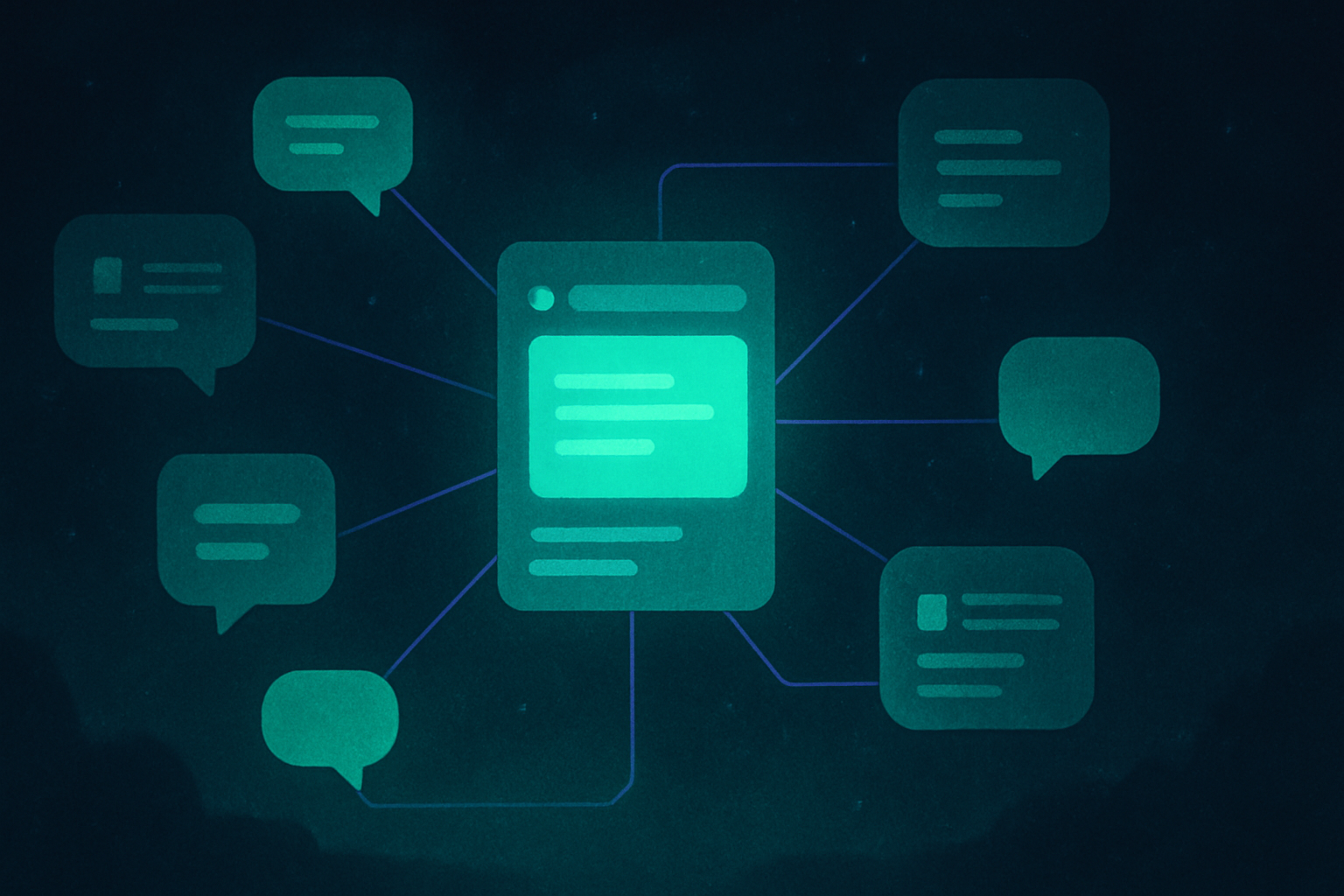

A personal AI assistant is software that handles a chunk of your day the way a human assistant would. It answers questions, drafts things, organizes files, and increasingly takes multi-step action on your behalf instead of just replying once and stopping.
I run one for my own AI operating system, not as a demo. Here is what a personal AI assistant really is, what it is good at right now, and where the “replace a human assistant” pitch is honest and where it is not.
What a personal AI assistant actually does today

I find it useful to separate three kinds of help. They overlap within the same product, so these are workflow choices rather than fixed product tiers.
A chat assistant answers questions in a conversation. Closing the tab does not automatically erase its history or memory. What carries into another chat depends on the product, settings and context available to that chat.
Memory and file access add another layer. ChatGPT can carry context across chats, for example. But remembering a preference does not mean the assistant has permission to read or change every file you own.
An agentic assistant can work through a multi-step task using the tools you permit. Claude Cowork is one example, and it was part of my earlier workflow. Check its outputs and keep approval points for consequential actions.
What people use a personal AI assistant for
The honest answer is unglamorous. Drafting emails and messages so you are not staring at a blank page. Summarizing long documents or meeting notes. Organizing a messy folder or inbox. Answering research questions with citations instead of a vague half-memory. Planning a project by breaking it into steps you can actually check off.
None of that is a moonshot. It is the boring, repetitive work that eats a normal day, handed to something that does not get tired of it.
Is an AI powered personal assistant different from a simple chatbot?
The labels overlap. A chatbot can have memory, and an assistant can lose context or miss an instruction. The useful questions are what it can remember, which files it can access, and which actions it can take with your permission.
I keep my own context in a plain-text vault, Markdown files in Obsidian, rather than trusting any one tool’s built-in memory. That is specifically so the assistant is a worker reading shared notes, not the single place my business context lives. If the tool disappears tomorrow, my context does not disappear with it.
Can an AI executive assistant replace a human one?
It can help with parts of the job. That does not make it a substitute for a person who owns the outcome, checks the work and handles sensitive decisions.
Drafting correspondence, sorting files and preparing a schedule are useful tasks to try. The amount of time they save depends on the work and the checking it needs.
I would not put a percentage on how much of an assistant’s job AI replaces. For decisions with real consequences, a person still needs to review the result and decide what happens next.
The best personal AI assistants right now, and how to actually pick one
There is no single best answer here, because the right pick depends on what you are already using daily.
Start with the job you need done. Test whether an assistant can use your actual documents and connected tools, retain the context you want, and show enough evidence for you to check its answer.
For example, ask it to summarize a small project folder and draft a next-step list. Check the source files yourself before giving it a larger task.
Then compare the plan and access you need. My Cowork pricing guide explains that product’s plan choices.
Pick based on where your actual files and habits already live, not based on a benchmark score you will never personally notice.
Building your own personal AI setup, the honest version
I did not start with a fancy system. I started because I was tired of re-explaining my business to a new chat every time I needed help.
So I built a small AI operating system. A plain-text vault holds who I am, what I am building, and the rules that should not get broken, plus a set of reusable skills for specific recurring jobs. Every AI tool I use reads from the same shared notes instead of starting cold. That is the entire trick behind a personal AI assistant that actually feels personal. The assistant is not where your context lives, your own notes are, and the assistant just reads them.
For a Claude-based setup, my skills library guide explains which skills to consider and what to check before adding one.
Personal AI assistant, quick answers
Is a personal AI assistant the same as a chatbot? The categories overlap. Chat products can retain context, while agentic features add tools and multi-step work. Judge the specific features and permissions, not just the label.
Do I need a paid plan? It depends on the task and product. Cowork requires a paid plan. Check the feature and usage limits you actually need before subscribing.
Can an AI assistant replace a human executive assistant? It can help with bounded tasks such as drafts and file sorting. That does not establish that it can take over the whole role or make sensitive decisions safely.
Where should I keep my own context if I use more than one AI tool? In your own files, a plain-text vault or a shared doc, not locked inside one tool’s memory feature, so switching tools does not mean starting over.
Where this actually runs
I run my own version of this every day, a plain-text vault plus a set of skills that turn a general AI tool into something that actually knows my business. If a connected system like that interests you, join the Tandri waitlist.