

An n8n-MCP skill can mean different products in search results. n8n now has a first-party instance-level MCP server and an official n8n Skills package. Community packages use similar names. My setup adds one more layer with local AIOS safety rules.
Those layers do different jobs. The MCP server gives Codex tools. The official skills teach broad n8n practices. My local rules preserve business-specific limits such as private drafts, manual execution, and a separate approval before scheduling.
This guide shows how I connect the official pieces and where I add my own guardrails.
Four layers behind an n8n-MCP skill
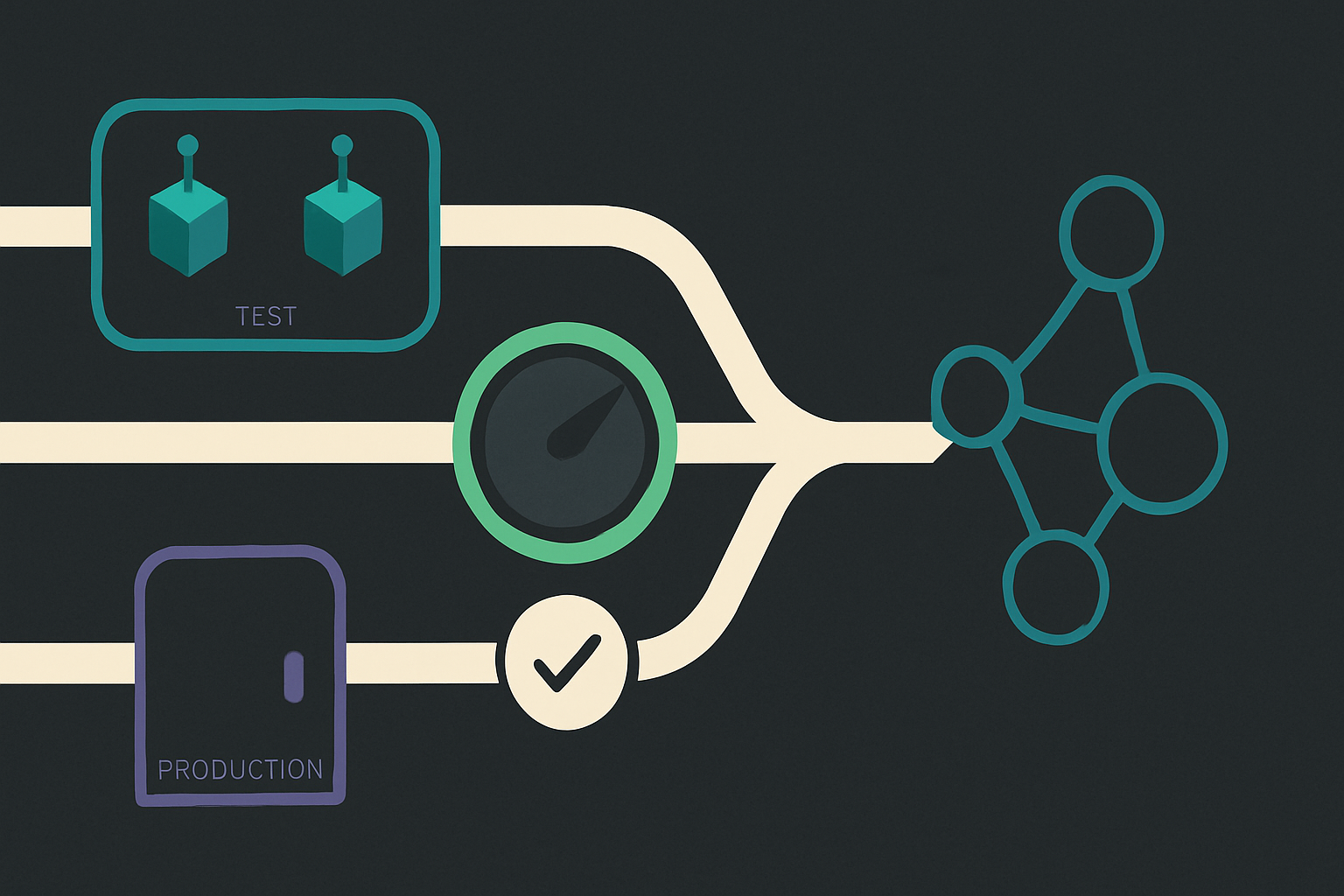
| Layer | What it does | Who maintains it |
|---|---|---|
| Instance-level n8n MCP | Connects an AI client to workflows, nodes, executions, and data tables | n8n |
| Official n8n Skills | Adds 13 capability skills and one routing skill for the workflow lifecycle | n8n |
| Community n8n MCP packages | Offer alternative servers, references, or skill packs | Independent developers |
| Local AIOS rules | Add my approval, publishing, and verification boundaries | My own system |
The first two are now the clearest place to start. The official n8n Skills repository says the package was built by the n8n team for its instance-level MCP server. It covers expressions, node setup, loops, agents, credentials, error handling, debugging, and more.
Community work still matters. It helped establish this category and may offer features that fit another setup. The key is to check which layer a tutorial means before following its commands.
If you are still choosing connectors, my short MCP server list explains that broader decision. This post stays focused on n8n setup and safety.
What the official n8n Skills package adds
The n8n MCP server already exposes references, node discovery, type definitions, validation, testing, and execution tools. The Skills package adds reusable instructions around those tools.
Its 13 capability skills cover the workflow lifecycle, subworkflows, expressions, node configuration, code nodes, loops, agents, error handling, credentials, binary data, data tables, and debugging. A 14th routing skill points the agent to the right capability skill.
The package also includes reference files, worked examples, and hooks that remind Codex to load relevant guidance before important tool calls.
That helps with a problem n8n documents in its product announcement. AI-built workflows can make silent design choices, choose the wrong node, or need another pass. The MCP validates structure, but the operator still has to define the outcome and boundaries.
The official package does not know my WordPress approval process. That is why I keep a small local rulebook beside it.
How to install the official n8n-MCP skill in Codex
You need an n8n instance with Instance-level MCP enabled. The Skills repository lists n8n 2.2.0 as the minimum and recommends the latest stable version.
The plugin requires Codex 0.142.0 or newer. n8n’s setup guide covers the server side.
In a terminal, add the official marketplace and plugin.
codex plugin marketplace add n8n-io/skills
codex plugin add n8n-skills@n8n-io
Restart Codex and approve the hook-trust prompt. The hooks load the routing skill and show reminders before higher-impact n8n calls.
Codex still needs the MCP connection. Add your own n8n domain with this command.
codex mcp add n8n-mcp --url https://YOUR-N8N-DOMAIN/mcp-server/httpThe desktop route works too. Open Codex Settings, select MCP servers, choose Add server, and choose Streamable HTTP. Paste the server URL from n8n Connection details, save it, and restart Codex. OpenAI’s Codex MCP guide documents the same desktop flow.
Codex can authenticate with OAuth on first use. You can also select Authenticate beside the server. A local callback page that says authentication is complete is the handoff back to Codex.
Verify the connection with /mcp and a read-only workflow search. Do not make the first check a workflow change or live execution.
The safety rule I added after a real incident
During my July 2026 migration, an AI session hit a “no published active version” error. The session log records it publishing two image workflows to clear the error. A third workflow, the WordPress proxy, was also found published.
n8n’s own history did not identify who published that third workflow or the exact time. Its activeVersionId identified the published definition, but it did not prove activation causality. The retained execution history showed no evidence of third-party use.
Brannon approved containment. Codex then unpublished the three internal workflows and verified their states again.
The lasting rule is simple. Every AIOS call to execute_workflow must set executionMode to manual. Never call publish_workflow on an AIOS workflow to solve a test error.
The public n8n tools reference listed production as the default when I checked it. The current Codex-exposed schema in my environment requires the mode to be explicit. I still pin manual every time because explicit intent survives interface changes.
Publishing matters most when a workflow has a Webhook, Schedule, Form, or Chat trigger. Those triggers can become available for production use. An internal workflow does not need that exposure merely to support an approved test.
Test logic before touching a live service
The safest test path does not begin with execute_workflow.
Use prepare_test_pin_data and test_workflow first. They pin trigger nodes, credentialed nodes, and HTTP requests so you can check workflow logic without calling those external services.
Use execute_workflow with manual mode only when the approved integration test must reach a live external service. Manual mode is safer than production mode, but it can still create a WordPress draft, send a message, or change another connected system.
Use production mode only for an intentional run of a published workflow.
| Goal | Tool path | External side effects |
|---|---|---|
| Test internal logic | prepare_test_pin_data, then test_workflow | Credentialed and HTTP nodes are pinned |
| Test an approved live integration | execute_workflow with manual | Possible |
| Run a published automation | execute_workflow with production | Expected |
Workflow creation and editing require n8n 2.13 or newer. Pin-data testing requires n8n 2.15 or newer. A recent stable version is the practical choice because the first-party MCP is still evolving.
A reusable local rulebook
My file named Skills/wordpress.md is an AIOS instruction file. It is not automatically a Codex SKILL.md package. The official n8n plugin supplies formal Codex skills. My file supplies rules for this specific content system.
The useful part is short enough to reuse in a project instruction file or a formal local skill.
For every AIOS workflow execution

1. Read workflow details and its input schema first.
2. Test logic with pin data before reaching live services.
3. Set executionMode to manual for approved live integration tests.
4. Never publish an AIOS workflow to solve an execution error.
5. Never inspect or change credentials unless that is the approved task.
6. Treat a started execution as pending, not complete.
7. Read the final execution status with get_execution.
8. Fetch every external write back from the destination.
9. Keep draft creation separate from scheduling or publishing approval.
The final three lines close a common verification gap. execute_workflow returns an execution ID and a started status immediately. That does not prove completion.
Codex must call get_execution, confirm the final state, and inspect the destination. For WordPress, the fetch-back checks status, title, taxonomy, SEO fields, featured image, and body content.
That draft-first boundary also appears in my n8n WordPress automation pipeline.
Add least privilege and Codex approvals
Connect n8n with a user whose access matches the job. The official tool reference notes that workflow search can list every workflow the connected user can access, even when a workflow is not marked Available in MCP.
The Available in MCP switch is therefore not a complete privacy boundary for workflow names and descriptions. Limit the connected account and keep secrets out of names, descriptions, prompts, and instruction files.
Codex also supports approval controls for MCP tools. The server setting default_tools_approval_mode = "writes" prompts for tools that are not marked read-only. A specific tool can receive a stricter approval_mode override.
Approvals and skills solve different problems. Approval asks whether a write may happen. A skill explains which write, in which mode, and what proof must follow.
Common problems and the safer fix
Codex does not show the n8n tools. Restart Codex, check /mcp, and confirm that the server is enabled before reconnecting it.
OAuth ends on a localhost page. If it says authentication is complete, close the page and return to Codex.
The workflow has no published active version. Do not publish it. Use test pin data or an approved manual execution.
A test says started. Poll the execution with get_execution until it reaches a final status.
A live write reports success. Fetch the saved object from its destination and compare the fields that matter.
Codex sees more workflow names than expected. Review the connected n8n user’s access. The per-workflow MCP switch does not restrict workflow search results.
A UI change disappeared. Tell Codex to read the latest workflow before updating it. n8n warns that stale context can overwrite newer UI edits.
The practical answer
Use the first-party n8n MCP server for the connection. Add the official n8n Skills package for broad workflow guidance. Keep a small local n8n-MCP skill for rules that belong only to your business.
For my setup, the key sequence is test with pin data, run approved live tests in manual mode, inspect the final execution, and fetch every external write back. Publishing a workflow and scheduling a WordPress post remain separate approvals.
That structure keeps the useful speed of Codex and n8n without treating every successful tool call as proof that the right thing happened.