
A personal AI assistant is software that handles a chunk of your day the way a human assistant would. It answers questions, drafts things, organizes files, and increasingly takes multi-step action on your behalf instead of just replying once and stopping.
I run one for my own AI operating system, not as a demo. Here is what a personal AI assistant really is, what it is good at right now, and where the “replace a human assistant” pitch is honest and where it is not.
What a personal AI assistant actually does today

The category covers three different levels of help, and most of the confusion about what these tools can do comes from mixing them up.
Level one is a chat assistant. Ask a question, get an answer, and nothing persists between sessions unless the tool has memory turned on. ChatGPT, Claude, and Gemini all work this way by default.
Level two is an assistant with memory and files. It remembers who you are and what you are working on across sessions, and it can read and edit documents you give it access to. This is where most “personal AI assistant” tools actually sit in 2026.
Level three is an agentic assistant. It plans a multi-step task, works through it, and checks in with you at the points that matter instead of asking permission for every click. Claude’s Cowork mode is a working example of this, and it is the level I actually build my own workflow on.
What people use a personal AI assistant for
The honest answer is unglamorous. Drafting emails and messages so you are not staring at a blank page. Summarizing long documents or meeting notes. Organizing a messy folder or inbox. Answering research questions with citations instead of a vague half-memory. Planning a project by breaking it into steps you can actually check off.
None of that is a moonshot. It is the boring, repetitive work that eats a normal day, handed to something that does not get tired of it.
Is an AI powered personal assistant different from a simple chatbot?
Yes, and the difference is the thing worth paying for. A chatbot answers one question at a time and forgets you the moment the tab closes. An AI powered personal assistant carries context, who you are, what you are building, your preferences, across every session, and can act on that context instead of just talking about it.
I keep my own context in a plain-text vault, Markdown files in Obsidian, rather than trusting any one tool’s built-in memory. That is specifically so the assistant is a worker reading shared notes, not the single place my business context lives. If the tool disappears tomorrow, my context does not disappear with it.
Can an AI executive assistant replace a human one?
For a narrow set of tasks, yes. For the whole job, not yet, and pretending otherwise sets you up to be disappointed.
An AI executive assistant is genuinely good at scheduling logic, drafting correspondence, research, and file organization. It is not good at reading a room, handling a sensitive human conversation, or making a judgment call with real stakes and no clear rule to follow. The honest framing is that it removes the repetitive 70 percent of the job, so a human (you, or an actual hired assistant later) spends time on the 30 percent that actually needs a person.
The best personal AI assistants right now, and how to actually pick one
There is no single best answer here, because the right pick depends on what you are already using daily.
If your life runs through Gmail, Docs, and Sheets, Gemini’s advantage is reach. It can pull real context from those tools directly, and that matters more than a marginally smarter model. If you want an assistant built around getting real work done in files and multi-step tasks, Claude’s memory and Cowork mode are built for exactly that. ChatGPT’s saved-memories system is the most transparent about showing you what it actually remembered and why, which matters if you want to audit what a tool knows about you.
Pick based on where your actual files and habits already live, not based on a benchmark score you will never personally notice.
Building your own personal AI setup, the honest version
I did not start with a fancy system. I started because I was tired of re-explaining my business to a new chat every time I needed help.
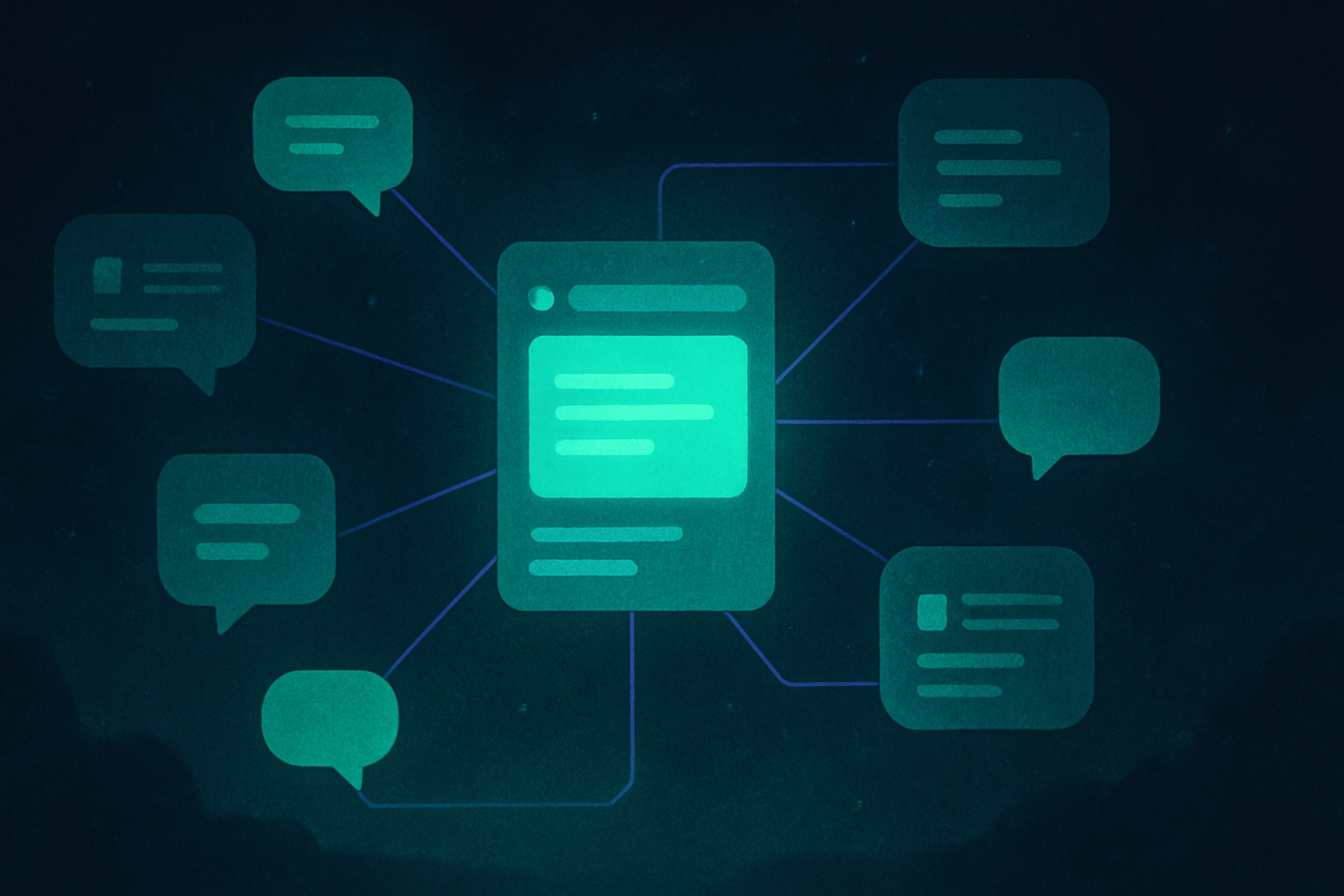
So I built a small AI operating system. A plain-text vault holds who I am, what I am building, and the rules that should not get broken, plus a set of reusable skills for specific recurring jobs. Every AI tool I use reads from the same shared notes instead of starting cold. That is the entire trick behind a personal AI assistant that actually feels personal. The assistant is not where your context lives, your own notes are, and the assistant just reads them.
Personal AI assistant, quick answers
Is a personal AI assistant the same as a chatbot? No. A chatbot answers a question and forgets you. A personal AI assistant carries context and, at the agentic level, can act on multi-step tasks instead of just replying once.
Do I need a paid plan for a real personal AI assistant? Usually yes for the agentic, file-working level (Claude Cowork, for example, needs a paid plan). Free tiers cover basic chat and light memory.
Can an AI assistant replace a human executive assistant? For repetitive tasks like drafting, scheduling logic, and research, yes. For judgment calls and sensitive human interaction, not yet.
Where should I keep my own context if I use more than one AI tool? In your own files, a plain-text vault or a shared doc, not locked inside one tool’s memory feature, so switching tools does not mean starting over.
Where this actually runs
I run my own version of this every day, a plain-text vault plus a set of skills that turn a general AI tool into something that actually knows my business. If a connected system like that interests you, join the Tandri waitlist.