
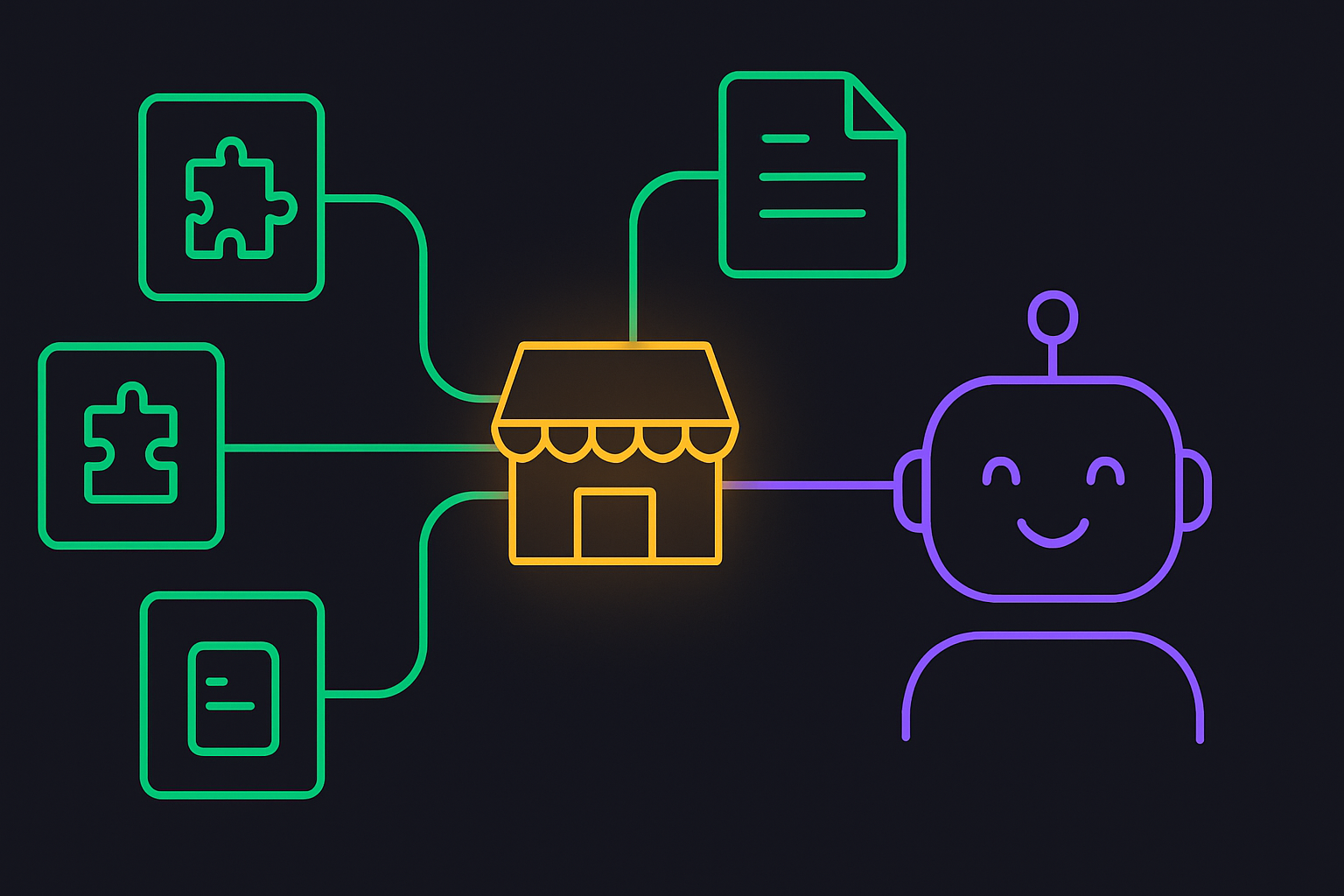

If you have started using Claude skills and gone looking for more, you have probably run into the phrase “Claude skills marketplace” and found it means a few different things at once.
There is an official one, there are community ones, and the installation steps are not obvious the first time.
I build small skills for my own setup, so here is the plain version: what a Claude skills marketplace actually is, how to add one and install a skill, and how to publish your own once you have built something worth sharing.
I run a lot of my solo dev work through Claude, and skills are the part that turned it from a clever chat into something repeatable. A marketplace is just how those skills get distributed, so it is worth understanding before you start collecting them.
What is a Claude skills marketplace?
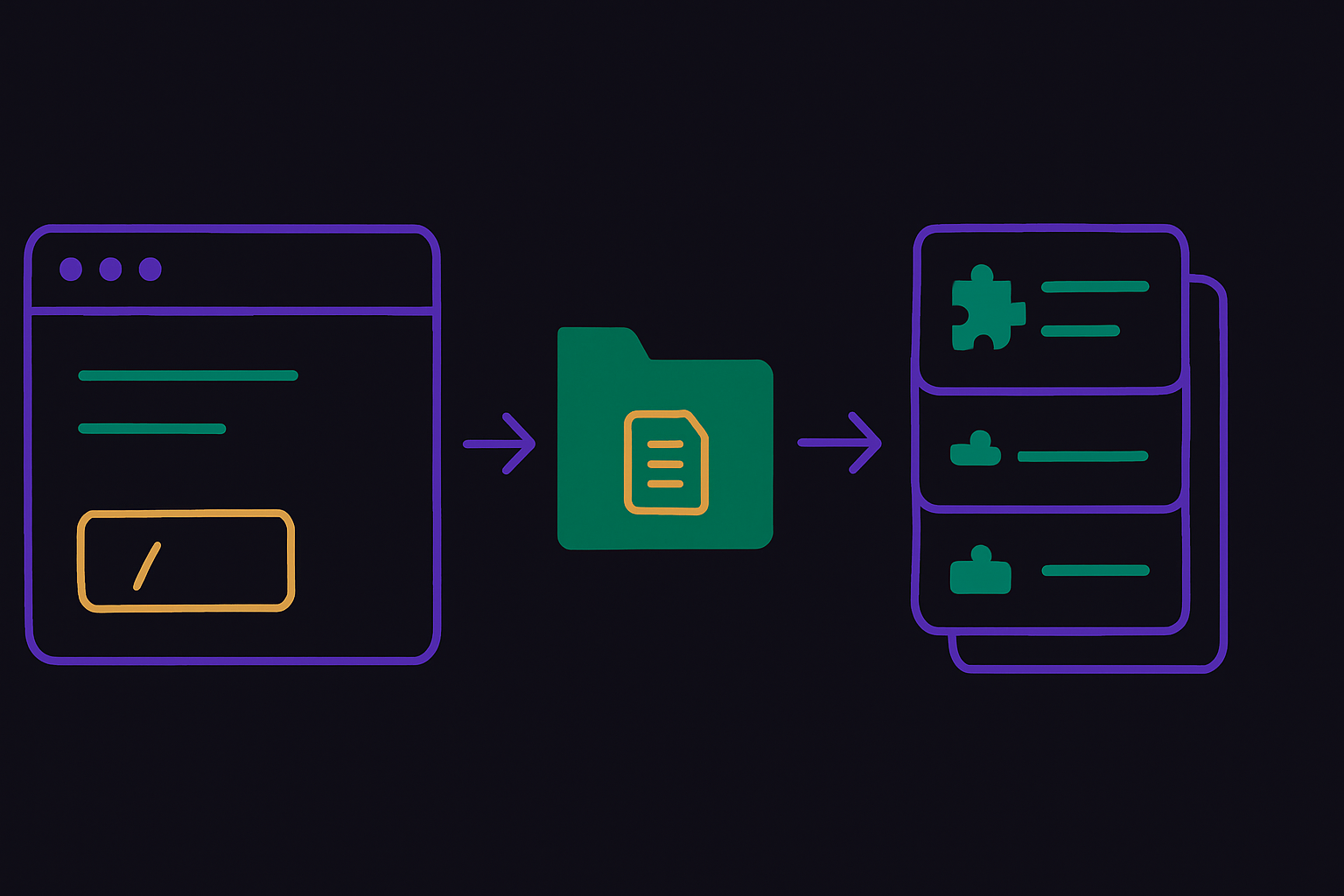
A Claude skills marketplace is a source you register with Claude that lists installable skills, so you can browse and add them with a single command instead of copying files by hand.
A skill itself is just a folder with a SKILL.md file inside it: some instructions, and optionally scripts and resources, that teach Claude how to do a specific task in a repeatable way. The marketplace is the catalog to which those skill bundles are published.
The reason marketplaces exist is distribution. Anyone can write a skill on their own machine, but sharing it used to mean handing someone a folder and a README. A marketplace turns that into a registered source plus an install command, the same way a package manager beats emailing zip files. Claude reads the catalog, you pick a skill, and it lands in the right folder ready to use.
It helps to know that skills follow an open standard, the Agent Skills format, so the same SKILL.md works across multiple AI tools rather than being locked to one. The marketplace layer is how those standardized bundles get found and installed.
Is there an official Claude skills marketplace?
Yes. Anthropic publishes an official marketplace, and it open-sourced a set of its own skills in the public anthropics/skills repository, covering things like document creation, data work, and developer tasks. That repo is the cleanest place to start, because the skills are maintained, documented, and a good model for how a real skill is structured.
Alongside the official one, a handful of community marketplaces have appeared that index skills from across the ecosystem. They are useful for discovery, and some of the skills are genuinely good, but the quality and trust bar varies a lot, which matters once you remember that a skill can run code on your machine.
More on that below.
My honest advice: start with the official marketplace and the anthropics/skills repo, then branch out to community sources deliberately rather than installing the first thing you find.
How do you add a marketplace and install a skill?
If you are using Claude Code, the whole flow is a few commands in your session. First, register the marketplace, then install a skill from it.
To add the official marketplace, run /plugin marketplace add anthropics/skills. That points Claude at the catalog. To install a skill bundle from it, run /plugin install <skill>@<marketplace>, for example /plugin install skill-creator@claude-plugins-official. After installing, run /reload-plugins so the new skills are live in your current session.
There is also a browse-first path. Type /plugin, open the Discover tab, find what you want, and install it from there, which is friendlier if you are not sure what is available yet. Either way, you will be asked to choose a scope, and that choice matters more than it looks.
What is the difference between user and project scope?
When you install a skill, you choose where it lives, and that decides who can use it. User scope installs to your personal skills folder at ~/.claude/skills/, which makes the skill available across every project on your machine. That is the right choice for general tools you want everywhere, like a writing helper or a commit message formatter.
Project scope installs to .claude/skills/ inside the current repository, so the skill ships with that project, and anyone who clones it gets the same skill through version control. That is how you give a whole team the same capability without each person installing it. The rule of thumb: personal habits go in user scope, shared team workflows go in project scope.
Are marketplace skills safe to install?
This is the part worth slowing down on. A skill is not just text. It can include scripts that execute when the skill runs, which means installing a skill is closer to running someone’s code than reading their blog post. From a trusted source, that is fine and is the whole point. From a random source, it is a real risk.
So treat a Claude skills marketplace the way you would treat any package registry. Prefer the official marketplace and well-known repositories. Before installing something from a community source, actually open the skill and read its SKILL.md and any scripts, the same way you would skim a dependency before adding it to a project. It takes two minutes, and it is the single best habit you can have here. Convenience is the selling point of a marketplace, but you are still the one accountable for what runs on your machine.
How do you publish your own skill to a marketplace?
Once you have built a skill you use every day, sharing it is straightforward. A skill is a folder with a SKILL.md file, and that file needs YAML frontmatter at the top with at least a name and a description. Those two fields are important: Claude preloads every installed skill’s name and description so it knows when each one is relevant, then only loads the full instructions when the skill is actually used. A sharp, specific description is what makes your skill trigger at the right moment instead of never.
To turn a collection of skills into a marketplace others can add, you publish them to a repository with a marketplace manifest, a marketplace.json file under a .claude-plugin directory that lists what is on offer. Push that to a public Git repository, and anyone can register it with /plugin marketplace add your-username/your-repo and install from it. That is the entire distribution story: a folder, a manifest, a repo.
Do you even need a marketplace?
Honestly, not always. If you just want a skill for yourself, you can skip the marketplace entirely and drop a folder with a SKILL.md straight into ~/.claude/skills/, and Claude will pick it up. Marketplaces earn their keep when you are sharing skills with other people or across machines, or when you want a clean way to update them later. For a single skill you are tinkering with, a local folder is simpler, and you can promote it to a published marketplace once it is worth sharing.
That distinction matters because the word “marketplace” makes this sound heavier than it is. The skill is the substance. The marketplace is just the delivery mechanism, and you can add it whenever you actually need to distribute something.
Where skills fit in a personal AI setup
For me, skills are not a novelty; they are the reusable layer of the AI operating system I run as a solo developer. The context files tell Claude who I am and what I am building. The skills tell it how to do the specific, repeated jobs the same way every time, so I am not re-explaining a process I have explained fifty times before.
Concretely, the skills I lean on sit right next to the rest of that setup: the plain-text vault that holds my context, which I built as an AI workflow in Obsidian, and the n8n pipelines that move finished work where it needs to go.
A marketplace is how I would hand any of those skills to someone else, but the value was built the moment the skill made one of my own tasks repeatable. Start there. Build a skill that saves you a real, recurring step, then worry about distributing it.
The Claude skills marketplace is a genuinely useful piece of plumbing, especially as more good skills get published. Just keep the order straight: build or find a skill that earns its place, check what it does before you install it, and use the marketplace as the convenient way to move it around, not as the reason to collect skills you will never run.



Thank you for this article. I am new to Claude and your articles are helping me big time to understand the concepts in a structured way.
You’re very welcome!