
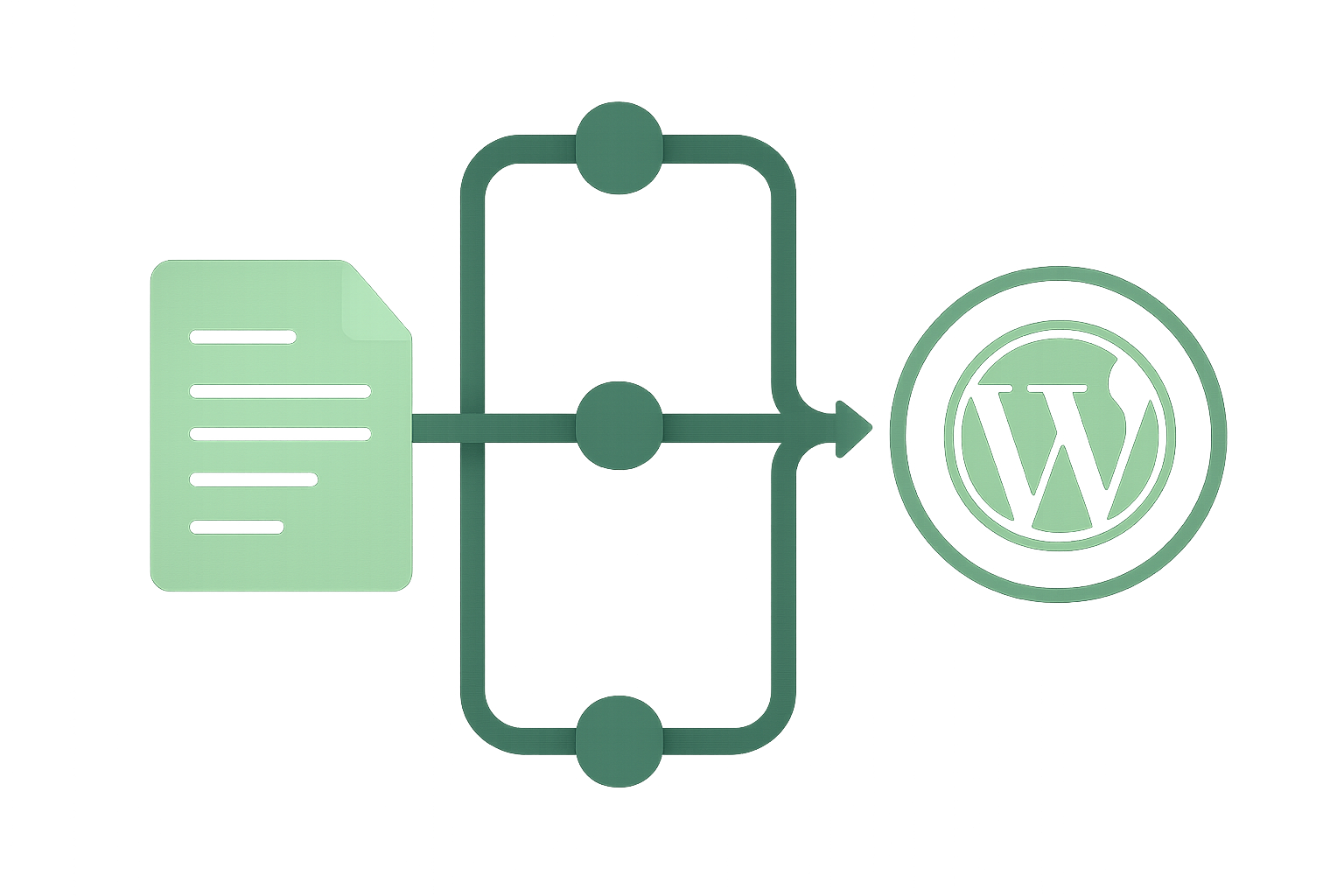

If you have ever published a blog post by hand, you know the work is not the writing. It is everything around it. The formatting, the SEO fields, the featured image, the tags, and the scheduling. That busywork is exactly what I handed to n8n WordPress automation, and this is how the pipeline works.
I am a solo developer building in public under softDev23. Every hour I spend clicking around the WordPress editor is an hour I am not building apps, and the same build-in-public mindset runs through how I work as a solo developer. So I set out to make publishing as close to hands-off as the platform allows, and I tested every piece rather than trusting that it would work.
This is the honest version. What I automated, what genuinely works, and the one place I still keep a human in the loop on purpose.
What hands-off publishing actually means
The goal was simple to say and hard to do. I write a draft, and a machine turns it into a fully configured, SEO-ready, scheduled WordPress post without me touching the editor.
That means setting the title, the slug, the content, the excerpt, the category, and the tags. It also means the parts people forget, like the SEO focus keyword, the meta description, a featured image with proper alt text, and a future publish date.
If any one of those still needs a human, the automation is not really hands-off. It is a fancy way of doing half the job. So I treated the full checklist as the bar, not a nice-to-have.
Why n8n instead of a plugin
There are plugins that automate slices of this. I went with n8n because it is a visual workflow tool that can talk to any API, which means I am not locked into whatever one plugin decided to support.
n8n runs a workflow as a chain of nodes. A trigger starts it, and each node passes data to the next. You can read the full picture on the n8n site, but the short version is that it is the glue between Claude, which writes and decides, and WordPress, which publishes.
That separation matters. The AI handles language and judgment. n8n handles the plumbing. WordPress just receives a clean, finished request. Each part does the thing it is good at, and none of them has to be clever about the others.
The WordPress REST API is the real unlock
The piece that makes all of this possible is the WordPress REST API. Every post, every field, and every image upload is just an HTTP request to your own site.
Creating a post is a POST to the posts endpoint with a JSON body. Setting the featured image is an upload to the media endpoint, then a second request linking that media to the post. You can browse the whole surface in the WordPress REST API handbook, and once you see it, the editor starts to feel optional.
The thing I had to prove to myself was whether the SEO fields were reachable this way, too. A lot of guides claim the SEO plugin fields cannot be set over the API. On my site, that turned out to be wrong. The focus keyword and meta description are registered as post meta and are fully writable through REST. I only believed it once I wrote a value and read it back.
The pipeline, node by node
The core publisher is a single n8n workflow that does the whole job in one call. It starts with a webhook that receives the post.
The body arrives base64-encoded with a checksum, which is a small guard I added so a corrupted or truncated payload throws an error instead of quietly publishing garbage. The first node decodes it and verifies the checksum before anything touches the site.
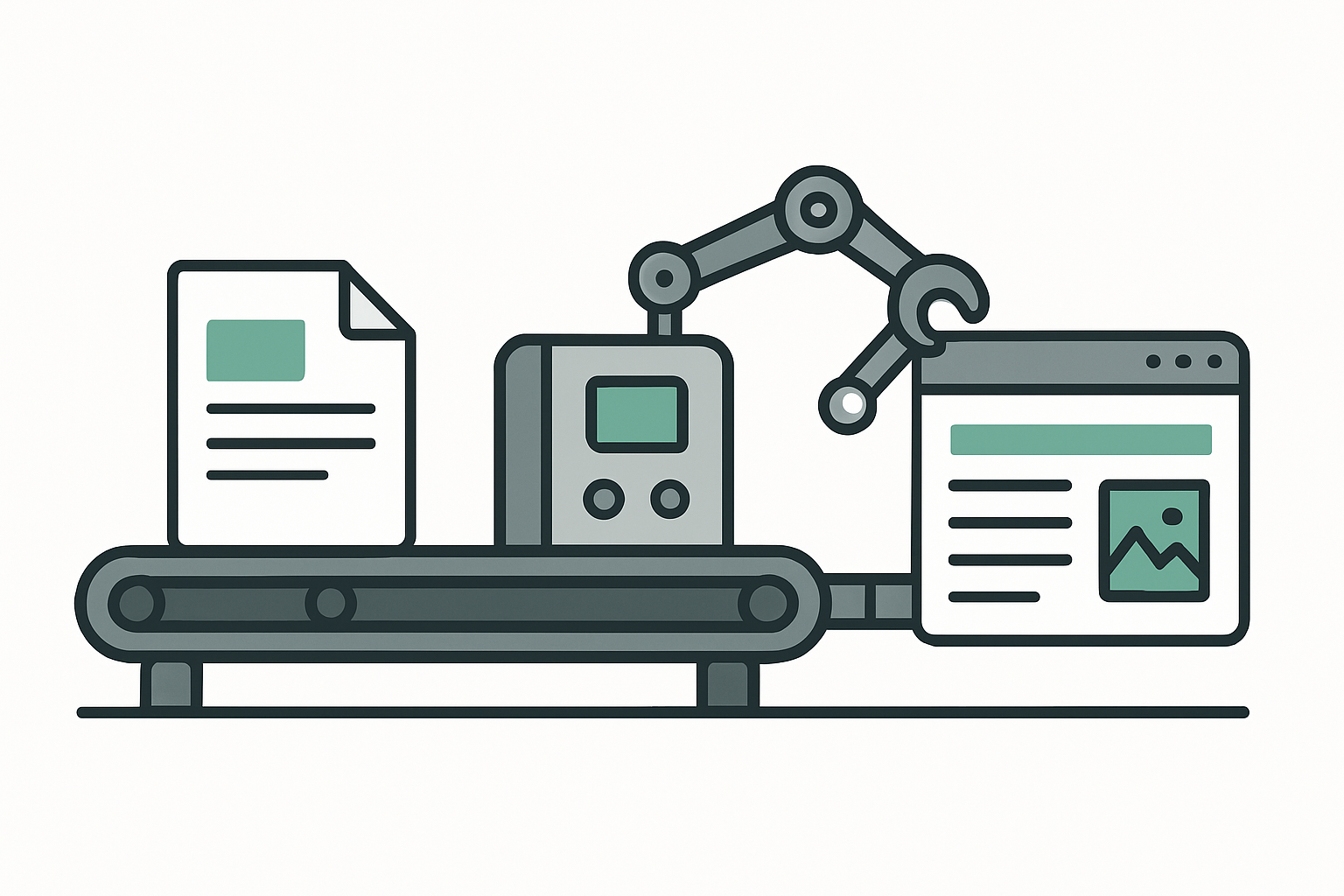
From there, the workflow generates a featured image, uploads it, sets its alt text, and then creates the post with every field populated. Content, excerpt, category, tags, focus keyword, meta description, featured image, and the publish date all go in at once. By the time WordPress responds, the post is done.
I wrote about the broader setup that feeds this in my post on the MCP servers I actually use with Claude, since the n8n connection is one of them.
Generating the images automatically
For a while, the featured image was the part I assumed I would have to do by hand. It turned out to be one of the cleaner pieces.
The workflow calls an image model, gets back the raw image data, uploads it to the media library, and sets descriptive alt text in the same run. The post never waits on me to find or make a picture. I go deeper on that specific step in a companion post on using the image API for blog art, because it deserves its own walkthrough.
The cost is a few cents per image, which is nothing next to the time it saves. And because the alt text is set from the same data, the image arrives accessible and SEO-friendly rather than as a nameless file.
The checksum guard, and why I bothered
It would have been faster to skip the checksum. I added it because automation that fails loudly is far safer than automation that fails quietly.
When you publish by hand, you notice if half the post is missing. When a machine does it at 9 am while you sleep, you might not. The checksum recomputes a simple signature of the content on arrival and throws if it does not match what was sent. A bad payload becomes a failed run, I can see, not a broken post my readers see.
This is the same instinct behind my post on why your AI chat history is not a backup. Convenience is worthless if you cannot trust what comes out the other end, so I build the trust first.
What I still do by hand, on purpose
I am hands-off for the mechanics, not the judgment. I still write or closely shape the draft, and I still approve a post before it goes into the queue.
That is a deliberate choice, not a missing feature. The pipeline can produce a complete, optimized, scheduled post in one call, but I want a human deciding what is worth saying and whether it is honest. The machine is fast. It is not accountable. I am.
So the division of labor is clear. I own the ideas and the final yes. The automation owns every tedious step between the finished draft and the scheduled post. That is the line I think most solo builders should draw, at least until they trust the system completely.
Tags and scheduling, the last mile
The two pieces that quietly break most publishing automation are tags and scheduling, so I handled both directly.
Tags are awkward because WordPress wants tag IDs, not names. If a tag does not exist yet, a naive request just fails. So I built a small companion workflow that takes a list of tag names, finds the ones that already exist, creates the ones that do not, and hands back the IDs. The main publisher never has to care whether a tag is new.
Scheduling is simpler but easy to get wrong. WordPress treats a post with a future date and a status of future as scheduled, so the publisher just sets the date I want, and the post quietly waits. That is how I can line up a week of posts and have them appear one per day without me being anywhere near a keyboard.
Build trust before speed
If I had to give one piece of advice to someone copying this, it would be to earn each capability before you rely on it. I did not assume any field worked. I set it, read it back from the live site, and only then marked it done.
That sounds slow, and at first it is. But the alternative is an automation you are quietly afraid of, the kind you end up double-checking by hand, which defeats the entire point. A pipeline you trust is one you actually let run. A pipeline you hope works is just a slower way to make mistakes at scale.
This is also why I keep a written record of what is proven versus assumed. When the system does something surprising months from now, I want notes that say exactly what was tested, not a vague memory that it used to work.
Was the n8n WordPress automation worth it?
Setting this up took real time. The payoff is that publishing has gone from a fiddly half-hour of clicking to a single approved action, and the quality is more consistent because the checklist is enforced in code rather than in my memory.
The deeper win is that the system now scales with my writing instead of my patience. I can line up a week of posts in an afternoon, and each one lands fully configured on the day I chose. For a one-person operation, that is the difference between a blog I maintain and a blog I abandon.
If you are a solo developer drowning in publishing busywork, n8n WordPress automation is one of the highest-leverage things you can build. Start with the REST API, prove each field works before you trust it, and keep yourself in the loop for the one thing a machine should never own, which is deciding what is true.