

Managing multiple app projects as a solo developer is mostly a lesson in what to ignore. The challenge is not finding enough things to work on. It is preventing the pile of things to work on from making you feel like you are always behind.
I currently have three apps in various stages: Habitual, Mana, and Think Drink. Each one has bugs to fix, features to consider, user experience to improve, and marketing to think about.
Plus, there is a blog, social media, the earlier AIOS system, and any new ideas that surface. The total list of possible things to do at any given moment is genuinely impossible to complete.
So the real question is not how to do more. It is about how to make useful progress without burning out.
Why multiple projects can feel worse than one
A single project has a clear focus. You know what matters. When you sit down to work, the decision of what to do is mostly already made for you. You are moving the one thing forward.
Multiple projects break that clarity. Every time you sit down, you have to decide which project gets attention today. If you do not have a system for making that decision quickly, you waste mental energy on it. And if you feel guilty about whichever project you are not working on, you compound that waste.
The emotional cost of context-switching is real. It is not just the technical friction of switching from one codebase to another. It is the feeling that something is always being neglected.
The answer I landed on is not to work on all three apps equally. It is important to acknowledge that they serve different purposes and deserve different amounts of attention depending on what is actually happening with each one.
Assign a status to each project
Before anything else, every project needs a clear status. Not a list of everything it needs, but a single word or phrase that says what phase it is in right now.
I use a simple set of statuses:
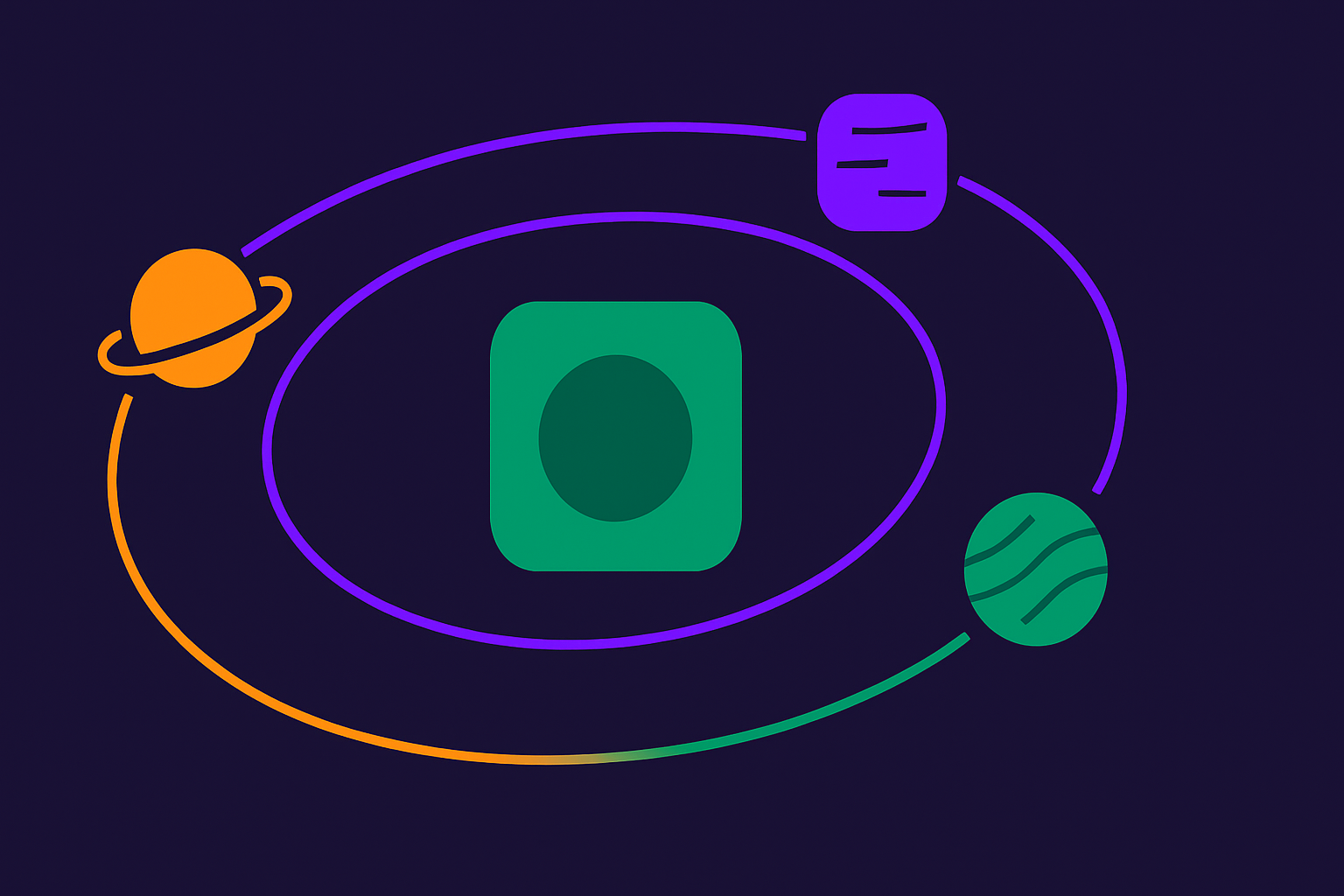
- Active: This project is getting regular development work. It is the primary focus for coding sessions.
- Maintenance: This project is shipped and live. It gets attention when something breaks or when a small improvement is worth making.
- Idle: This project is paused. I am not actively developing it, and that is an explicit decision, not an accidental drift.
The statuses matter because they set expectations. An active project gets more of my time. A maintenance project does not require daily attention. An idle project does not require guilt.
Without statuses, everything feels like it should be active at once, which is how you end up paralyzed.
One primary project at a time
Having three apps does not mean working on all three equally every week.
At any given time, one project is primary. That is the one getting the most focused development effort. The others exist, and I handle them when needed, but they are not competing for the same cognitive space as the primary.
Deciding which project is primary depends on what is actually happening. If one app just went through a major release and is getting user feedback, it probably needs to be primary for a while. If one app is stable and the others have more pressing work, shift accordingly.
The key is that this is a deliberate decision, not a passive drift. “I will focus on Mana this week” is more useful than “I will try to work on everything and see what happens.”
Time-box the other projects
Just because Mana is primary does not mean Habitual and Think Drink disappear for weeks at a time.
I keep a light maintenance habit for non-primary projects. Once a week, I look at each non-primary project for about fifteen to twenty minutes. Not to do significant development work, but to check the state of things. Is there a crash report? Did a user leave feedback? Did Apple update something that might affect the app?
This prevents the situation where you come back to a project after a long break and find it needs emergency work because something changed while you were not looking. It also keeps each project mentally accessible, which reduces the ramp-up time when you switch primary focus.
Triage the backlog; do not expand it
Every project has a backlog. A list of things that could be improved, features that could be added, bugs that could be fixed. The backlog is never empty.
The problem with a growing backlog is that it starts to feel like debt. Every item that sits in it represents something you have not done, and that can generate a low-level feeling of being behind, even when real progress is happening.
My approach is to triage the backlog aggressively. For each item, I ask one question: Does this need to exist in the list right now?
If the answer is no, I remove it or archive it. Not because the idea was bad, but because keeping every possible future task in an active list creates noise that obscures the things that actually matter.
For each project, I try to keep the active task list short enough that I can read the whole thing in under two minutes. Anything that does not fit in that reading is either a future idea or not important enough to track.
Do not let social media become a third job
This is something I have to actively manage.
Social media for a solo developer can become its own project if you are not careful. Creating posts, responding to comments, tracking what performed well, and strategizing about what to post next. It is real work, and if you treat it like a full project, it competes with app development time in a way that is hard to justify.
I keep a simple posting rhythm. A few posts a week, mostly build-in-public updates that come naturally from the development work I am already doing. I do not try to optimize for virality or growth-hack my way to followers. I just try to post consistently without spending more than a small fraction of my week on it.
If the social media output is taking more time than the app output, something is off.
Accept that progress is uneven
Some weeks, one project makes significant progress, and the others barely move. Some weeks, nothing significant happens in any project because life intervenes, or I just need a slower week.
That unevenness is not failure. It is how creative and technical work actually goes when you are doing it alone, without a team or external deadline structure pushing you.
The trap is measuring progress by output instead of direction. If I am consistently moving toward shipping better apps, building useful content, and maintaining a sustainable pace, that is progress even if a specific week looks slow.
Burning out happens when the pace is unsustainable, not when any given week is slow. Sustainable means you can still show up and do good work a year from now, which matters more than any single productive week.
How I Manage Multiple App Projects in Practice
Right now, Mana is the primary active project, since it is in active beta. Habitual and Think Drink are in maintenance. I check in on each of them weekly, but do not schedule deep development sessions for them unless something specific comes up.
Blog and content work happens on a separate rhythm, drafted and reviewed in batches, so it does not eat into coding time. Social media is minimal. My Tandri system gets attention when something breaks or needs updating.
This is not a perfect system. There are weeks when I take on too much or feel pulled in too many directions. But having explicit statuses, one primary project at a time, and a short active task list per project keeps it manageable more often than not.