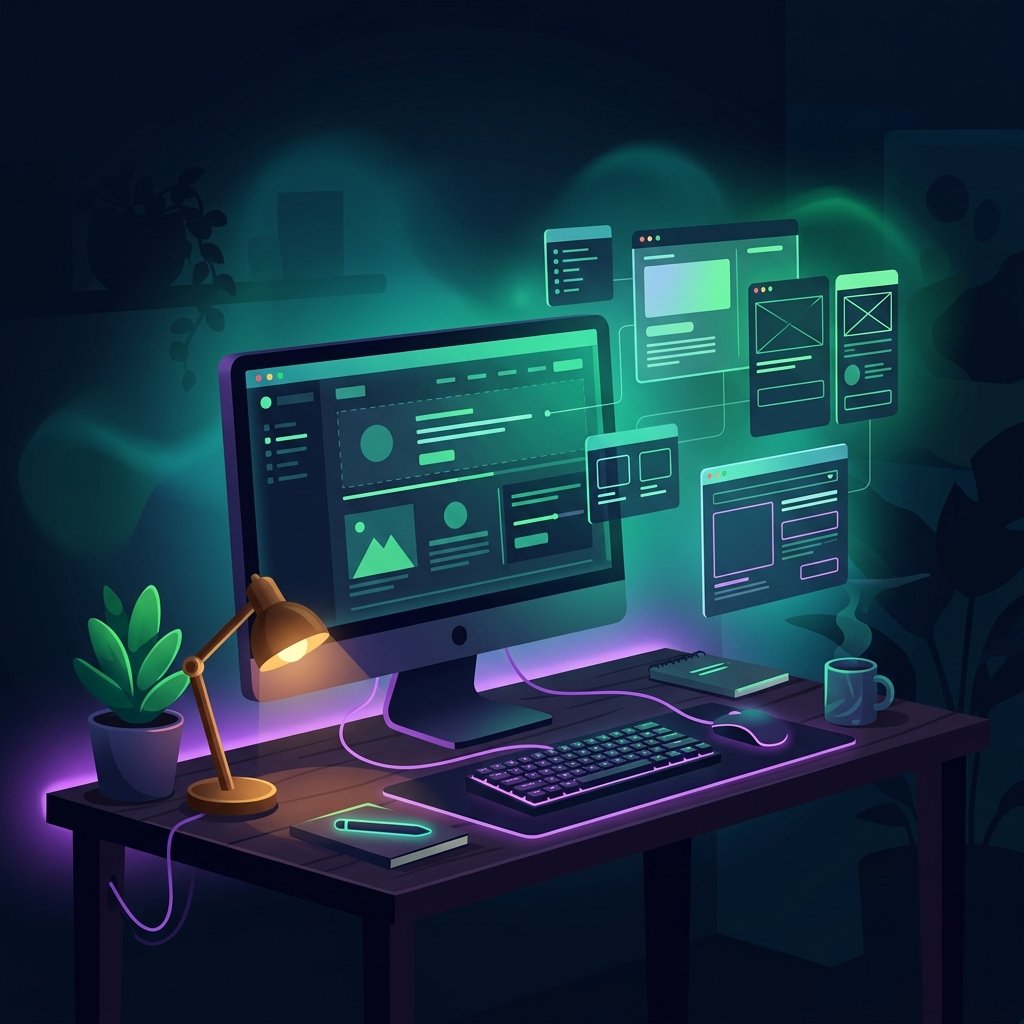

I did an AI website redesign of softdev23.com in a single working session. New home page, new apps page, new blog layout, all moved to a dark indie software studio look. By the end of the day, the home and apps pages were live, the blog was rebuilt, and I had a Safari bug I chose to leave alone on purpose.
This was day four of a stretch where I had been building an AIOS, adding approval rules, and getting a content pipeline working. The website was the first big thing I pointed all of that at. Same approach as everything else: draft, review, then ship, with me making the calls and AI doing the heavy lifting in between.
What the AI website redesign covered
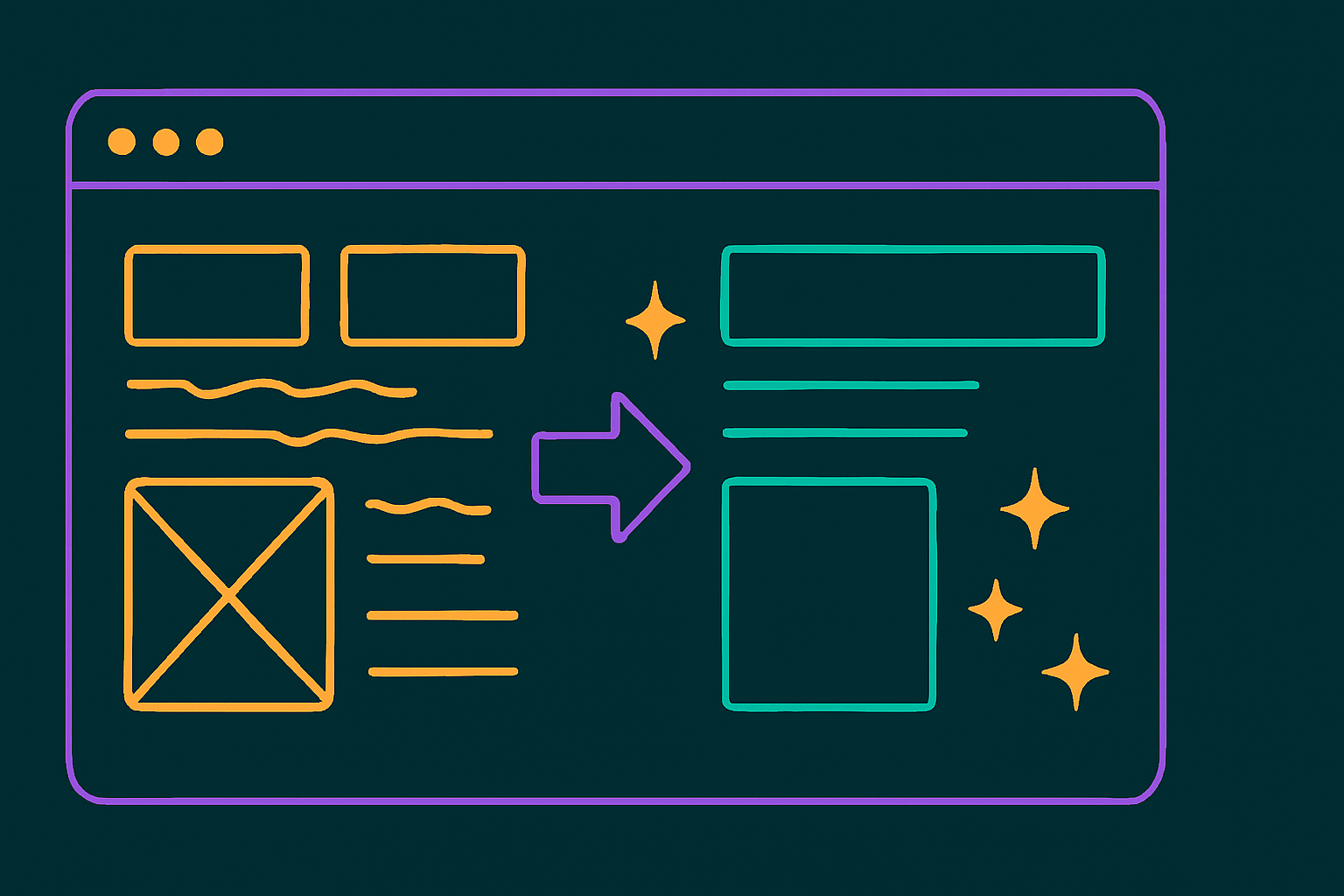
The redesign touched three different kinds of pages, and each one worked differently under the hood.
The home page and the apps page are custom pages I built from scratch to match the new look. Those went live during the session after I reviewed them. The blog is different. It is generated by my theme from my actual posts, so I could not just hand-write one page and call it done. I had to restyle the system that produces every post and archive page.
The visual goal was consistent across all three: a dark, premium, indie software studio feel, rather than the generic template look I started with. Same brand, same green and amber accents, just a much more intentional design.
The blog was the hard part
The blog was by far the hardest piece, and the reason is boring but important. I am on the free tier of my theme, Blocksy, and the features that would have made this easy live behind the Pro upgrade.
On Pro, I could have used native tools to build custom archive and post templates, add a reading progress bar, show read time, and filter posts by category, all without code. I do not have Pro yet, so I rebuilt those pieces myself using custom CSS and JavaScript loaded through a snippets plugin.
That meant hand-building things the theme would otherwise hand me. The blog archive got a custom hero, category filter chips, restyled post cards, and a featured-post layout with the image on one side and the text on the other. The single post pages got dark typography, a reading progress bar, and a read-time estimate. None of it is exotic, but doing it on the free tier is a lot more fiddly than clicking a setting.
There was also a real root-cause lesson buried in here. For a while, the post cards looked broken, and I kept trying to patch the symptoms with stronger and stronger overrides. The actual problem was a single-theme setting: the card type was set to a mode that turns the image into a full background with text on top, which fought the layout I wanted. Changing that one setting fixed what an hour of CSS hacks could not. Find the cause, not the symptom. I relearn that one constantly.
The Safari bug I chose not to fix
The most honest part of this story is a bug I diagnosed and then deliberately left in place.
On the blog, hovering over a featured post image makes it zoom in slightly. In Chrome, the image stays neatly inside its frame. On Safari and on iPhone, the zoomed image spills out of its frame and bumps into the category labels next to it. It looks wrong, and only on Safari.
After digging in, I am fairly confident it is a known WebKit quirk. Safari does not always clip a child element that is being scaled the way other browsers do, so the zoomed image escapes its box. There is a standard workaround that forces the browser to clip it properly.
Here is the part that matters. I tested the workaround, and it behaved correctly in Chrome, but I could not actually verify it on Safari from where I was working. Shipping a fix I cannot confirm, to solve a cosmetic issue, while risking the experience in the browser that currently works fine, is a bad trade. So I left it. A small visual glitch on one browser is better than a change I cannot verify, breaking the layout for everyone.
That decision sounds small, but it is the kind of call I want to be deliberate about. Not every bug is worth fixing the moment you find it, especially when the fix is unverified, and the cost of being wrong is higher than the cost of the bug.
How AI fits into the redesign
AI did most of the building, and I did the deciding. That split is the whole point of the way I have been working this week.
I used AI to inspect the live pages, research how good app and portfolio sites are structured, build the layouts, write the CSS and JavaScript, and check the results. I made the design calls, reviewed each piece, and decided what went live and what did not. The same draft-first habit from the rest of my AIOS applied here. Nothing went live until I looked at it.
This is also where the earlier work paid off. Because my AIOS already holds my brand rules, my design preferences, and the way I want things to sound, the AI tools were not starting cold. They knew the brand is softDev23, that the accents are green and amber, and the dozens of small rules I would otherwise have to repeat. The redesign went faster because the context was already written down.
Practical takeaway
If you are redesigning a site with AI, treat it like managing a build, not like asking for a finished product.
What worked for me:
- Decide the look first, then let AI build to it. A clear visual goal, the dark studio direction in my case, kept every page consistent.
- Fix causes, not symptoms. One wrong theme setting was behind a problem I almost solved with a pile of CSS overrides. Check the settings before you write workarounds.
- Know your tier. On a free theme tier, expect to rebuild by hand what the paid tier gives you for free. Budget time for that, or budget for the upgrade.
- Do not ship fixes you cannot verify. The Safari bug stays until I can confirm a fix on Safari itself. An unverified fix that risks a working browser is worse than a small known glitch.
- Review everything before it goes live. AI built fast. I still looked at each piece first.
Final reflection
The home and apps pages are live, the blog is rebuilt, and softdev23.com finally looks like a place I would want to send someone. I also crossed 50 followers on X around this point, which is still a small number, but the build-in-public approach keeps slowly working.
The bigger thing is how different this felt from earlier solo work. A full site redesign in one session is only possible because the AIOS removed the repetitive parts, and because I treated AI as the builder while I stayed the reviewer. The leftover Safari bug is a fair summary of the whole week, honestly. The system is genuinely useful now, and it is still not finished, and I am okay saying both of those things out loud.