A good ADHD brain dump template does one job well: it gets everything out of your head fast, without forcing you to sort or judge anything while you are still in capture mode.
I already covered the basics of an ADHD brain dump and why the method works. This post is about the actual template, the specific structure that keeps a brain dump from turning into another messy list.
Whether you use paper, a notes app, or a dedicated tool, the shape of the template matters more than the platform it lives on.
Why the format matters more than the tool
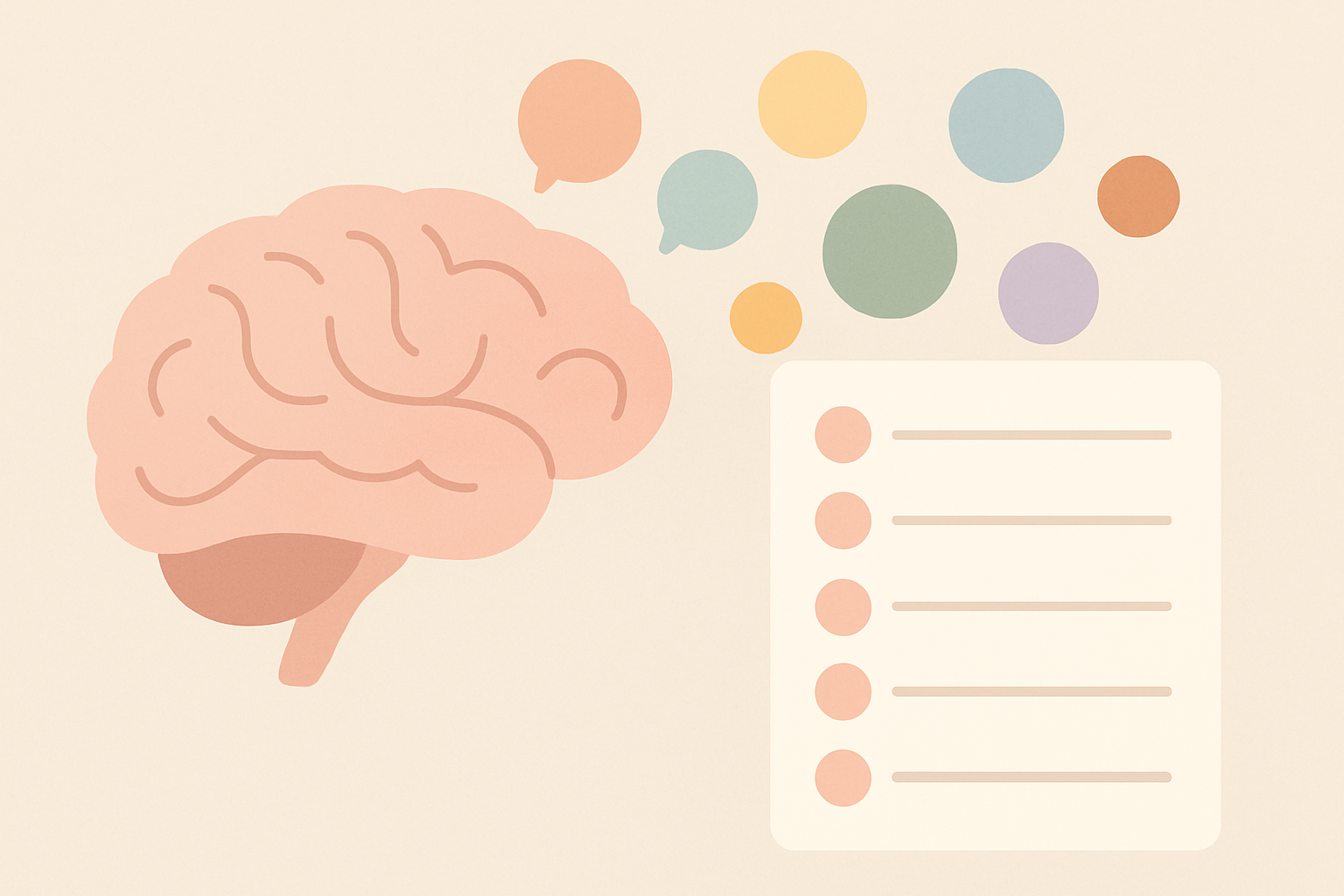
Capturing and organizing are two different jobs, and doing both at once is exactly what makes a brain dump stall out. CHADD and other ADHD organizations describe this same pattern often in their own coping-strategy resources.
A template that mixes the two stages back into one box defeats the purpose before you even start.
The templates that actually get used keep those stages visually separate, even if it is just two sections on the same page.
The three-stage structure
Stage one is pure capture. One line per thought, task, worry, or idea, written exactly as it arrives, with no editing and no reordering while you write.
Stage two is labeling. Once the page is full, go back and tag each line with a simple type, like task, idea, worry, or reminder, so similar things become visible without rewriting anything.
Stage three is action. Pull out anything that needs doing today, give it a rough order, and let everything else sit on the page without guilt until it is relevant again.
What to actually put on the page
A capture column wide enough for a full sentence, not just a keyword, since ADHD thoughts often need the context attached or they stop making sense later.
A type label next to each line, kept to four or five categories at most. More categories than that turns stage two into its own overwhelming sorting project.
A short today section at the bottom, capped at three or four items pulled from the dump, not a rewritten version of the whole list.
Printable versus digital
A printable template removes the temptation to fiddle with formatting mid-dump, which matters if tinkering with an app is its own distraction for you.
A digital template searches, sorts, and carries over unfinished items automatically, which matters more if your dumps are frequent enough that paper piles up fast.
Neither format is more correct. The right one is whichever you will actually reach for at 11pm when your head will not stop.
A common mistake with templates
Templates with too much structure upfront, separate boxes for every possible category before you have written a single thought, tend to get abandoned fastest.
Start with the simplest possible version, one long capture column plus a type label, and only add structure later if you find yourself wanting it.
How often to actually use it
A brain dump works best as a release valve, not a scheduled daily ritual. The right moment is whenever your head genuinely feels full, not a fixed time on a calendar you might ignore anyway.
Some weeks that means once. Busier weeks it might mean every night. Let the actual mental load decide the frequency instead of forcing a routine that does not match how ADHD attention actually works.
Where to start right now
If you want to try the three-stage structure without building anything yourself, my free Brain Dump tool gives you a no-login capture space built around exactly this shape.
It is free, requires no account, and is built specifically so the capture stage never gets slowed down by setup.
ADHD brain dump template, quick answers
What should an ADHD brain dump template include? A wide capture column for full thoughts, a simple type label with four or five categories, and a short today section pulled from the dump afterward.
Is paper or digital better? Neither is universally better. Paper removes formatting distractions, digital carries items forward automatically. Pick whichever you will actually use at your worst moment.
How many categories should the template have? Four or five at most. More categories turns the sorting stage into its own overwhelming task.
Should I sort while I capture? No. Sorting while capturing is what makes people freeze partway through. Capture everything first, sort in a separate pass.
Where this fits
I write about the coping tools and systems I actually use managing ADHD and running a one-person software business. If a connected system for managing the rest of that workload interests you, join the Tandri waitlist.