

Most people think of an AI operating system as something a big tech lab builds. A foundation model, a cloud platform, a massive infrastructure product. That is not what this is.
For the full build-in-public story, see what I learned building an Obsidian AI workflow and how I built iOS apps using AI coding agents.
When I use the term AI operating system, I mean something smaller and more practical. I mean a structured set of files, instructions, and context that lets AI tools actually understand me, my business, and how I work. Not through memory features or chat history, but through documents I own and can update.
This is what I have been building for softDev23. And once I understood why it was necessary, I could not stop working on it.
The problem with using AI tools cold
Every time you open a new chat with an AI assistant, you start from zero. The tool has no idea who you are, what you are building, what rules matter to you, or what tone you want. You can type all of that context into the chat every time, or you can accept that the output will be generic.
For occasional one-off tasks, this is fine. But if you are running a business or building a product, starting cold every session creates real problems.
I kept running into the same issues:
- AI tools would write content that did not sound like me
- They would suggest approaches I had already rejected
- They would invent details, metrics, or context that was just wrong
- I would spend more time correcting output than I saved generating it
- Any progress I made on “training” the tool evaporated when the session ended
I was using AI tools constantly, but feeling like I was barely keeping up. Something about the workflow was broken, and it was not the models themselves. The models were capable. The problem was that I had no system for giving them useful context.
The basic idea behind an AI operating system
An AI operating system is a personal knowledge base designed to be read by AI tools.
It is not a single file. It is a set of structured notes that cover who you are, what you are building, what rules apply, what voice to use, and how different types of work should be handled. When an AI reads these notes before working on a task, the output is noticeably better.
The idea is borrowed loosely from how software systems are organized. A real operating system provides consistent rules and resources that programs can rely on. The AIOS does something similar for AI tools. It provides a consistent context, so they are not guessing.
For softDev23, the core of the AIOS lives in an Obsidian vault. Obsidian is a note-taking app that stores everything as plain Markdown files. This matters because plain files are readable by almost any tool. They can be versioned in git. They can be included in prompts. They can be attached to requests. They are not locked inside any single app or platform.
What my AI operating system contains
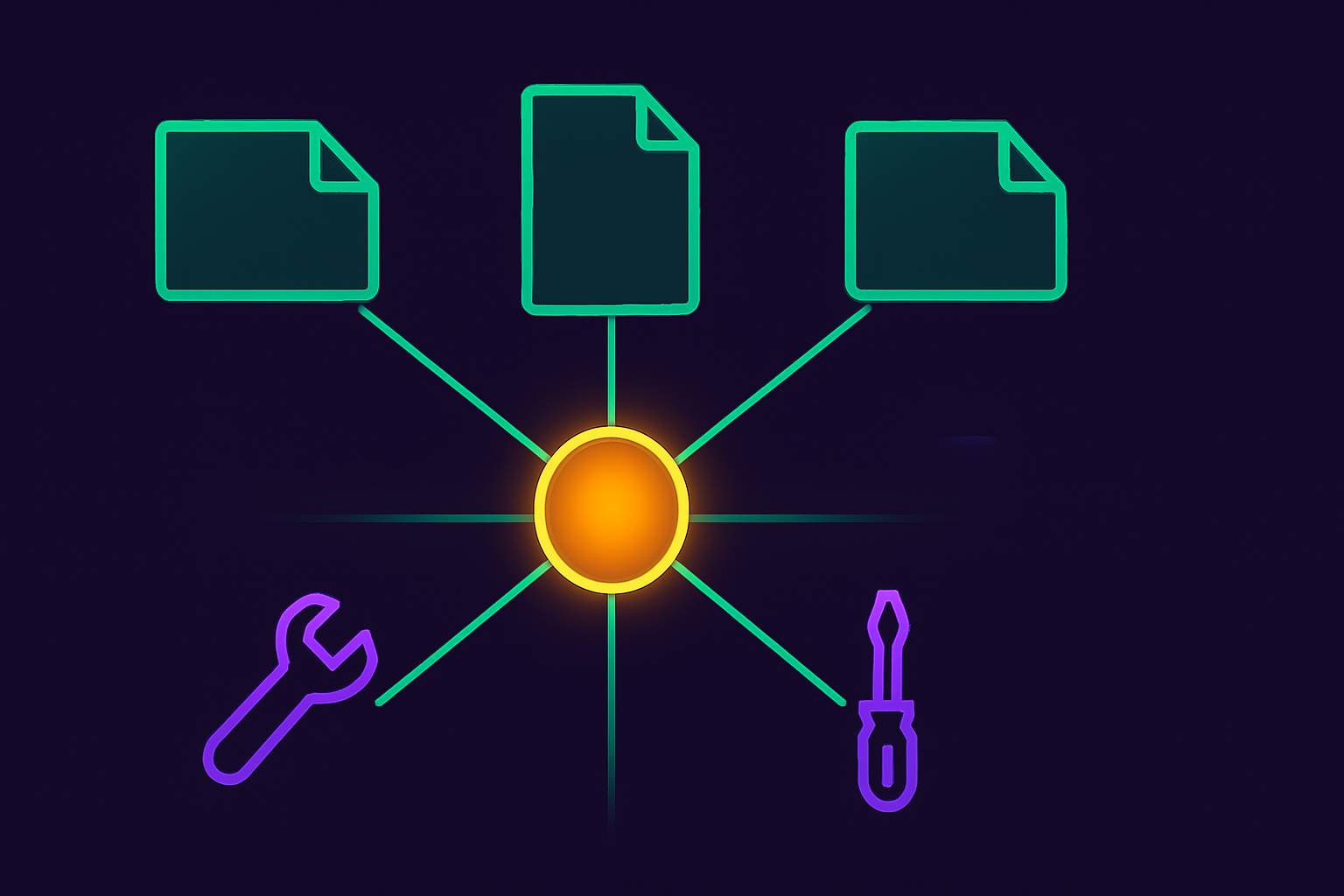
The core of the system is a file called me.md. This is the document that AI tools read first. It covers:
- Who I am and what softDev23 is
- What I am currently building
- What tone and voice to use
- Hard rules that cannot be broken (no em dashes, do not invent facts, no publishing without approval)
- How to navigate the rest of the vault when deeper context is needed
Beyond me.md, the vault has a folder structure that organizes everything else:
Skills are single-role AI instruction sets. A skill tells an AI what role it is playing, what it is responsible for, and what it should not do. I have skills for a content writer, an SEO specialist, a SwiftUI coder, a QA tester, and others. When I need one of those roles, I point the AI at the right skill file.
Systems are multi-step workflows that may use several skills in sequence. The Blog Post Workflow System, for example, walks through topic selection, SEO brief creation, drafting, quality review, and publishing prep. It references the right skills at each stage. Running the system produces consistent results because the process is defined in a file, not improvised in a chat.
Working Notes is where AI-generated drafts, plans, and temporary outputs go. Nothing here is permanent. It is the in-progress folder.
Reference holds a deeper background that AI tools read when the task requires it. My personal story, my current setup, and long-term ideas. Not every task needs this context, so it is separated out.
The point is that the structure matters. A flat folder of random notes is not an AIOS. The notes need to be organized so an AI can navigate them without getting confused about what to prioritize.
Why I chose Obsidian for this
I chose Obsidian because it stores everything as local Markdown files.
I weighed the alternatives before settling, and wrote up the full comparison in Anytype vs Obsidian vs Notion if you want the reasoning.
This means the vault is portable. I am not betting on one company’s cloud platform staying alive, changing their pricing, or shifting their roadmap. The files are mine. I can open them in any text editor, back them up in git, and attach them to any tool that accepts text.
Obsidian also has a linking system that lets notes reference each other, which is useful for skills and systems. A system file can say “use this skill for this stage” and I can see exactly where that points.
There is nothing magic about Obsidian specifically. You could build an AIOS in Notion, Craft, Bear, or a simple folder of text files. The platform matters less than the structure. What makes it work is the discipline of writing clear instructions in files that AI tools can actually read.
What it changed in practice
Before the AIOS, my AI workflow was chaotic. I would get one good output, then struggle to recreate it because I had not written down what made it work. Every good prompt lived in a chat somewhere and was effectively lost.
After building the AIOS, things became more repeatable. When I need a blog post draft, I run the Blog Post Workflow System. When I need SwiftUI code, I point the AI at the right skill files. The output is not perfect every time, but it is much closer to useful on the first pass because the AI is working from good context instead of guessing.
It also forced me to think more clearly about my own business. Writing me.md means deciding what actually matters. What rules are non-negotiable? What voice is authentic? What I am actually building versus what I think I might build someday. Getting clear on those things was useful even outside of AI work.
Who might want to do this
This kind of setup is not for everyone. If you use AI tools once a week for quick tasks, a structured personal knowledge base is probably overkill.
But if you are a solo developer or creator using AI tools daily across multiple types of work, and you keep losing context between sessions, it is worth considering.
The investment is not massive. A me.md file and two or three skill files will get you most of the benefit. You do not need a perfect system to start. You need something that captures your most important rules and saves you from re-explaining yourself every session.
A few pieces of that system have grown into their own posts. I wrote about running an AI chief of staff on top of the same vault, treating an AI accountability partner as one more role the system plays, and setting up an AI workspace that ties the whole thing together day to day.
Where my AI operating system is now
The version I am running today is functional but still evolving. The core files work. The Blog Post Workflow System is producing consistent drafts. The iOS development skills help with coding tasks. The reference notes give AI tools a useful background without overwhelming every task with detail.
What I am still working on:
- Tightening the skills so they are more precise and less likely to drift
- Figuring out how to automate routine tasks using n8n and scheduled runs
- Making the system easier to update when things change
This is not a finished product. It is a working system that gets better as I use it and notice what breaks. That is probably the right framing for any personal operating system.